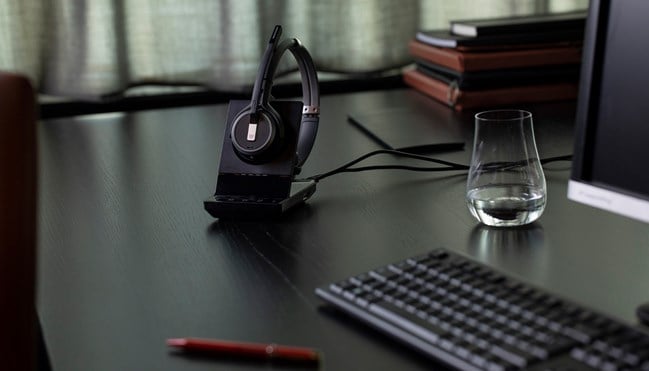
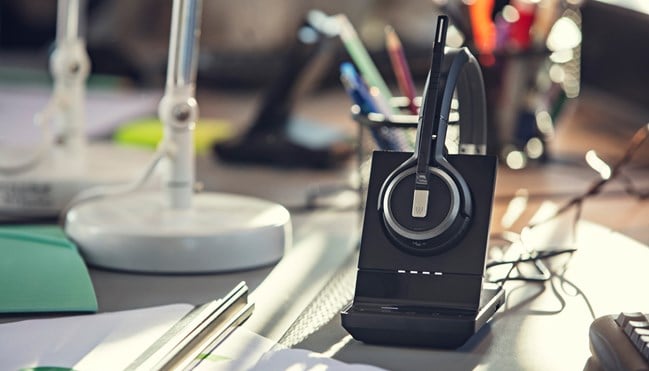
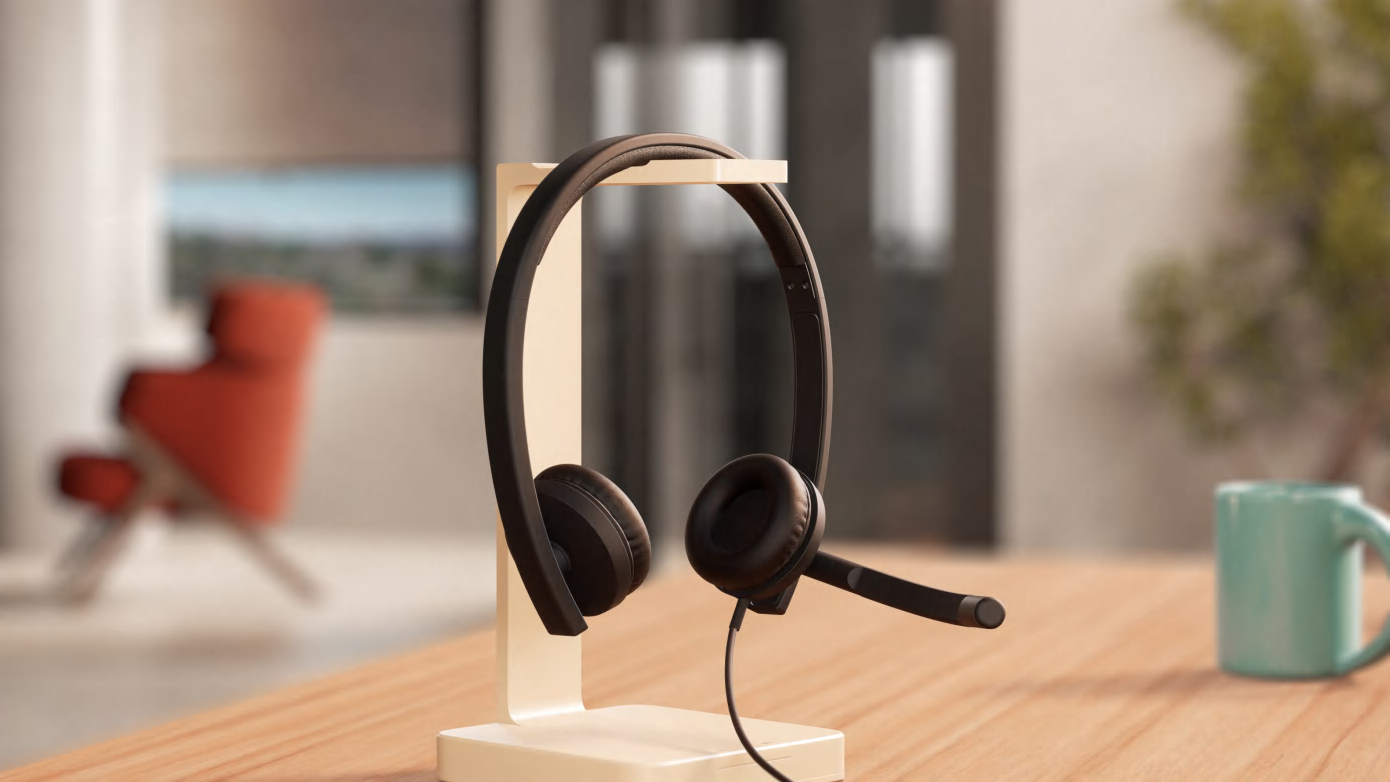
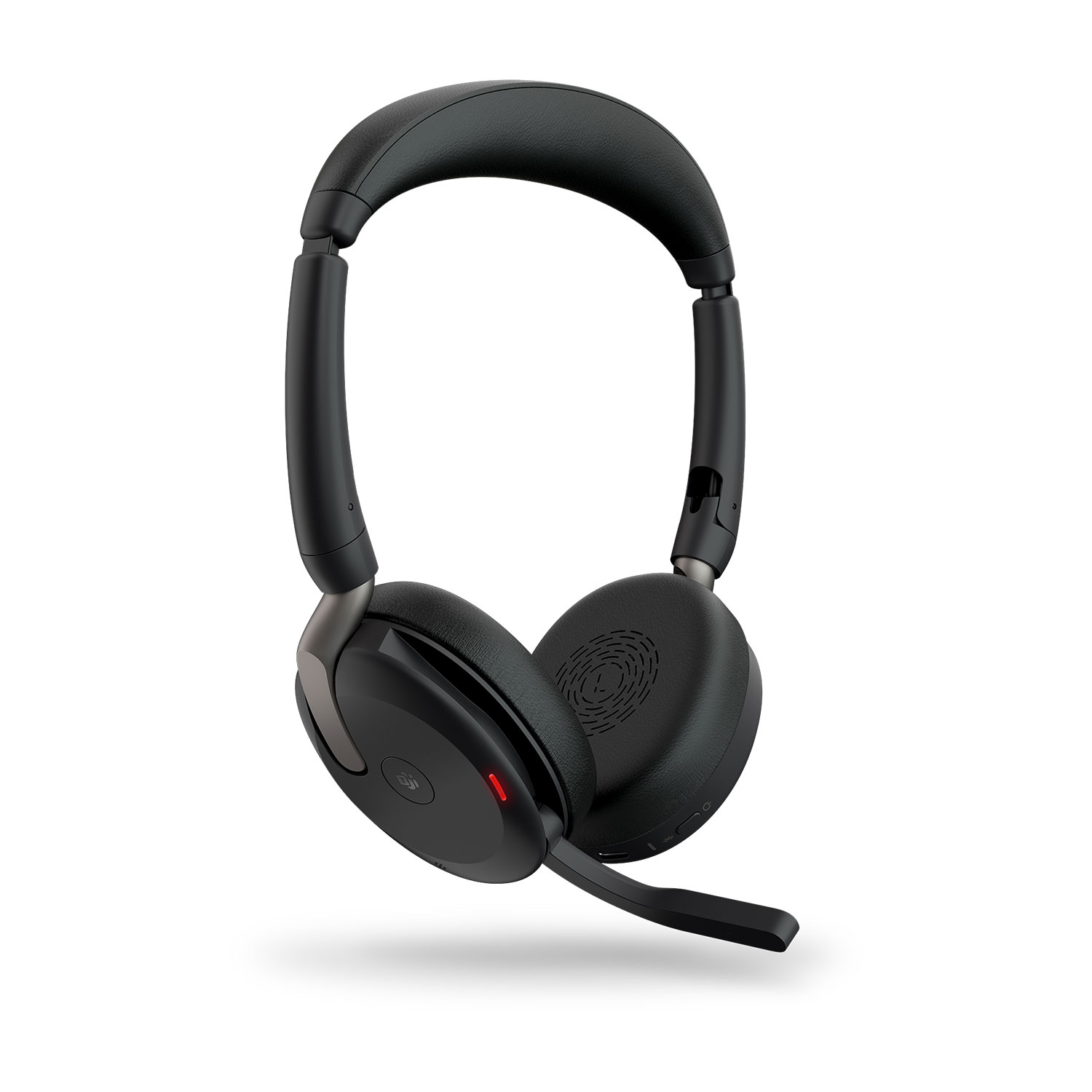
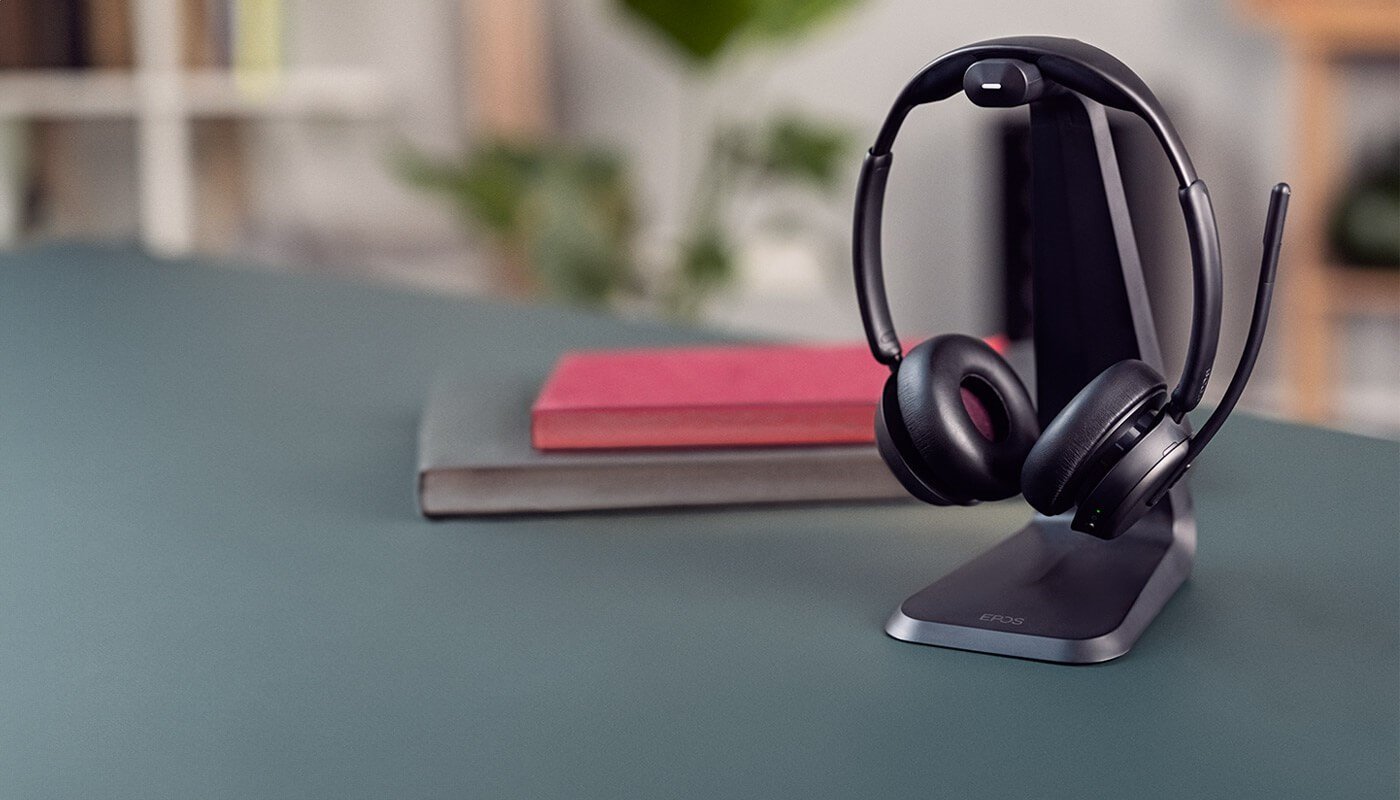
In the evolving landscape of hybrid work, organizations demand professional-grade headsets that offer secure, reliable, and flexible communication across devices and platforms. The EPOS Impact SDW 5000 Series rises to that challenge, delivering premium DECT wireless headset solutions engineered for enterprise use.
Despite its broad range of configurations, finding the right SDW 5000 model to meet your specific use case can be confusing. That’s why I created this simple matrix to help identify the best model based on three key criteria:
Wearing Style: 3-in-1, Monaural, or Binaural
Connectivity Needs: PC only, PC + Desk Phone, or PC + Desk Phone + Mobile
Microsoft Teams Certification: Yes or No
Why EPOS Impact SDW 5000?
The SDW 5000 Series offers:
DECT wireless freedom with secure encryption
Exceptional audio quality with EPOS Voice™ and noise-canceling microphones
All-day comfort with ergonomic designs and multiple wearing styles
Intelligent device management via EPOS Connect and EPOS Manager
Enterprise-grade durability and seamless integration with softphones and communications platforms
EPOS Impact SDW 5000 Model Comparison Matrix
Model
Wearing Style
Connectivity
Teams Certified
Impact SDW 5011
3-in-1
PC via DECT Dongle
No
Impact SDW 5013T
3-in-1
PC via base station
Yes
Impact SDW 5015
3-in-1
PC & Desk Phone
No
Impact SDW 5016
3-in-1
PC, Desk Phone, & Mobile
No
Impact SDW 5016T
3-in-1
PC, Desk Phone, & Mobile
Yes
Impact SDW 5031
Monaural
PC via DECT Dongle
No
Impact SDW 5033
Monaural
PC via base station
No
Impact SDW 5033T
Monaural
PC via base station
Yes
Impact SDW 5035
Monaural
PC & Desk Phone
No
Impact SDW 5036
Monaural
PC, Desk Phone, & Mobile
No
Impact SDW 5036T
Monaural
PC, Desk Phone, & Mobile
Yes
Impact SDW 5061
Binaural
PC via DECT Dongle
No
Impact SDW 5063
Binaural
PC via base station
No
Impact SDW 5063T
Binaural
PC via base station
Yes
Impact SDW 5066
Binaural
PC, Desk Phone, & Mobile
No
Impact SDW 5066T
Binaural
PC, Desk Phone, & Mobile
Yes
How to Choose
Ask yourself:
What devices will I need to connect to? Just a PC? Or also a desk phone and mobile?
Do I need a Microsoft Teams certified headset? This is essential for users relying heavily on Teams for communication.
What’s my preferred wearing style? 3-in-1 for flexibility, or a fixed monaural/binaural style for focused work.
Need help making the right choice? That’s where we come in.
https://calloneinc.com/wp-content/uploads/2025/06/IMPACT-SDW-500-blog.jpg5001280Danny Hayasakahttps://calloneinc.com/wp-content/uploads/2024/11/CallOneInc_HDI2.pngDanny Hayasaka2025-06-30 17:56:282025-06-30 17:56:33Choosing the Right EPOS Impact SDW 5000 Series Headset: A Simple Guide Based on Connectivity, Wearing Style, and Teams Certification
Introduction: Redefining Communication for the Hybrid Workforce
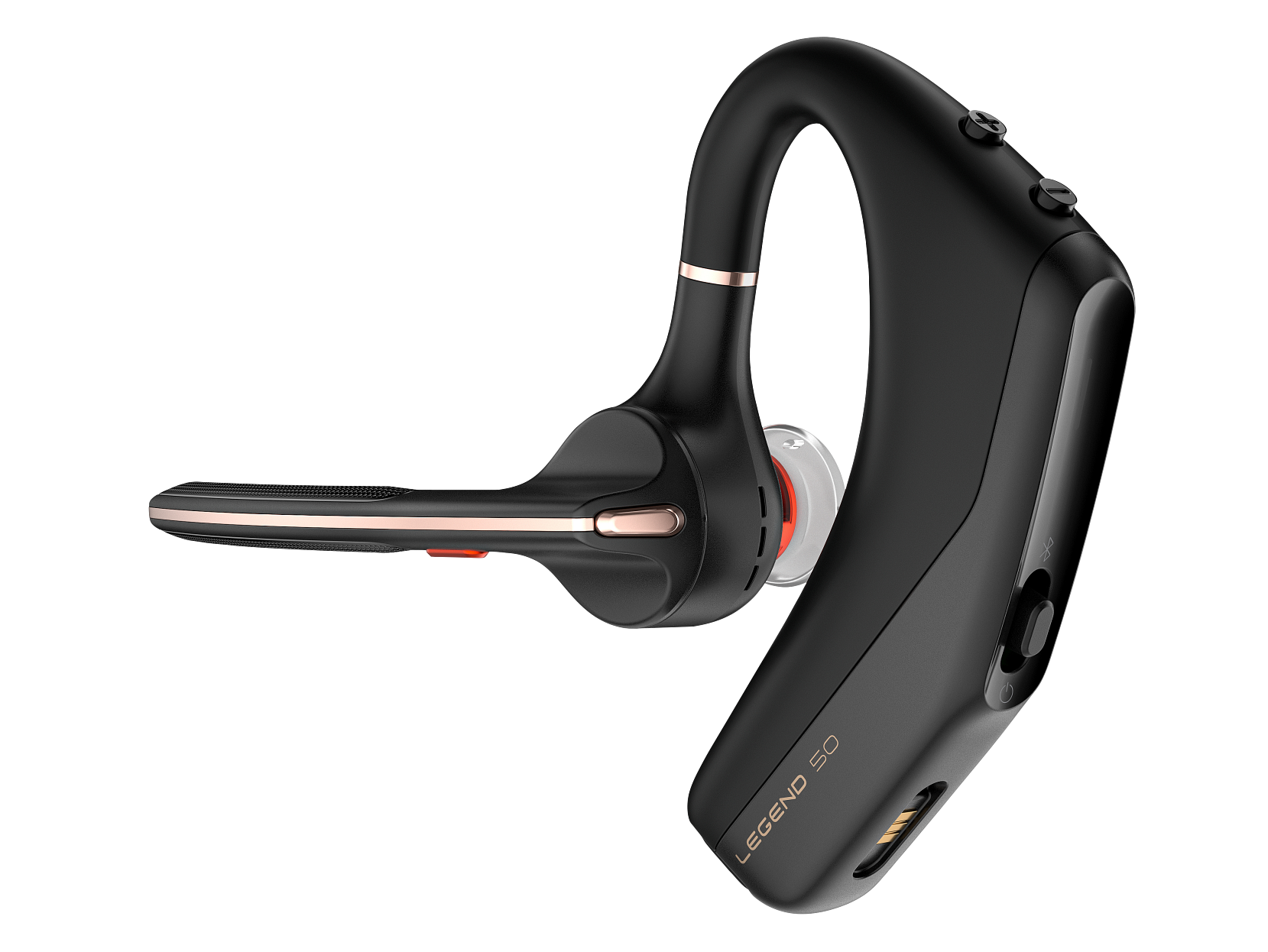
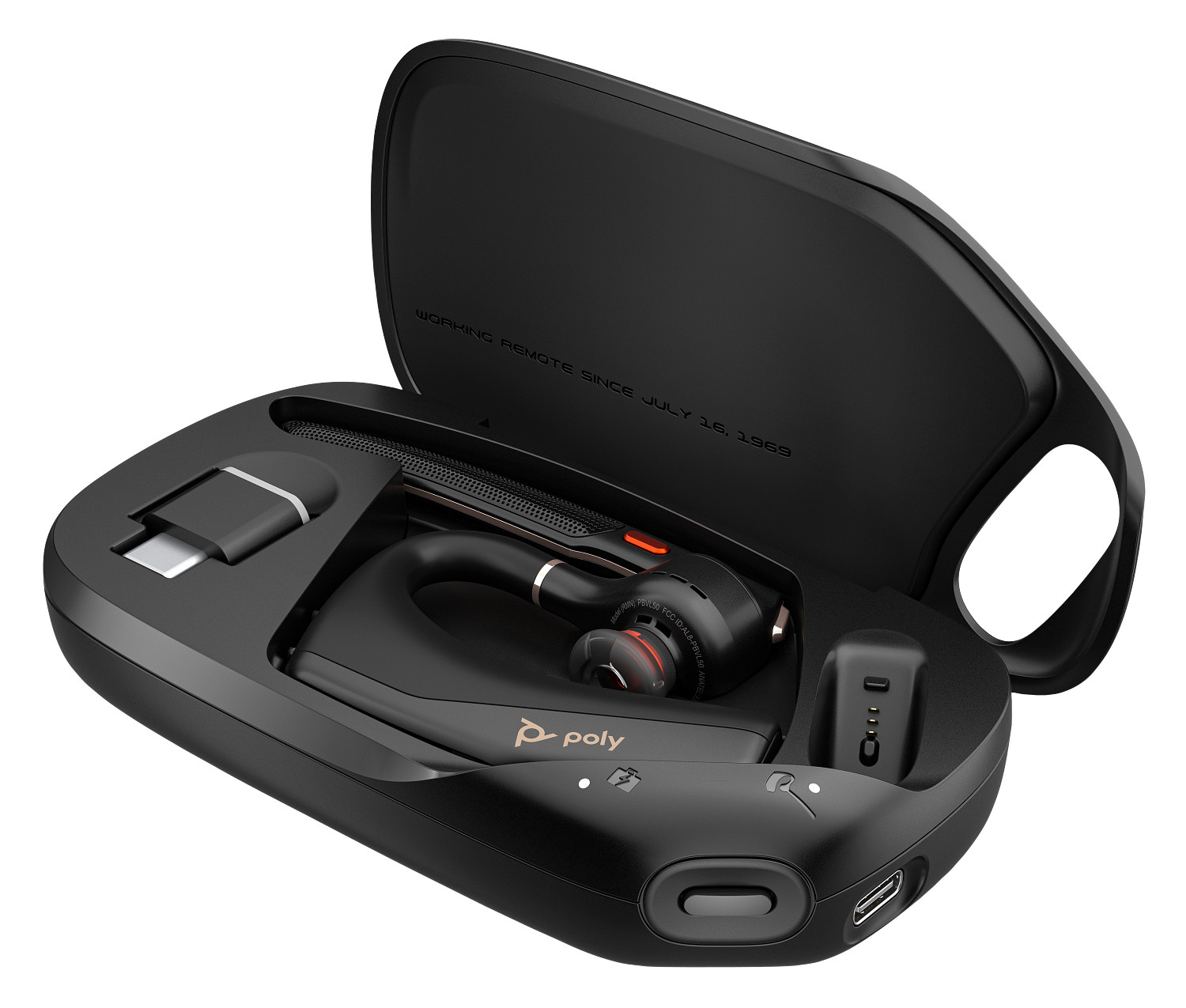
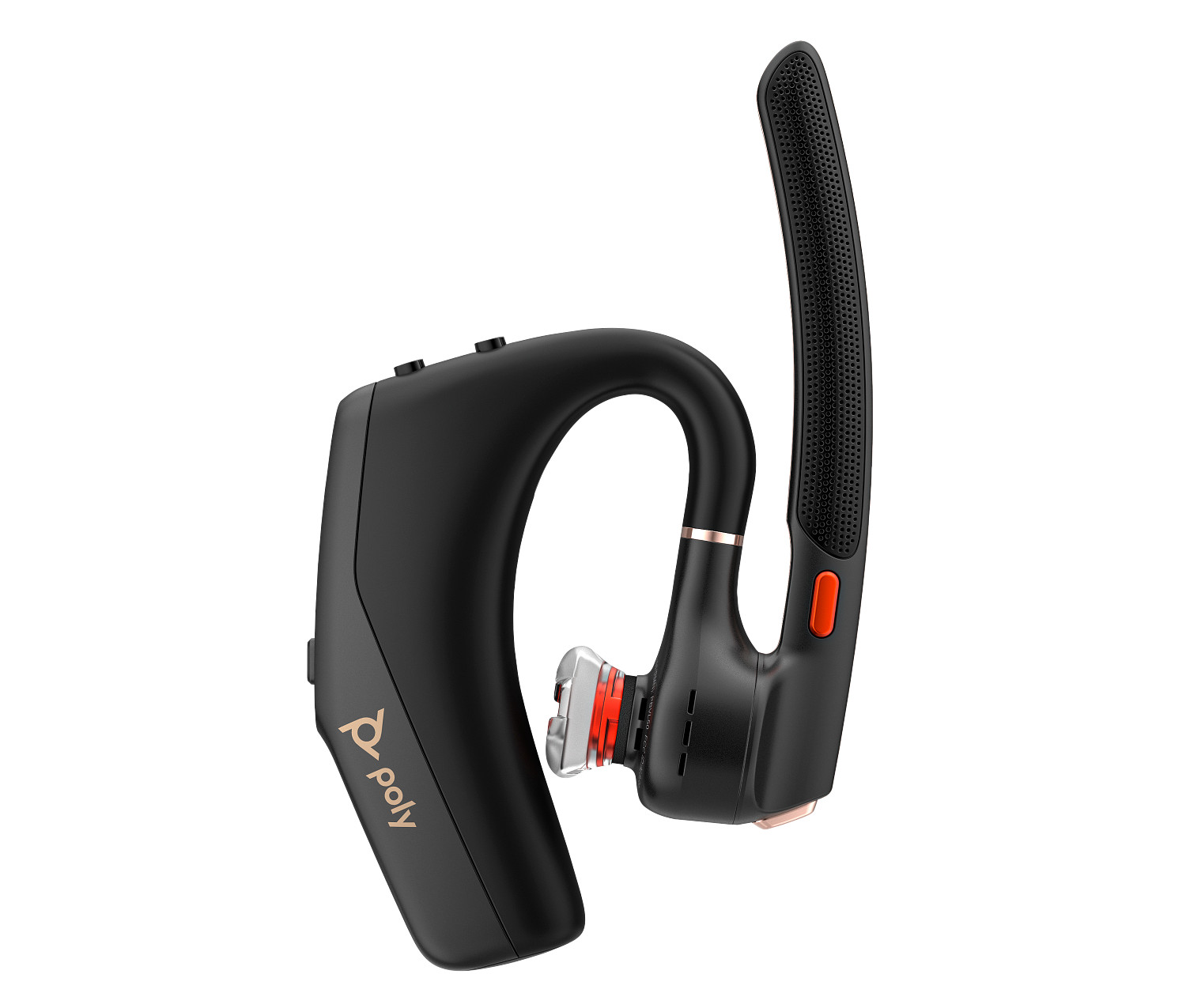
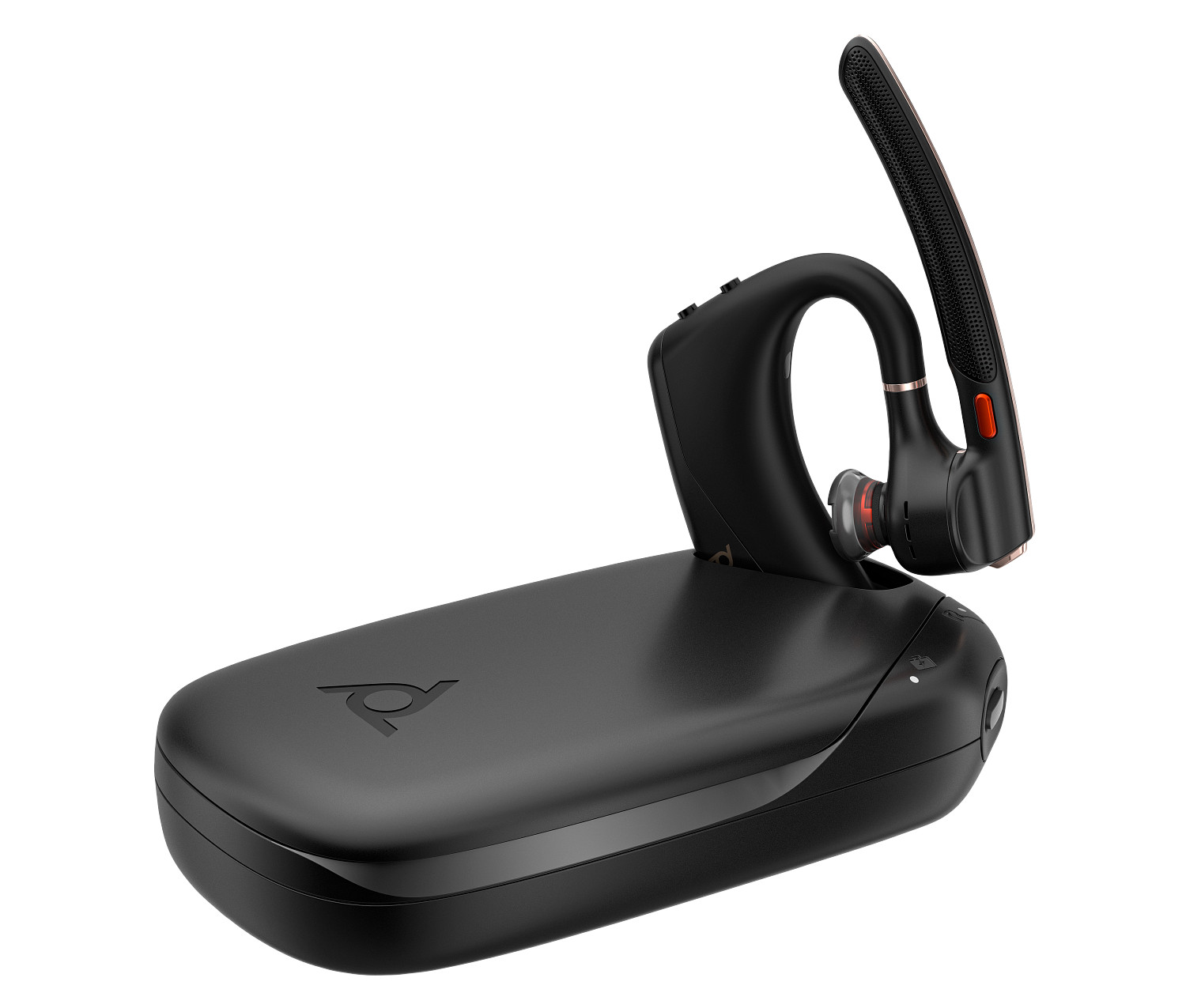
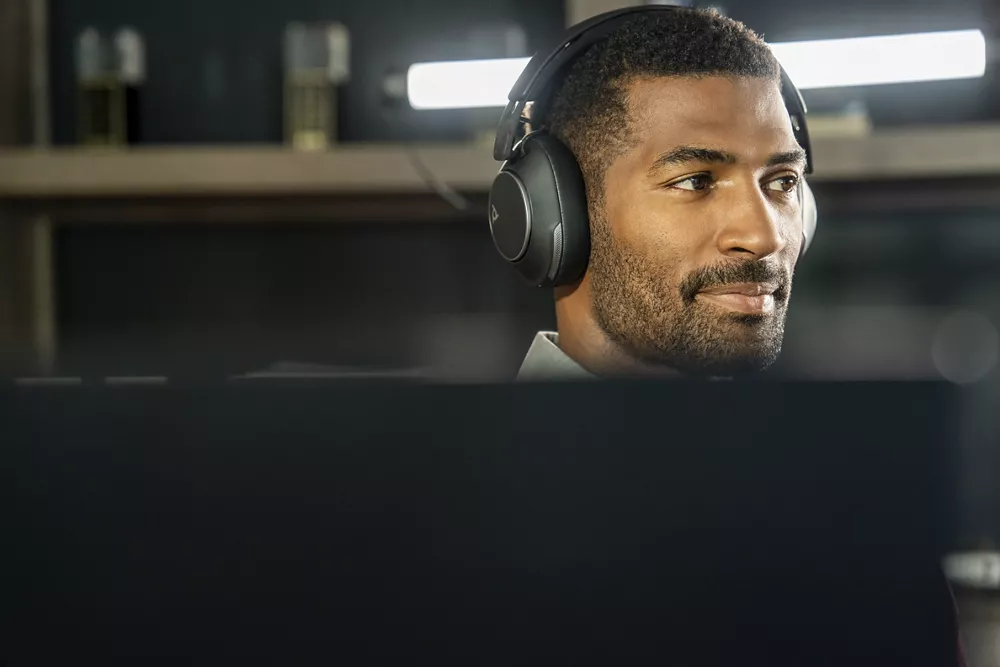
In today’s hybrid work world, your headset is more than just a tool; it’s your connection to colleagues, clients, and business outcomes. The new HP Poly Voyager Legend 50 Series is designed for professionals who demand crystal-clear audio, smart features, and all-day comfort whether at home, in the office, or on the go.
This isn’t just another Bluetooth headset. It’s an AI-powered communication solution built to adapt to your environment, optimize your voice, and help you stay productive without being tethered to your desk.
Two Models. One Mission. Choose What Fits Your Workflow
The Voyager Legend 50 comes in two flavors:
Feature
Legend 50
Legend 50 UC
Target User
Consumer
Enterprise & Consumer
Connectivity
Mobile
PC/Laptop & Mobile
Charge Case
No
Yes
BT700 USB Adapter
No
Yes
UC Certifications
No
Yes (Teams, Zoom, Google Meet)
Warranty
2-year limited
2-year limited
MSRP (USD)*
$109.99
$164.99
Legend 50 is ideal for casual mobile users.
Legend 50 UC is perfect for enterprise workers needing a Unified Communications (UC) experience.
*Pricing subject to change due to tariff and other impacts. This was the pricing at the time I wrote this blog.
What’s In The Box
Legend 50: USB Type-C® charging cable; Quick start guide; Headset; USB Type-C® to USB Type-A adapter; Small, Medium, and Large Ear tips (Medium ear tip attached to Legend 50)
Legend 50 UC: USB Type-C® charging cable; Quick start guide; Headset; Charging case; BT700 Bluetooth® Type-C® adapter; USB Type-C® to USB Type-A adapter; Small, Medium, and Large Ear tips (Medium ear tip attached to Legend 50)
Comfort All Day Long
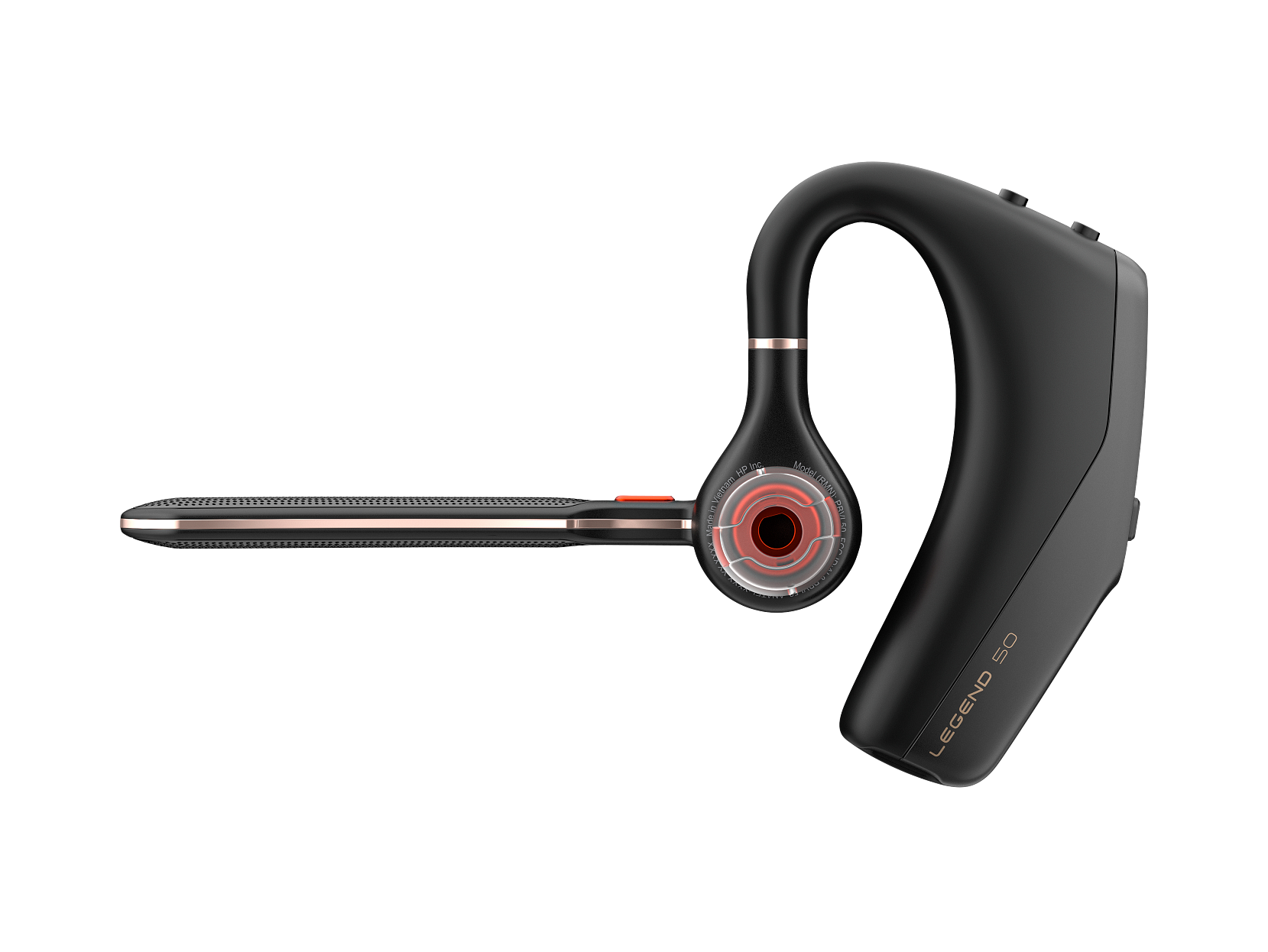
Poly’s “Legend Revamped” design makes this their most comfortable fit yet, weighing just 20.5g. It includes small, medium, and large ear tips so you can find your perfect fit.
The adjustable microphone boom rotates for left or right-ear wear and should be pointed toward your mouth for the best performance.
Say Goodbye to Background Noise
With four noise-canceling mics, Poly NoiseBlockAI, and WindSmart technology, this headset ensures your voice is heard, even with traffic, barking dogs, or coffee shop chatter in the background.
You can even customize your noise-canceling microphone experience using the Poly Lens app and selecting between three Close Conversation Limiting options:
No Noise Block – optimized for voice isolation
AI Noise Block – best for hybrid work
UC Noise Block – ideal for open offices
Battery Life That Goes the Distance
Talk time: Up to 10 hours
Charge case (UC model): Adds 20 more hours of talk time
Wireless Qi charging: Yes, for the case
Voice alerts: Get notified when the battery is low or needs charging
Whether you’re hopping on back-to-back calls or traveling between meetings, the Legend 50 keeps up.
Smart Connectivity & Seamless Pairing
Bluetooth 5.4 ensures stable, extended range (up to 98 ft / 30m)
Multipoint pairing: Connect to 2 devices at once
BT700 USB adapter (UC model): Better PC connection and softphone support
USB-C to USB-A adapter: Ensures compatibility with older systems
The BT700 adapter provides the best quality and call control integration.
Controls That Work With You
The Legend 50 combines physical buttons, smart sensors, and AI voice commands:
Call Button: Answer, end, reject, control music, activate voice assistant
Smart Sensors: Auto-answer by putting it on, pause media when removed
Mute Button: Toggle mute or hold calls
Voice Commands: Say “answer” or “ignore” to manage calls hands-free
Certified Teams model? Press the Call button for 2 seconds to raise your hand during a Teams meeting.
This guarantees compatibility, full feature support, and reduced IT headaches. Whether you’re presenting to clients or collaborating internally, you’ll sound and feel more professional.
Sustainability Matters
The HP Poly Voyager Legend 50 Series is TCO 9 Certified, ensuring ethical sourcing and environmental responsibility throughout the product’s lifecycle.
It’s a smart purchase for businesses with Corporate Social Responsibility (CSR) or ESG goals.
Quick Fixes at Your Fingertips
The most common issues, from problems pairing to audio glitches, can be fixed in seconds. Whether you need to connect your USB adapter, reset smart sensors, or troubleshoot audio, Poly has a solution [see the complete troubleshooting guide in the user guide].
https://calloneinc.com/wp-content/uploads/2025/06/Poly-Legend-50-header.jpg5001280Danny Hayasakahttps://calloneinc.com/wp-content/uploads/2024/11/CallOneInc_HDI2.pngDanny Hayasaka2025-06-22 23:16:312025-06-22 23:40:01All You Need to Know About the HP Poly Voyager Legend 50 Series: Ultimate Guide for Modern Professionals
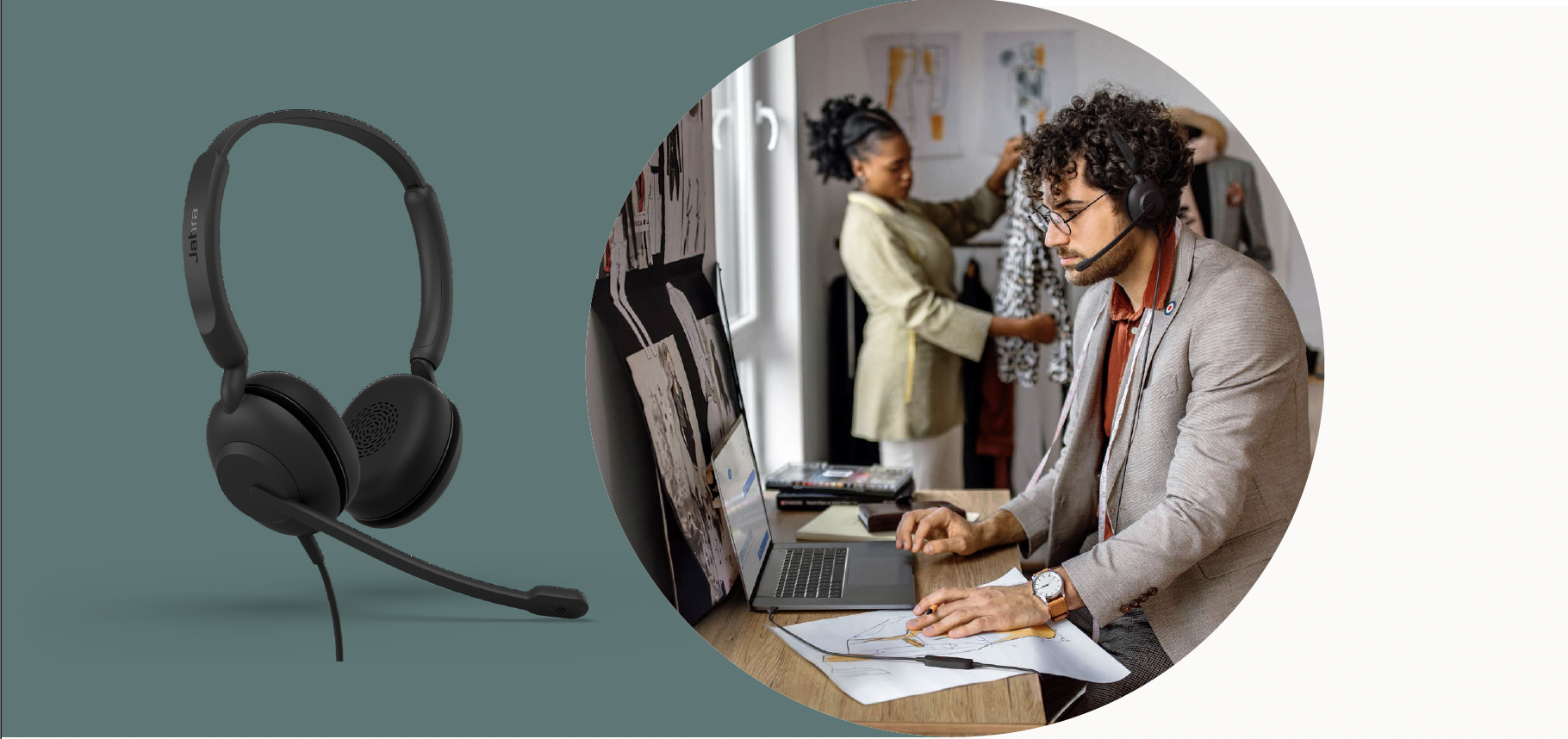
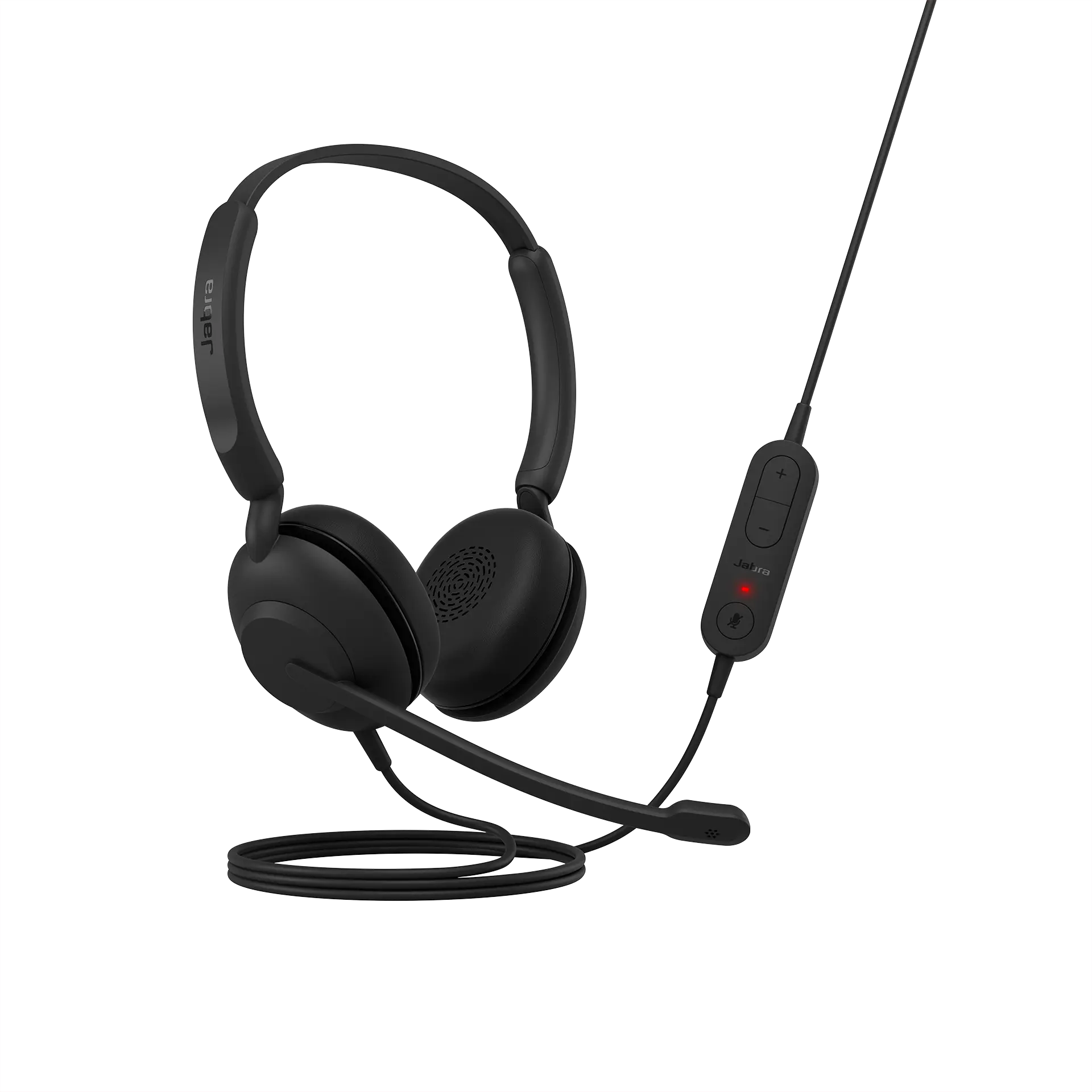
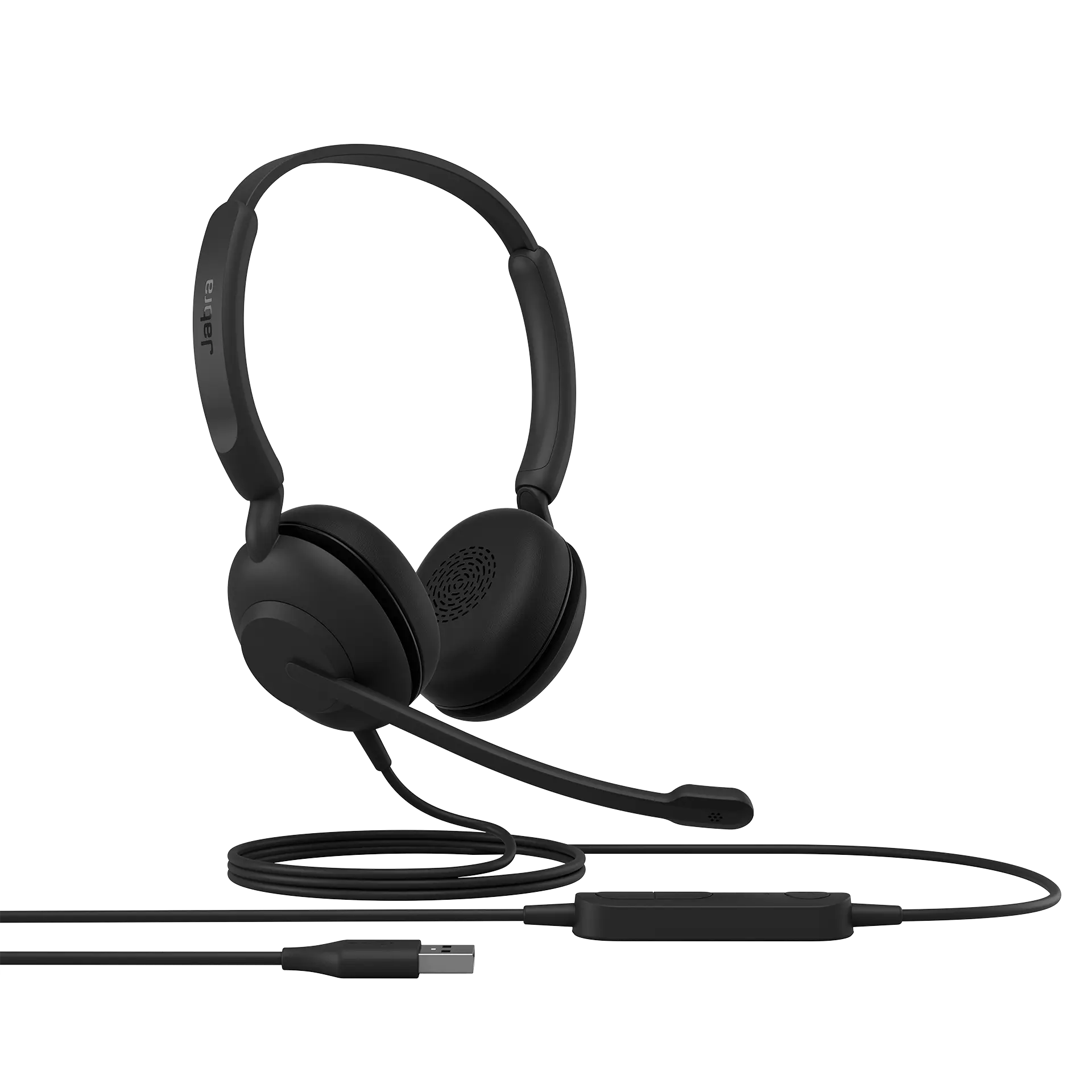
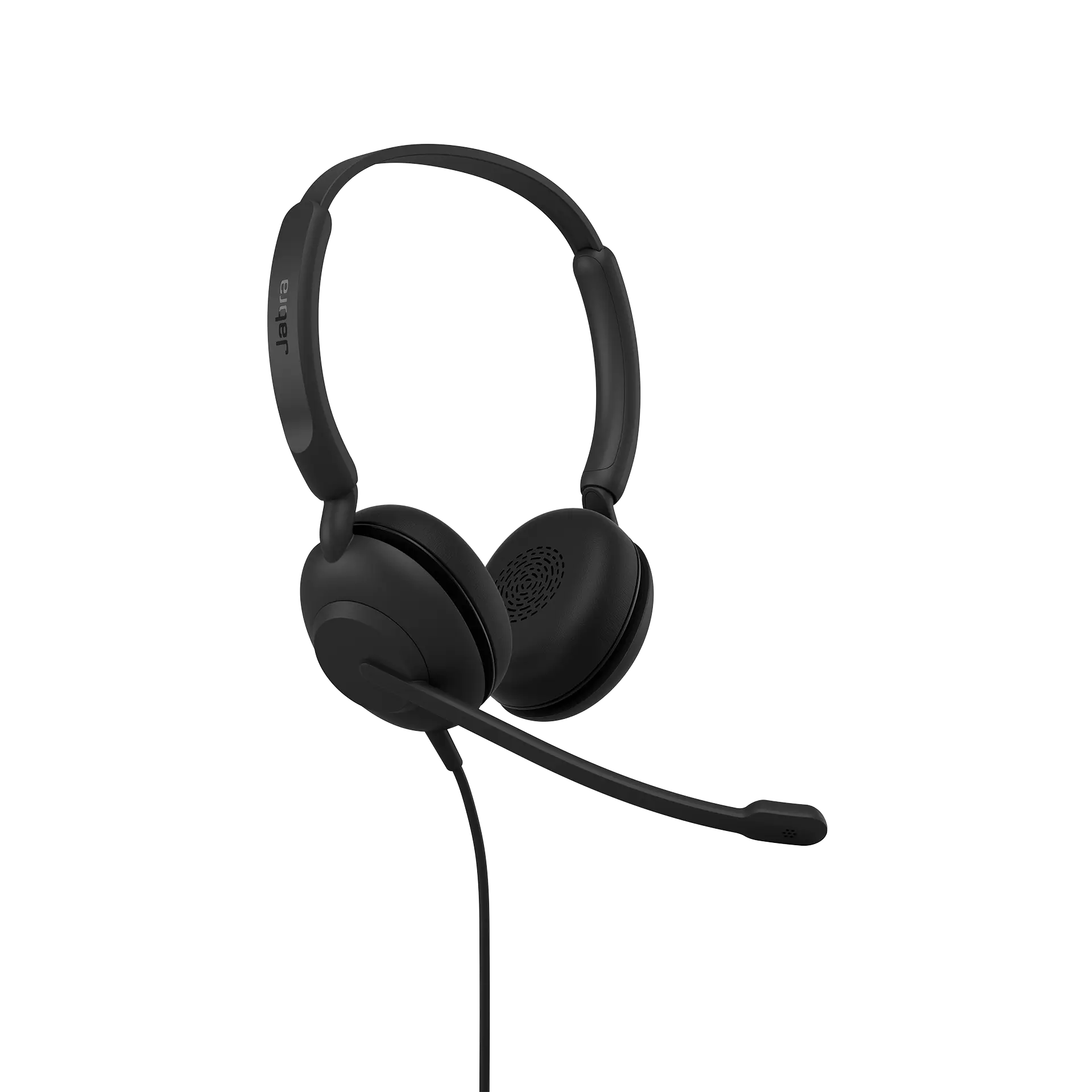
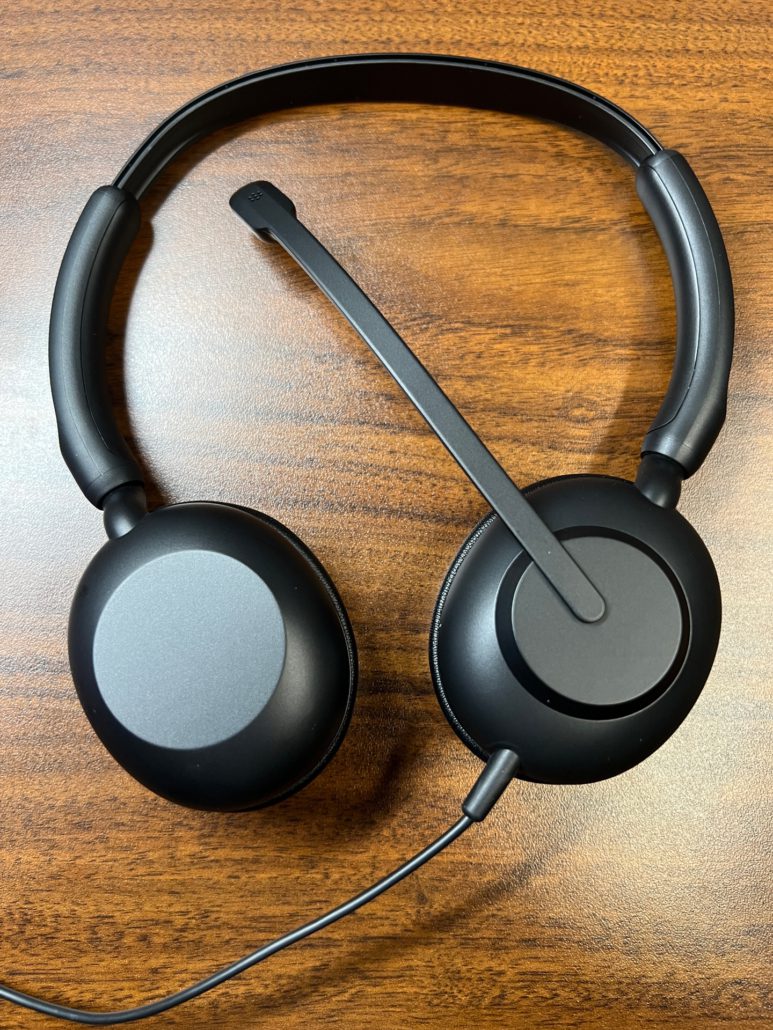
In the world of business headsets, premium often dominates the conversation. But what about those organizations where simplicity, comfort, and affordability are the top priorities? Enter the Jabra Evolve 10, a professional USB headset that rarely gets the spotlight but delivers precisely what’s needed for the price-sensitive workplace.
Why the Evolve 10 Deserves Your Attention
Not every team needs the latest in AI-driven features, software integration, or wireless connectivity. Sometimes, plug-and-play reliability is all that’s required. The Evolve 10 is purpose-built to provide essential audio performance without the complexity or cost.
Here’s what makes it stand out:
Plug & Play Simplicity
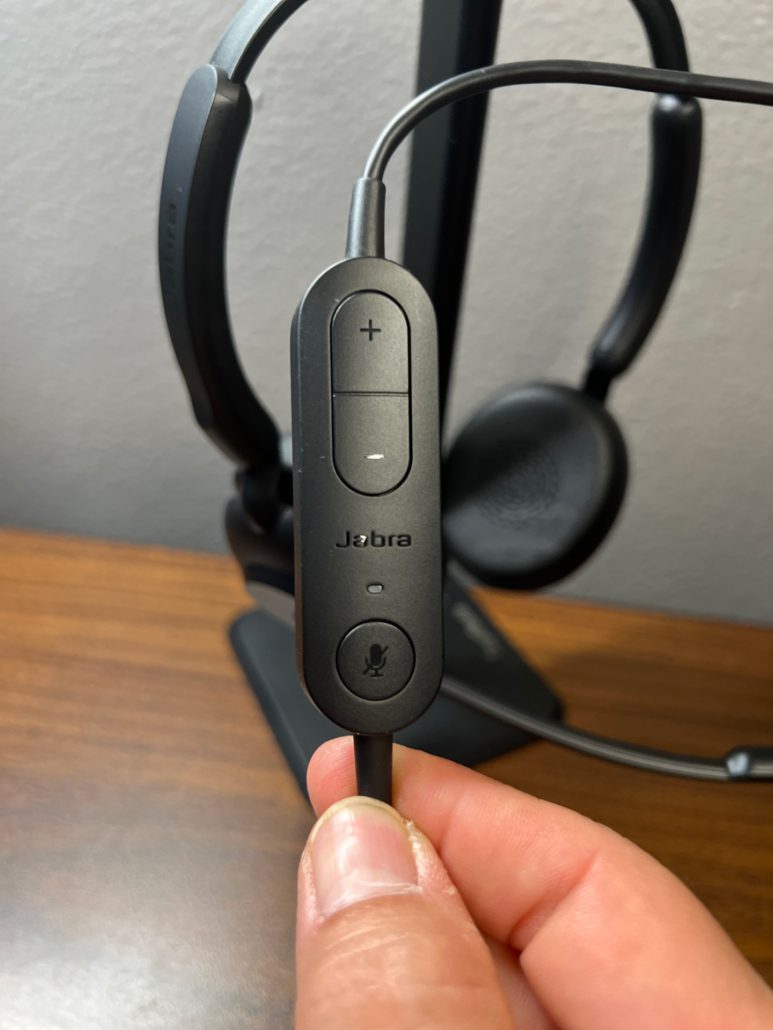
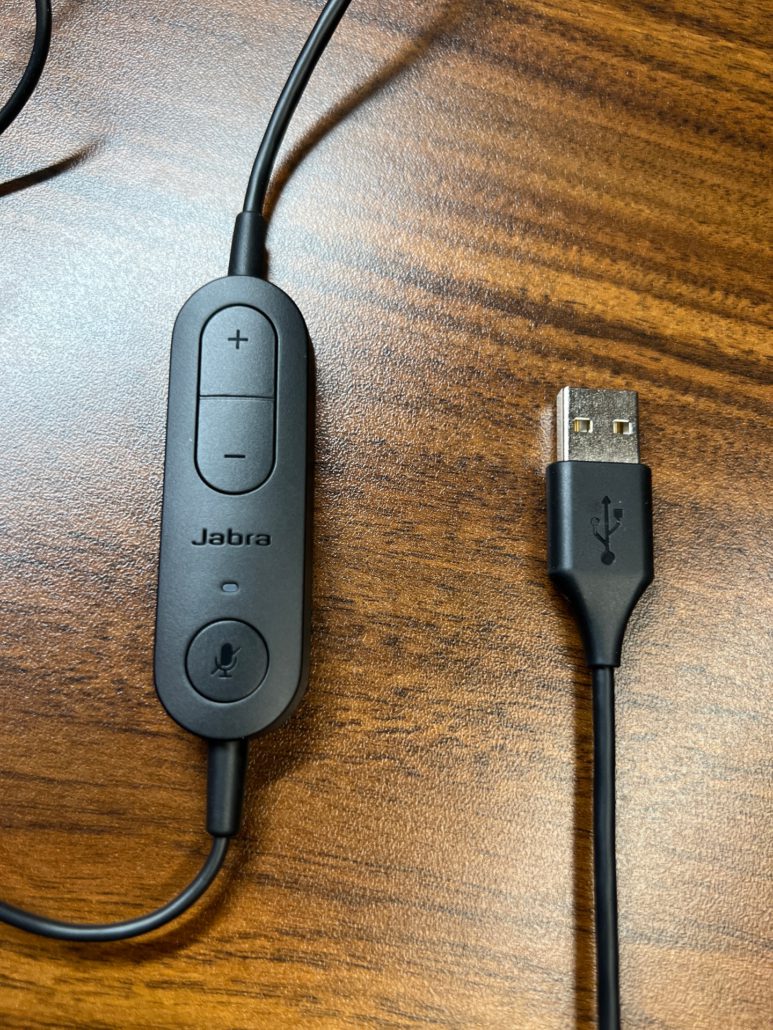
The Evolve 10 connects via USB-A and is ready to go out of the box. Just plug it into your computer, and you’re ready for calls or meetings, no software downloads, driver installations, or IT involvement.
Solid Audio Performance
Equipped with a 30mm speaker and noise-canceling microphone, the Evolve 10 ensures you’re heard clearly, even in moderately noisy environments. It’s not meant to replace high-end UC headsets but offers consistent and reliable sound quality that gets the job done.
Lightweight Comfort for Long Calls
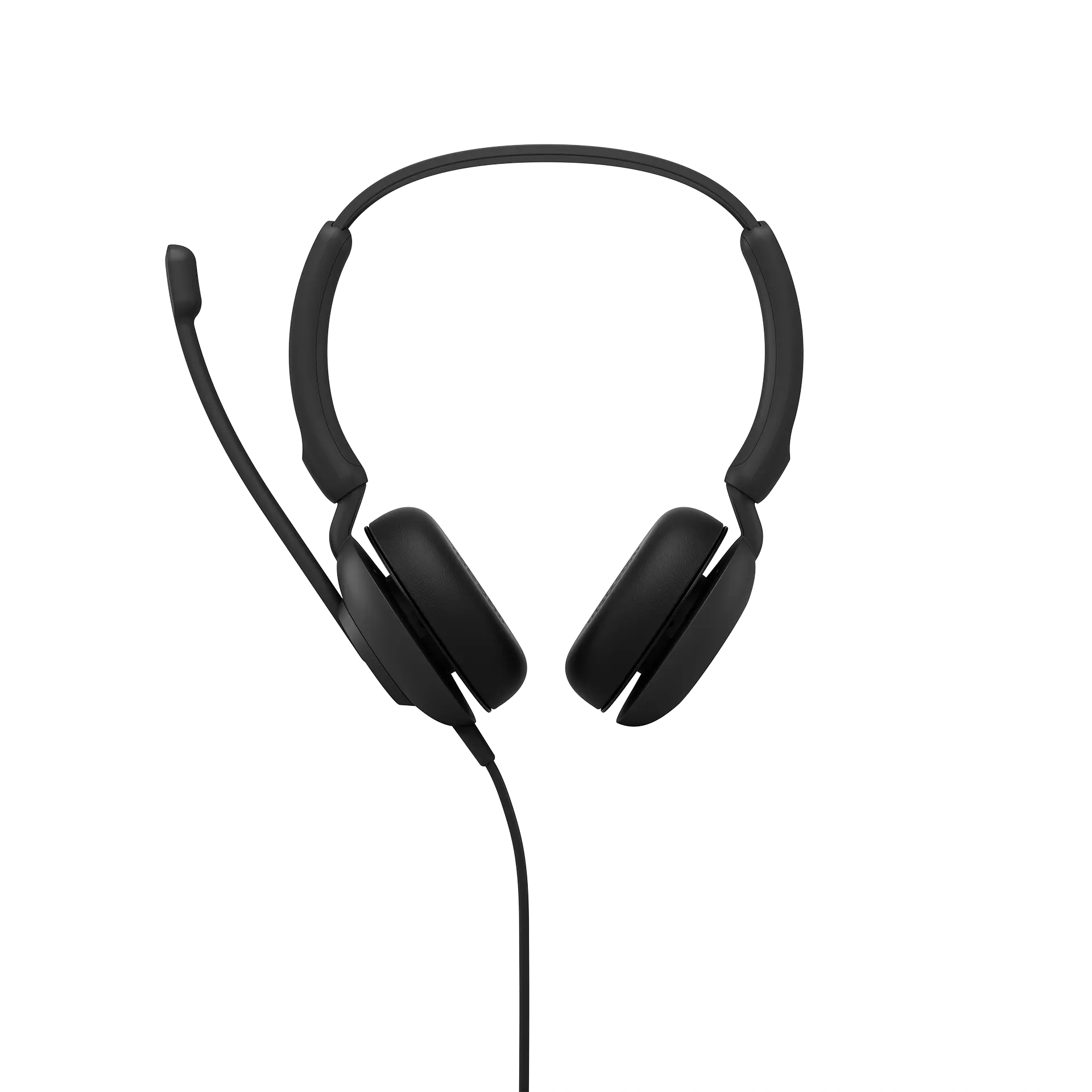
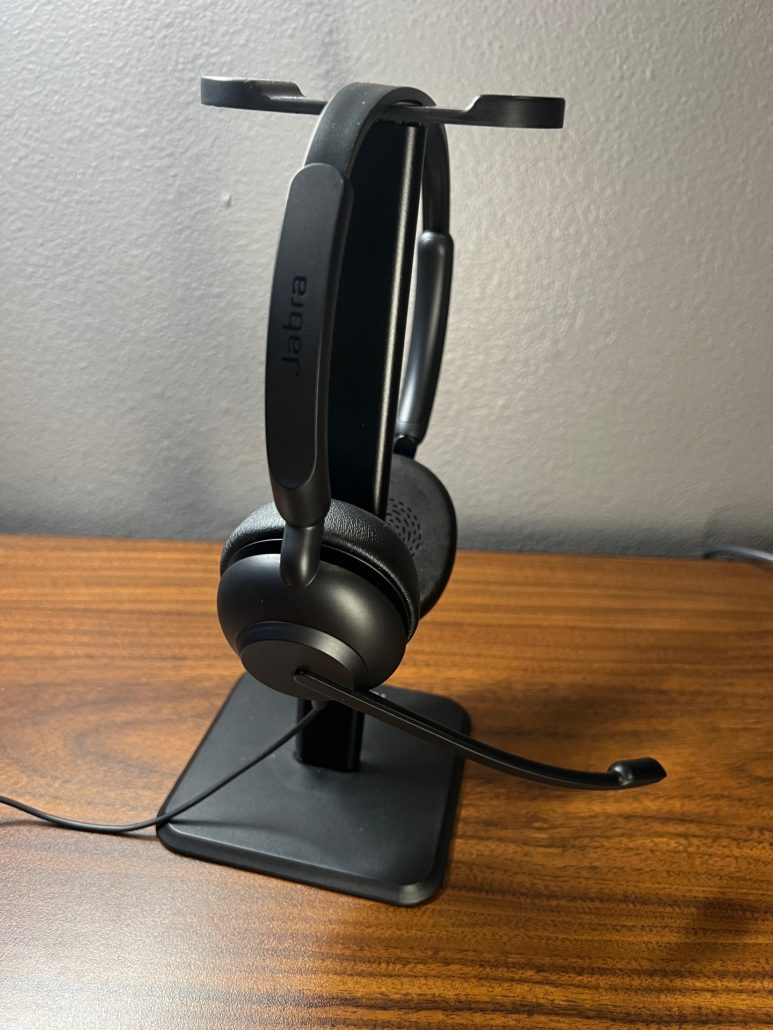
At just 92g, the stereo version is light enough for extended wear. It has soft leatherette ear cushions and an on-ear headband design that prioritizes comfort over flash. Whether you’re working through back-to-back meetings or managing a queue of customer calls, the Evolve 10 keeps things easy on the ears.
Environmentally Conscious Design
Made from over 50% recycled plastic and fully TCO certified, the Evolve 10 doesn’t just perform, it aligns with modern sustainability goals. It’s proof that eco-friendly doesn’t have to mean expensive.
No Software Required
The Evolve 10 is ideal for organizations with locked-down IT environments. Since it doesn’t require Jabra Direct, Xpress, or Jabra+, there’s no dependency on software for settings, updates, or management, making it perfect for deployments where simplicity is key.
Adjustable for Left or Right Mic Placement
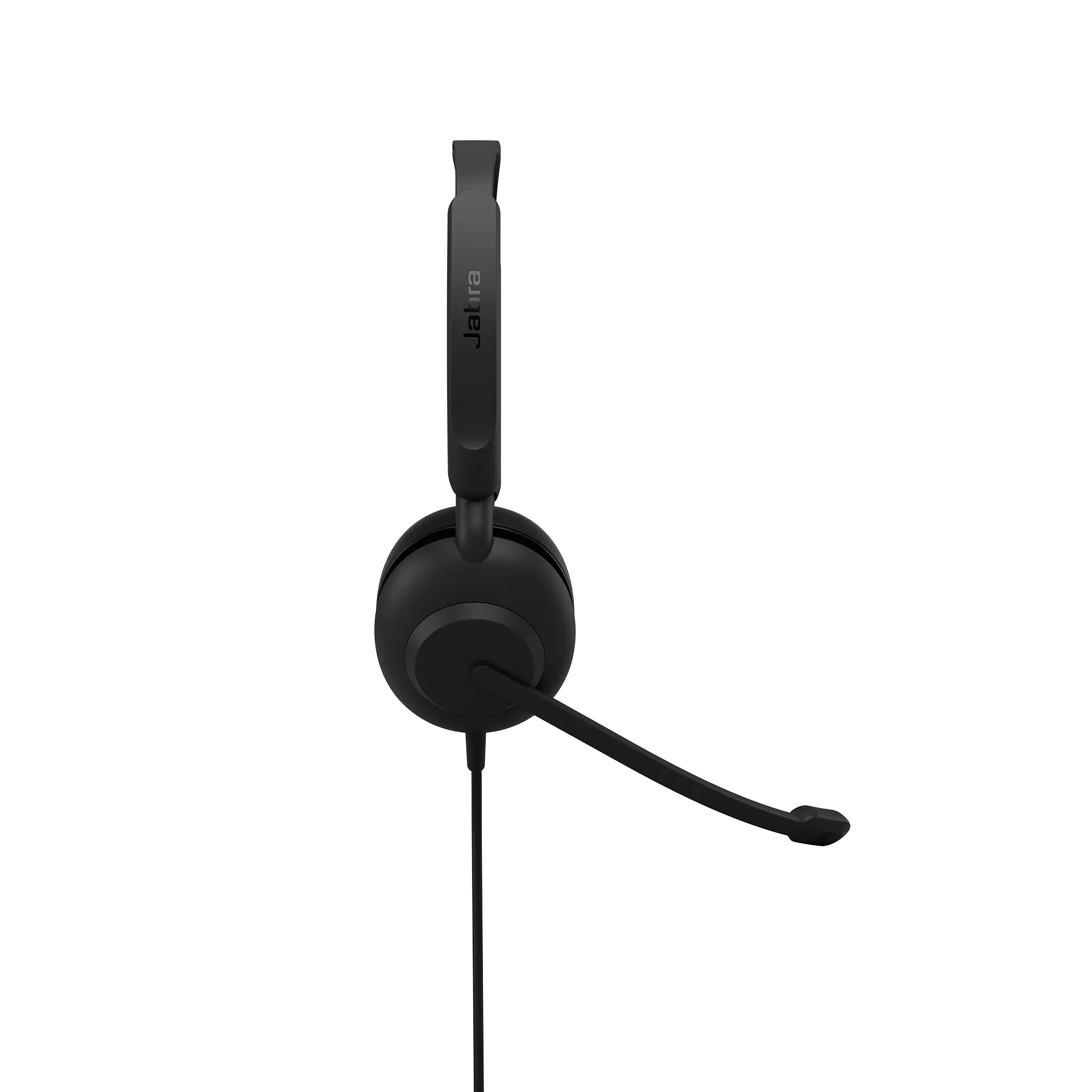
Its 270° rotatable boom arm allows users to wear the mic on whichever side feels most comfortable, adding a bit of personalization to an otherwise minimalist design.
Ideal Use Cases:
Contact centers on a tight budget
Education and training environments
Temporary or contract workforces
Organizations with no device management requirements
IT-restricted environments (no downloads permitted)
Final Thoughts: The Headset You Didn’t Know You Needed
The Jabra Evolve 10 may not be flashy, but it fills a much-needed gap in the market—an affordable, sustainable, professional-grade headset for essential communication needs.
As always, it’s important to work with an authorized Jabra reseller like Call One, Inc. and Hello Direct. Our team ensures you receive:
Authentic products
Pre and post-sales support
Expert guidance on headset deployment
Personalized demos for your organization
If you want to stretch your budget without compromising professionalism, the Jabra Evolve 10 deserves a look.
When it comes to running a successful small business, clear and reliable communication is essential—whether you’re collaborating with team members, speaking with clients, or jumping on a video call. One of the simplest ways to improve your communications infrastructure is by equipping your team with the right headsets.
But with so many options available, how do you know which headset best suits your business? Here are the key factors small businesses should consider when selecting professional-grade headsets.
1. Audio Quality
High-quality audio is critical for clear communication. Whether your team is taking client calls or attending virtual meetings, you’ll want headsets that deliver:
Crisp, clear speaker audio
Professional-grade microphones with excellent voice pickup
Consistent sound performance across different environments
This ensures that conversations are clear on both ends, enhancing professionalism and minimizing miscommunication.
2. Compatibility
Not all headsets work with all systems. Before making a purchase, confirm that the headset is compatible with:
Your business devices (VoIP desk phones, laptops, smartphones, tablets)
Communication services (VoIP platforms, cloud phone systems, Microsoft Teams, Zoom, Google Meet, RingCentral, etc.)
Pro tip: Choose models that are certified for your preferred platform to ensure optimal performance and support.
3. Comfort and Durability
Headsets are often worn for hours at a time, so comfort and build quality are key. Look for:
Lightweight designs that minimize pressure during long calls
Adjustable headbands and cushioned ear pads for a secure fit
High-quality materials built to withstand everyday use
Your team will appreciate the difference during a busy workday.
4. Noise Cancellation
Background noise can be a serious productivity killer, especially in open office environments or remote home setups. Look for:
Active Noise Cancellation (ANC) to block distractions for the wearer
Noise-canceling microphones to reduce background noise for the person on the other end of the call
These features ensure professional, distraction-free conversations—no matter where work happens.
5. Wireless vs. Wired
Mobility needs vary from role to role. Choose the connection style that best suits your workflow:
Wireless headsets provide flexibility and freedom of movement
Wired headsets offer a reliable connection and never require charging
Some users may benefit from hybrid options that offer wired and wireless connectivity.
6. Additional Features
Certain features can enhance productivity and convenience for your team, such as:
On-call indicators to prevent interruptions in shared spaces
Inline or on-ear call controls for volume, mute, and answering calls
Multi-device connectivity to switch between computer and smartphone seamlessly
Consider what features will make your team’s day-to-day easier.
7. Cost-Effectiveness
While premium models often deliver the most advanced features, there are excellent headsets available at every price point. Aim to strike a balance between:
Performance and reliability
Long-term durability
Budget limitations
Think of headsets as an investment in better communication and happier, more productive employees.
8. Work with a Trusted Advisor
One of the most important (yet often overlooked) considerations is where you purchase your headsets. Working with an Authorized Reseller like Hello Direct ensures you receive:
Expert advice tailored to small business needs
Access to a curated selection of top headset brands
Real-world testing and recommendations based on your use cases
Post-sales support and guidance
Since 1987, Hello Direct has specialized in helping SMBs select the right headsets. We understand many small businesses don’t have dedicated IT teams to vet the dozens of headset models and compatibility requirements. We’re here to simplify the process.
Beyond the well-known brands, we partner with emerging manufacturers like Shokz, Yealink, JPL, and JLab—brands that deliver exceptional quality at small business-friendly prices.
Final Thoughts
The right headset can make all the difference in how your team communicates—whether in the office, working from home, or on the go. Considering the factors above, small businesses can make informed decisions that enhance collaboration, reduce distractions, and deliver a more professional experience for employees and customers.
Need help finding the right headset for your business? Contact the experts at Hello Direct—your trusted Small Business Advisors in audio and video solutions.
https://calloneinc.com/wp-content/uploads/2025/04/Headset-Small-Business-blog.jpg5001280Danny Hayasakahttps://calloneinc.com/wp-content/uploads/2024/11/CallOneInc_HDI2.pngDanny Hayasaka2025-04-01 22:34:432025-04-01 22:34:44How to Choose the Right Headset for Your Small Business (2025 Guide)
Large enterprises rely on professional-grade headsets in today’s fast-paced business environment to ensure seamless communication and collaboration. Selecting the right headset vendor is crucial, as enterprises require durable, high-quality solutions that integrate with their existing infrastructure while providing exceptional support and value. Below are the key factors enterprises should consider when choosing a headset vendor.
1. Quality and Durability
Enterprises prioritize headsets that are built to last. Business professionals often wear headsets for extended periods, making durability a key consideration. High-quality materials, robust construction, and reliable performance ensure longevity and reduce the need for frequent replacements.
2. Compatibility with Office Systems
Large enterprises operate in mixed technology environments with diverse phone systems, computers, and collaboration platforms like Microsoft Teams, Zoom, and Google Meet. Headsets must be universally compatible through direct USB connections, Bluetooth, DECT wireless, or proprietary connectivity solutions.
3. Call Quality and HD Voice
Crystal-clear audio is non-negotiable for enterprise communications. HD voice quality ensures both the speaker and listener can communicate effectively, reducing misunderstandings and enhancing overall call productivity. A headset with high-quality speakers and a noise-canceling microphone is essential for professional conversations.
4. Advanced Noise Cancellation
High-density office environments require headsets with superior noise cancellation. Whether it’s active noise cancellation (ANC) for the user or advanced microphone noise suppression for the caller, minimizing background distractions leads to better focus and clearer conversations.
5. Comfort for Extended Wear
Employees wear headsets for hours at a time, so comfort is a key factor. Adjustable headbands, cushioned ear cups, and lightweight designs contribute to a more comfortable experience, reducing fatigue and increasing productivity.
6. Vendor Expertise and Industry Knowledge
Enterprises prefer vendors with deep expertise in business communication solutions. Vendors specializing in headsets can provide in-depth product recommendations tailored to enterprise needs. Call One, Inc. has been a trusted advisor since 1987, helping businesses find the right audio solutions based on real-world testing and experience.
7. Customer Support and After-Sales Service
Reliable technical support is crucial for large enterprises. Vendors should provide responsive pre-sales assistance, technical troubleshooting, and post-purchase support. Call One, Inc. specializes in after-sales service, ensuring businesses receive ongoing support beyond the initial purchase.
8. Warranty and Long-Term Service Plans
A strong warranty and dependable service options are essential for long-term investment. Enterprises should evaluate warranty coverage, replacement policies, and extended service agreements to maximize their headset investment.
9. Price vs. Value
While cost is a factor, enterprises should focus on total value rather than just the lowest price. A headset vendor should offer competitive pricing while ensuring high-quality performance, longevity, and comprehensive support.
10. Advanced Features and Customization
Enterprises often require specific features such as wireless connectivity, AI-powered voice isolation, multi-device pairing, and customizable settings to meet their unique needs. Vendors offering feature-rich headsets with flexible deployment options gain a competitive advantage.
11. Vendor Longevity and Stability
Long-standing vendors with a proven track record offer reassurance to enterprises. Call One, Inc. has been a trusted headset provider since 1987, demonstrating stability, reliability, and industry leadership.
12. Integration with Procurement Platforms
Enterprises often utilize procurement platforms like SAP Ariba, Coupa, and ServiceNow for streamlined purchasing and supplier management. Vendors that integrate seamlessly with these systems help simplify procurement, ensuring efficiency and compliance with corporate purchasing guidelines.
Call One, Inc. has a dedicated e-commerce team that supports integrations with procurement platforms, manages CIF and PunchOut catalogs, anddevelops custom buy sites to align with enterprise purchasing requirements. This ensures that large organizations can easily procure headsets and other communication solutions through their preferred platforms, reducing administrative complexity and improving overall procurement efficiency.
13. Strong Partnerships with Leading Brands
A vendor’s partnerships reflect its credibility and access to top-tier solutions. Call One, Inc. has long-standing relationships with leading global brands like Jabra, HP Poly, Logitech for Business, and EPOS while also working with emerging brands like Yealink, Shokz, JLab, and JPL to offer enterprises a broad selection of solutions tailored to their needs.
Conclusion
By evaluating these key factors, large enterprises can select a headset vendor that meets their current needs and provides ongoing support, reliability, and long-term value.
As a trusted advisor for professional audio and video solutions, Call One, Inc. helps enterprises navigate the vast landscape of headset options to ensure they invest in the right technology for seamless communication and collaboration.
https://calloneinc.com/wp-content/uploads/2023/08/Call-One-ANC-blog-graphic.jpg310850Danny Hayasakahttps://calloneinc.com/wp-content/uploads/2024/11/CallOneInc_HDI2.pngDanny Hayasaka2025-03-16 15:28:282025-04-21 14:45:50Key Factors Large Enterprises Should Consider When Selecting a Headset Vendor
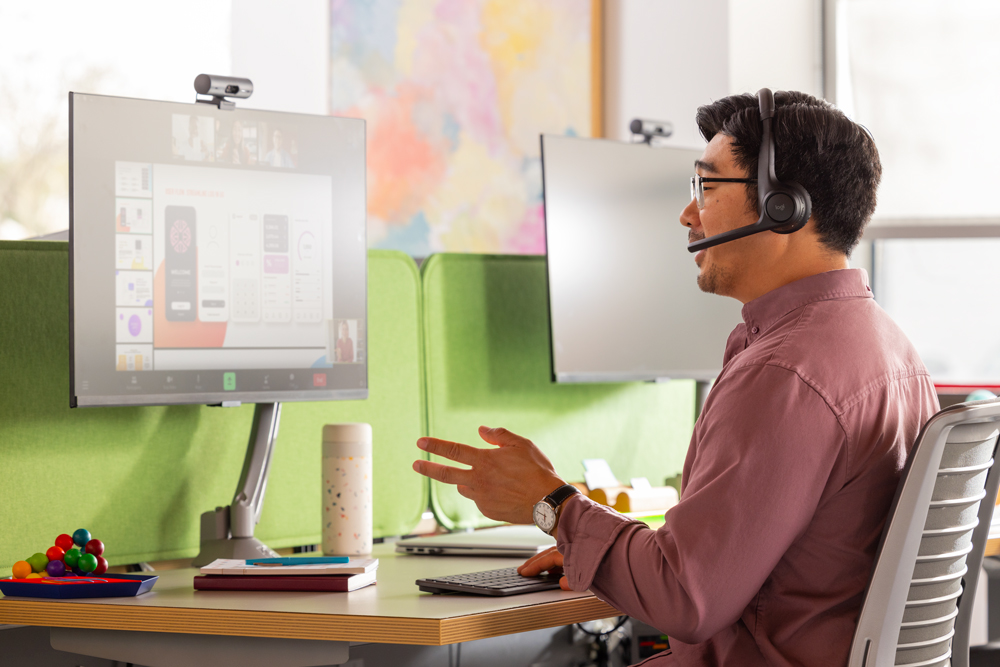
Business Communications & Collaboration platforms have significantly evolved, driving a crucial need for reliable and cost-effective audio solutions. USB headsets remain essential devices, enabling optimal use of applications such as Microsoft Teams, Zoom, Google Meet, and Cisco Webex. Logitech continues to offer popular options like the H570e and H650e USB headsets, each catering to different needs and budgets.
Here’s an updated comparison of Logitech H570e and H650e USB headsets to help you choose the right model:
Pricing*
Pricing remains a key differentiator:
H570e Mono (UC and Teams): $39.99 | H650e Mono: $69.99
H570e Stereo (UC and Teams): $44.99 | H650e Stereo: $74.99
The H570e is positioned as an entry-level solution ideal for budget-sensitive environments.
*Pricing is subject to change. This was the price at the time of writing this blog.
Side-by-Side Comparison Matrix
Feature
Logitech H570e Teams
Logitech H570 UC
Logitech H650e
Noise-Canceling Microphone
1 Uni- and 1 Omni-directional
Bi-directional
Bi-directional
Connections
USB-A or USB-C
USB-A
USB-A
Driver Size
1.2in (30mm)
1.2in (30mm)
1.3in (32mm)
Microsoft Teams Certified
Yes (Teams Versions)
No
No
Ear Cushions
Donut-shaped leatherette
Donut-shaped leatherette
Premium advanced leatherette
Padded Headband
Yes
Yes
Yes
Cable Length
6.23 ft (1.9 m)
6.23 ft (1.9 m)
6.8 ft (2.1 m)
In-call LED indicator
No
No
Yes (on the boom)
In-Line Controls
Answer/End, Volume up/down, Mute/Unmute, Teams button
Updated Features of Logitech H570e (Teams Version)
The Logitech H570e (Teams Version) headset is now certified for Microsoft Teams and is designed specifically for sustainability and affordability. It features dual embedded noise-canceling mics, effortless USB-A or USB-C connectivity (region-specific availability), and dedicated Teams controls. It is made with at least 45% post-consumer recycled plastic (mono) and 54% (stereo). IT teams can manage devices with Logitech Sync, while employees can personalize audio experiences via Logi Tune.
Enhanced Features of Logitech H650e
The Logitech H650e headset offers enterprise-grade audio with advanced digital signal processing (DSP), acoustic echo cancellation, and noise-canceling mics, ideal for noisy workspaces. Features include intuitive in-line controls, an on-call busy light indicator, and a durable, no-tangle flat cable. The headset is made of strong TR90 nylon for added durability and chemical resistance.
Conclusion: Which One Should You Choose?
Choose H570e if:
Budget is your primary concern
You’re equipping a large workforce quickly
You need basic, reliable UC performance with Teams certification and sustainable design
Choose H650e if:
You value enhanced audio clarity and microphone performance
Your environment benefits from visual call indicators (e.g., call centers or open offices)
Premium comfort, durability, and design matter for prolonged usage
Contact an Authorized Logitech Reseller
For assistance choosing the right Logitech headset for your organization, contact an authorized Logitech for Business resellers such as Call One, Inc. or Hello Direct. As headset subject matter experts since 1987, we have worked closely with Logitech to support large enterprises in mass deployments and assist SMBs needing expert guidance and personal support.
To experience Logitech for Business audio and video collaboration solutions firsthand, book an in-person or virtual demo in our Logitech Experience Room at our Customer Experience Center in Cape Canaveral, FL.
Selecting the right USB headset supports successful collaboration platform adoption and employee productivity, so consider your organization’s specific needs and usage environments carefully. Logitech H570e and H650e provide trusted reliability yet cater distinctly to different professional requirements.
Choosing the right wireless business headset can be overwhelming, especially with so many professional-grade options available. A YouTube viewer recently asked whether they should go with the Yealink BH76 Plus or Jabra Evolve2 65 Flex—two premium headsets designed for hybrid work and professional use.
At first, I wouldn’t have thought to compare these two headsets, but after testing them side by side, I found some key similarities and differences that may help you decide which one best suits your needs.
Let’s break them down!
Side-by-Side Comparison Chart
Feature
Yealink BH76 Plus
Jabra Evolve2 65 Flex
MSRP
$319
$329 ($389 includes Wireless Charger)
Connectivity
Bluetooth 5.2 + USB Dongle (BT51)
Bluetooth 5.2 + USB Dongle (Link 380 or 390)
Microsoft Teams & UC Certification
✅ Yes
✅ Yes
Active Noise Cancellation (ANC)
ANC On, ANC Off, Ambient Sound
Hybrid ANC On, ANC Off, HearThrough
Battery Life (Talk Time)
Up to 35 hours (ANC off)
Up to 20 hours (ANC off), 16 hours (ANC on)
Wireless Range
Up to 45m (150 ft)
Up to 30m (100 ft)
Speaker Size
35mm
28mm
Microphone Technology
Yealink Acoustic Shield
Jabra ClearVoice
Hideaway Mic
Retractable hidden microphone arm (Mutes when retracted)
Flip up hideaway microphone arm (Flip up to mute)
Comfort Features
Memory foam ear cushions
Jabra Air Comfort Technology
Portability
Standard headset design, replaceable ear cushions
Fold-and-go design for compact travel
Weight
285g (10oz)
136g (4.8oz)
Busylight Indicator
✅ Yes
✅ Yes
Device Management
Yealink USB Connect (PC), Yealink Connect (Mobile)
Jabra Direct (PC), Jabra Sound+ (Mobile), Jabra Xpress (Enterprise)
1. Connectivity & Compatibility
Both headsets support Bluetooth and include a USB dongle for a seamless connection to computers.
Yealink BH76 Plus: Comes with the BT51 dongle (available in USB-A or USB-C).
Jabra Evolve2 65 Flex: Comes with the Link 390 dongle (available in USB-A or USB-C).
Both models offer UC and Microsoft Teams Certified variants for enterprise-grade communication.
2. Active Noise Cancellation (ANC) Performance
ANC technology is a key feature of both headsets:
Jabra Evolve2 65 Flex: Provides Hybrid ANC On, ANC Off, and HearThrough mode for situational awareness.
Yealink BH76 Plus: Offers ANC On, ANC Off, and Ambient Sound mode to adjust external noise levels.
Note: Wireless range may vary based on office layout, walls, and interference from other wireless devices. In my home office, I get roughly 30-60 feet of wireless range.
4. Comfort & Design
Jabra Evolve2 65 Flex features a fold-and-go design, making it ultra-portable for hybrid workers who frequently travel. It also incorporates Jabra Air Comfort Technology for an enhanced wearing experience. I share what Jabra Air Comfort Technology is in this blog, Jabra Evolve2 65 vs. Evolve2 65 Flex: Which is Right for You?
Yealink BH76 Plus includes a set of Over-Ear and On-Ear replacement ear cushions with memory foam padding, allowing users to switch between on-ear and over-ear according to their needs freely. The built-in firmware automatically recognizes the type of ear cups to adjust audio parameters, ensuring you get the best experience in any situation. Ergonomic design and premium materials support you comfortably wearing headphones all day.
Which is better?
If portability is a top priority, the Jabra Evolve2 65 Flex is the clear winner. If you prefer replaceable ear cushions and memory foam padding, the Yealink BH76 Plus is worth considering.
5. Speaker & Microphone Performance
Yealink BH76 Plus features 35mm speakers and Yealink Acoustic Shield technology for voice clarity and background noise reduction. It has a retractable hidden microphone boom arm that mutes the microphone when retracted.
Jabra Evolve2 65 Flex has 28mm speakers with Jabra ClearVoice microphone technology to enhance speech intelligibility. Its hideaway microphone boom arm also mutes the microphone when flipped up.
Both headsets use noise-canceling microphone technology, but performance may vary based on your specific work environment.
6. Real-World Mic Tests: Open Office & Extreme Noise
I conducted two microphone performance tests:
Open Office Test: I test the microphones from our open office environment with multiple conversations happening simultaneously. I tested with only the noise-canceling capabilities of the microphones themselves, and during a Microsoft Teams meeting, Voice Isolation was turned on to provide additional AI noise suppression.
Extreme Noise Test: I tested both microphones against a revving motorcycle engine to push them to the limit.
🎥 Want to see the results? Watch the full comparison video here:
When purchasing Yealink or Jabra headsets, it’s crucial to go through an Authorized Reseller to ensure:
Genuine Products – Avoid counterfeit or unauthorized versions.
Warranty Support – Get manufacturer-backed service and replacement options.
Expert Guidance – Work with knowledgeable professionals who can help you choose the right device for your ne
Who Should You Buy From?
Call One, Inc. specializes in serving large enterprises, providing customized audio and video collaboration solutions, procurement integration, and dedicated support.
Hello Direct focuses on small and medium-sized businesses (SMBs), offering curated product recommendations, trusted advisory services, and a seamless buying experience.
https://calloneinc.com/wp-content/uploads/2025/02/Yealink-BH75-vs-Jabra-Evolve2-65-flex.jpg5001280Danny Hayasakahttps://calloneinc.com/wp-content/uploads/2024/11/CallOneInc_HDI2.pngDanny Hayasaka2025-02-27 19:06:162025-02-27 19:06:19Yealink BH76 Plus vs. Jabra Evolve2 65 Flex: Which Wireless Business Headset is Right for You?
As hybrid work continues to evolve, professionals need reliable, high-quality audio solutions that seamlessly integrate with Microsoft Teams. One emerging category is Native Bluetooth personal peripherals, which allow headsets and speakerphones to connect directly to a device’s integrated Bluetooth without requiring a USB dongle.
This blog explores Native Bluetooth-certified devices for Microsoft Teams, focusing on two key solutions from Logitech: the Zone Wireless 2 and Zone 305 headsets. We’ll discuss their features and benefits and why businesses should consider these peripherals for seamless collaboration.
What Are Native Bluetooth Personal Peripherals?
Native Bluetooth personal peripherals are audio devices, such as headsets and speakerphones, that pair directly with a PC or mobile device’s built-in Bluetooth without requiring an adapter. This eliminates the need for a dongle, making it a practical solution for users with limited USB ports or those frequently switching work locations.
Microsoft Teams’ certification program ensures that these devices provide:
High-quality audio
Seamless call control integration
Plug-and-play functionality
Mute status sync between the headset and Teams desktop client
Why Choose Native Bluetooth for Microsoft Teams?
Many professionals and organizations have requested Native Bluetooth-certified headsets due to the increasing need for flexibility in mobile and hybrid work environments. Some key advantages include:
No Dongle Dependency: Reduces the risk of losing a USB adapter while providing a clutter-free setup.
Seamless Integration with Teams: Ensures call control, mute sync, and Teams button functionality for an optimized collaboration experience.
Enhanced Portability: Ideal for professionals who frequently switch between office and remote work setups.
Microsoft-Certified Performance: Ensures a reliable user experience tailored for Teams calls and meetings.
Logitech Zone Wireless 2 & Zone 305 – Certified for Microsoft Teams
Logitech has been a pioneer in professional-grade audio solutions for business collaboration. Their Zone Wireless 2 and Zone 305 headsets are among the few Microsoft Teams-certified Native Bluetooth headsets on the market.
Logitech Zone Wireless 2
Key Features:
Certified for Microsoft Teams
Native Bluetooth connectivity (no dongle required) Adaptive hybrid ANC for noise reduction in any environment
AI-enhanced noise suppression microphone for clear voice transmission
Teams button integration for quick meeting join and call control
Multipoint Bluetooth connectivity to switch between devices easily
Up to 15 hours of talk time on a single charge
The Zone Wireless 2 is an excellent choice for professionals requiring premium noise cancellation, crystal-clear microphone performance, and a seamless Teams experience without additional adapters.
Logitech Zone 305
Key Features:
Certified for Microsoft Teams Native Bluetooth connectivity
Lightweight design for all-day comfort
Noise-canceling microphone for clearer calls
Up to 16 hours of talk time
Eco-friendly construction using 55% post-consumer recycled plastic
The Zone 305 is a cost-effective solution for businesses seeking an entry-level Teams-certified headset with Native Bluetooth connectivity. Its lightweight, sustainable design makes it an ideal choice for professionals who need reliable performance at an affordable price.
Microsoft Teams Compatibility & Setup
To ensure a smooth Teams experience, Microsoft recommends using Windows 11 with the latest Intel Smart Sound Technology (Intel SST) drivers and Intel Bluetooth updates.
Pairing Your Native Bluetooth Headset to a Windows PC:
Enable pairing mode on your Logitech headset following the manufacturer’s instructions.
On your Windows 11 PC, go to Settings > Bluetooth & devices > Add device.
Select your Logitech headset from the list and complete the pairing process.
Once connected, open Microsoft Teams > Settings > Devices and select your headset as the preferred audio input/output device.
Note: For the best experience, ensure your Windows PC has the latest Teams app version (24335.208.3315.1951 or newer).
Key Considerations for Native Bluetooth Peripherals
While Native Bluetooth peripherals provide a dongle-free experience, there are some known limitations:
The Teams button may not work consistently if multiple Bluetooth peripherals are connected to the same PC.
Logging into multiple Teams tenants can impact call control functionality.
Bluetooth signal quality depends on the PC’s integrated radio, which may vary across different laptop models.
For users experiencing Bluetooth interference or inconsistent performance, Logitech offers USB dongles as an alternative for a more stable connection.
Why Buy from Call One, Inc. & Hello Direct?
As an Authorized Logitech Reseller, Call One, Inc. and Hello Direct provide expert support in selecting the best Microsoft Teams-certified peripherals for individual users and enterprise deployments.
Call One, Inc. streamlines tech deployments for large enterprises, handling mass deployments and integrating with your procurement platforms. Experience the technology in our demo rooms (in-person or virtual): Experience Rooms.
For Individuals & Small Businesses
Hello Direct
1-800-435-5634
xpressit@hellodirect.com
Hello Direct specializes in helping individuals and small businesses find the perfect communication solutions.
Conclusion
Introducing Microsoft Teams-certified Native Bluetooth personal peripherals provides professionals with a dongle-free, portable, and seamless collaboration experience.
Logitech’s Zone Wireless 2 and Zone 305 headsets stand out as two of the best options, offering superior audio quality, call control integration, and Teams certification. Whether you’re an enterprise IT manager or an individual user, choosing a Native Bluetooth headset ensures a smooth and efficient Microsoft Teams experience.
Looking for the best Teams-certified audio solution? Contact Call One, Inc. or Hello Direct today to get expert recommendations on Microsoft Teams-certified peripherals.
https://calloneinc.com/wp-content/uploads/2025/02/MS-Teams-for-Logitech-header.jpg5001280Danny Hayasakahttps://calloneinc.com/wp-content/uploads/2024/11/CallOneInc_HDI2.pngDanny Hayasaka2025-02-02 21:56:582025-02-02 21:57:02Exploring Native Bluetooth Personal Peripherals for Microsoft Teams: Logitech Zone Wireless 2 & Zone 305
A question I’m frequently asked is, “What’s the best headset?” My answer is always the same: “It depends.” There’s no universal “best” headset because what’s best for one person or organization may not work for another. Factors like use case, compatibility, personal preferences, environment, and budget all play a role in determining the right headset.
Why There’s No One-Size-Fits-All Headset
At Call One, Inc. and Hello Direct, we’ve been in the professional headset industry since 1987, and one key lesson we’ve learned is that every client’s needs are unique. While there are many factors we consider when recommending the right headset, here are some of the most common ones we evaluate:
Use Case
What is the role of the headset user? Different roles have different environments, workflows, communications, and collaboration requirements. Below are examples of various roles. A Contact Center Agent’s headset needs will differ vastly from those of a Graphic Designer, and a Field Technician requires a mobile solution and is typically on multiple customer sites compared to a desk-centric role like an Administrative Assistant.
Frontline/Customer-Facing Roles, e.g., Contact Center Agent, Sales Associate, Field Technician, Healthcare Support
Knowledge Workers e.g. Data Analyst, Software Engineer, Financial Analyst, Marketing Specialist, Writer/Editor
Management/Leadership, e.g. Project Manager, Operations Manager, Executive
Skilled Trades, e.g. Electrician, Plumber, Carpenter, Mechanic
Service and Support, e.g. Administrative Assistant, Security Guard, Janitor/Custodian
Creative and Arts, e.g., Graphic Designer, Online Instructor/Teacher, Video Editor, Game Designer
Does the user need mobility or a desk-based solution? Some roles require mobility in their office or are on the go and require wireless headsets, while some roles are desk-centric, and most or all of their work is done from a dedicated workspace or workstation where a corded headset is sufficient.
Call-centric role or occasional user? Call-centric roles require lightweight, comfortable headsets with high-quality noise-canceling microphones and speakers that provide clear audio for extended periods. The headsets should also be durable, and features like quick disconnect and call controls would be beneficial. For the occasional user, comfort is nice but less critical. A standard microphone with decent audio quality is usually sufficient. The occasional user may prefer versatility like Bluetooth to pair with their mobile phones to listen to music, audiobooks, or podcasts.
Compatibility & Connectivity
What devices will the headset connect to? (e.g., desk phones, computers (Windows/Mac), mobile phones, or a combination) Connectivity is a key factor in determining what headset options are available. Today, there are simple USB corded headsets and multi-connectivity headsets that support connectivity to a desk phone, computer, and mobile device.
Which collaboration platforms are being used? Most organizations today use multiple platforms as part of their daily communications needs, including Microsoft Teams, Zoom, Google Meet, Webex, RingCentral, and more.
Personal Preferences
What wearing style is preferred? (e.g., over-ear, on-ear, earbuds, stereo or mono options)
How important are comfort, portability, and aesthetics?
Required Features
Is Teams Certification or UC compatibility a priority?
Does the user need ANC (Active Noise Canceling) speakers for better focus?
Is security a priority? Does your company have a “No Bluetooth” policy?
Environment
Where will the headset be used? Today, people can work from anywhere, including corporate offices, home offices, coffee shops, airport terminals, hotel lobbies, data centers, city streets, and more. Your environment can help determine which headset is best.
Do you have a hybrid workforce that needs a headset that will work with devices in the office and can also be used in their home office or other locations?
Budget
What is the price range? Headsets range from budget-friendly options to premium solutions, and they can cost from $40 to $500+.
These considerations are just a starting point. Our team dives deeper into each client’s unique requirements to recommend the ideal solution for their specific situation. With the right guidance, you can find a headset that truly fits your needs.
My Top Picks for 2024 by Category
Best Noise-Canceling Microphone
For environments with heavy background noise, a great microphone can make all the difference. Here are my top picks for 2024:
EPOS Impact 1000 Series
EPOS Impact 800 Series
Want to hear how these headsets perform? Check out our YouTube Headset Mic Test Playlist to listen to real-world mic tests across multiple environments, including noisy open offices and even on the road.
Best ANC Speakers
For immersive sound quality, these headsets deliver in 2024:
Headphone Style
Jabra Evolve2 85
HP Poly Voyager Surround 80 UC
EPOS Adapt 660
Yealink BH76 Plus
Earbuds
Jabra Evolve2 Buds
HP Poly Voyager Free 60 UC
On-Ear Style
Logitech Zone Wireless 2
Jabra Evolve2 75
HP Poly Voyager Focus 2
EPOS Impact 1000 Series
While ANC can reduce background noise for a better listening experience, no headset I’ve tested blocks 100% of background sound. For a deeper understanding of ANC technology and its limitations, check out my blog Understanding ANC Technology in Professional-Grade Headsets.
Longest Talk Time
If you need a headset that works as long as you do, here are the top picks for longest talk time in 2024:
Yealink BH76: Up to 35 hours
Yealink BH70: Up to 35 hours
Jabra Evolve2 65: Up to 35 hours (with busylight off)
Longest Wireless Range
For users needing mobility across large spaces, these headsets deliver the longest wireless range of up to 180 m / 590 ft in an open area and up to 55 m / 180 ft in a typical office environment:
EPOS Impact D, SD, and 5000 Series
HP Poly Savi 7400 and 8400 Series
Most Budget-Friendly
Here are the best options for value in 2024:
Logitech H570e (Mono): $39.99
Logitech Zone 305 (Teams version, native Bluetooth): $69.99
Logitech Zone 305 UC: $99.99 (with dongle)
Six Key Considerations Beyond the Headset Model
Choosing the right headset model is important, but there are other factors businesses must consider to ensure they’re making an informed and sustainable investment. For a deeper dive into these considerations—like support and warranty, service and management, total cost of ownership, and sustainability—check out my blog: ➡️ Beyond the Headset: Key Considerations for Businesses
Stay Tuned for 2025’s Top Picks!
I’m currently testing new headsets that will debut in 2025, so stay tuned for updates! If you want to be the first to learn about these new products, follow me on LinkedIn and subscribe to our YouTube channel for exclusive demos, tests, and comparisons.
Takeaways: Don’t Go It Alone
Choosing the right headset can be challenging, especially with so many variables to consider. That’s why organizations like Call One, Inc. and Hello Direct are here to help.
Call One, Inc. specializes in supporting large enterprises and understanding the challenges of managing thousands of employees across various environments.
Hello Direct focuses on small businesses, offering expert guidance for organizations without dedicated IT resources.
Professional-grade headsets are designed for business use and are certified for Microsoft Teams, Zoom, and other major platforms. Whether your priority is mic performance, ANC speakers, or value, it’s important to consult experts.
Need help identifying the best headset for your organization? Contact us today.
https://calloneinc.com/wp-content/uploads/2024/12/best-hedset-2024.jpg310850Danny Hayasakahttps://calloneinc.com/wp-content/uploads/2024/11/CallOneInc_HDI2.pngDanny Hayasaka2024-12-22 16:00:332024-12-22 16:00:36What’s the Best Headset? It Depends on YOUR Needs
Jabra, an audio and communications technology leader, has long been recognized for delivering high-quality headsets built for professional use. One key factor contributing to Jabra’s reputation is its rigorous testing protocols. These tests are designed to ensure that headsets can withstand the daily wear and tear of real-world environments. Below, we dive into some of the specific tests Jabra conducts on its headset boom arms to guarantee durability and reliability.
Break Strength Tests: Ensuring Resistance to Breakage
The break strength tests are crucial in determining the resilience of headset components, particularly the boom arm.
Boom Arm Stop Break Strength
Test Specification: A specified force is applied at a defined distance from the center of rotation, ensuring adequate torque.
Purpose: This test ensures that the boom arm stop feature can resist breakage. It simulates conditions where users might accidentally overstretch the boom arm.
Outcome: The boom arm is verified against a predefined breakage resistance criterion to ensure it won’t fail under regular or unintended strain.
Boom Arm Housing Robustness
Test Specification: : A specified force is applied at a defined distance from the housing of the rigid boom arm.
Purpose: This test checks the robustness of the boom arm housing, ensuring it remains intact under pressure, protecting the microphone and internal wiring.
Outcome: The housing must withstand a specified level of stress to pass, ensuring longevity even after repeated use.
Combinational Testing: Stressing the Boom Arm in Various Environments
To replicate the environmental stress conditions the headset may encounter, Jabra performs a combination of tests:
Boom Arm Rotation Test (Environmental Exposure)
Test Specification: Conduct multiple sets of tests involving cycles under varying environmental conditions:
Humidity and temperature fluctuations.
Vibration as per industry-standard protocols.
Dust exposure tests
Purpose:This test ensures that the boom arm can function correctly even after being subjected to harsh environmental factors like moisture, vibration, and dust.
Outcome: Jabra verifies that the boom arm’s rotational function remains consistent without degradation, ensuring a longer product lifecycle.Line 1
Endurance Testing: Simulating Daily Use Over Time Endurance tests focus on mimicking prolonged daily use to check the reliability and robustness of the boom arm.
Boom Arm Rotation Test (Wireless/Corded)
Test Specification: Conduct a specified number of rotation cycles.
Purpose: The boom arm’s wire and rotation mechanism are tested for long-term reliability, ensuring they can withstand constant adjustments without failure.
Outcome: This ensures that the boom arm can be rotated thousands of times over its lifetime without experiencing any breakage or loss in functionality
Boom Arm Tip Wriggle Test
Test Specification: Perform bends in both directions for a specified number of cycles.
Purpose: The rigid boom arm tip undergoes a mechanical wriggle test to ensure it can withstand frequent adjustments without wearing down or becoming loose.
Outcome: The test certifies the boom arm tip’s ability to endure repetitive movements without losing its structural integrity.
Boom Arm Pull Out Strength Test
Test Specification:Apply a specified force to pull out the boom arm.
Purpose: This test ensures that the boom arm can withstand significant pull-out forces, confirming the mechanical robustness of its connection to the headset.
Outcome: Only boom arms that resist a high level of pull-out force pass this test, ensuring that they won’t come loose during regular use.
Conclusion: Jabra’s Commitment to Quality
Through these comprehensive tests, Jabra ensures that its headsets are built to last, providing durability and high performance even in challenging environments. These rigorous protocols, focusing on break strength, environmental exposure, and endurance, ensure that Jabra headsets meet the demands of professionals who rely on them daily. Whether you’re in a bustling office, a noisy café, or conducting important remote meetings, Jabra’s headsets are designed to perform reliably. Their long-lasting build quality offers peace of mind.
If you’re interested in a Jabra headset that can withstand the demands of your workday, it’s essential to purchase from an Authorized Reseller like Call One, Inc. Working with a trusted reseller ensures that you’re not only getting an authentic, high-quality Jabra product but also that you’ll have access to expert guidance, support, and competitive pricing tailored to meet your needs.
Contact Call One, Inc. today to explore the range of Jabra headsets designed to support professionals in every environment.
https://calloneinc.com/wp-content/uploads/2024/11/test_top_bg.jpg310850Danny Hayasakahttps://calloneinc.com/wp-content/uploads/2024/11/CallOneInc_HDI2.pngDanny Hayasaka2024-11-17 16:49:392024-11-17 16:49:40Ensuring Durability: How Jabra Tests its Headsets for Robustness and Reliability