Choosing the Right Adapter for Your Shokz Communication Headsets
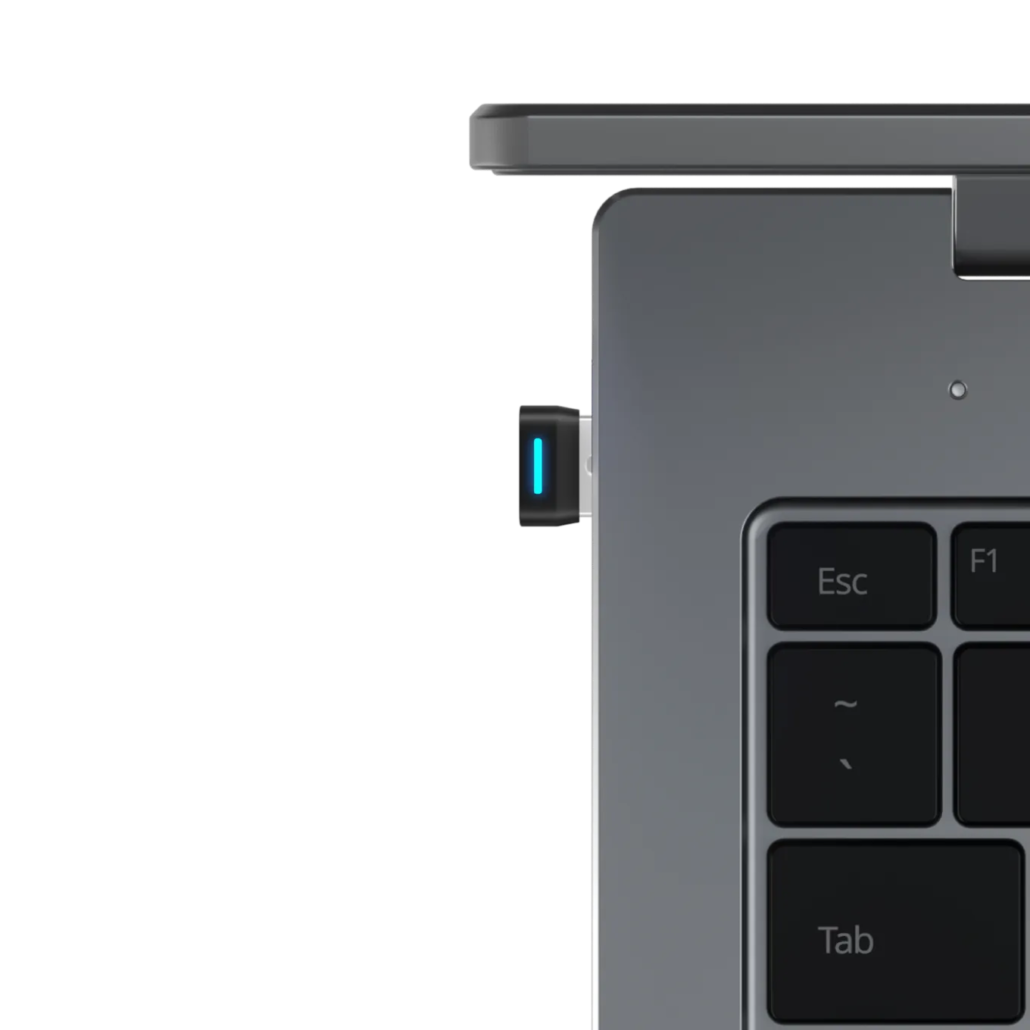
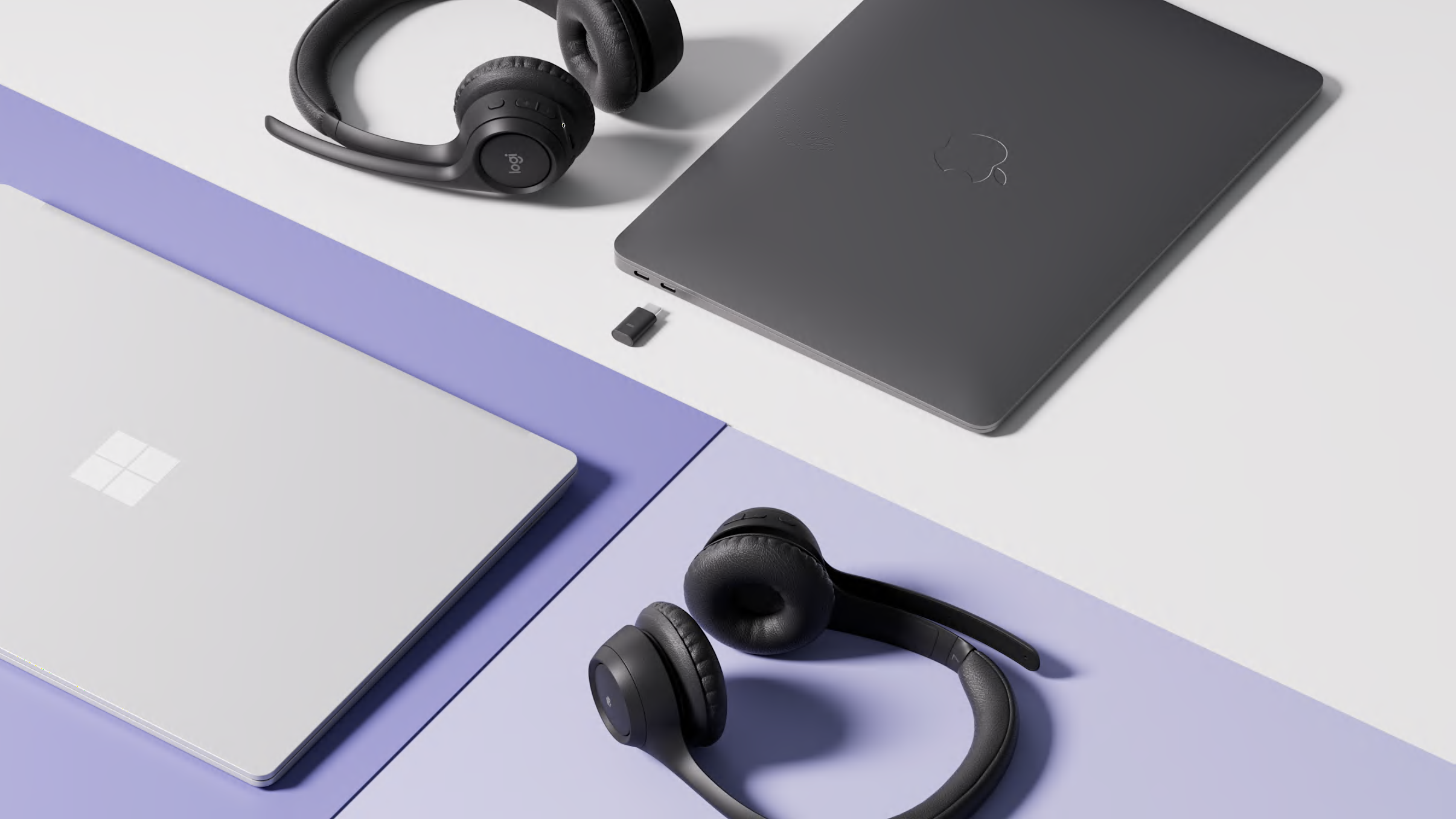
When it comes to professional-grade wireless communication, Shokz offers two dedicated USB wireless adapters: Loop 110 and Loop 120. These adapters ensure a seamless, reliable connection for your Shokz headsets, whether you’re working from home, on the go, or in the office.
In this guide, we will break down the differences, similarities, and ideal use cases for each so you can select the best adapter for your environment.
Shokz Loop 110 Overview
The Shokz Loop 110 ($49.95 MSRP) is specifically designed for the Shokz OpenComm series, including:
OpenComm
OpenComm UC
OpenComm2 UC
Pairing the Loop 110 with the OpenComm2 UC headset unlocks its full suite of advanced features. However, when paired with earlier models such as OpenComm or OpenComm UC, some of the newer features introduced with OpenComm2 UC may not be available. The Loop 110 works flawlessly with the Shokz Connect software, making firmware updates simple and efficient.
Shokz Loop 120 Overview
The Shokz Loop 120 ($39.95 MSRP) is designed for the latest generation of Shokz communication headsets:
OpenComm2 (2025 Upgrade)
OpenComm2 UC (2025 Upgrade)
OpenMeet
OpenMeet UC
It provides a stable and secure wireless connection and is fully compatible with the Shokz Connect software for firmware updates and device management. Loop 120 is ideal for users who require reliable communication for video calls, virtual meetings, and webinars.
Stable Bluetooth connection with up to 30m / 98ft wireless range
Support for 8 paired devices
Easy firmware upgrades using Shokz Connect
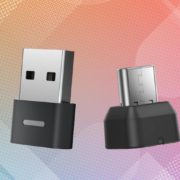
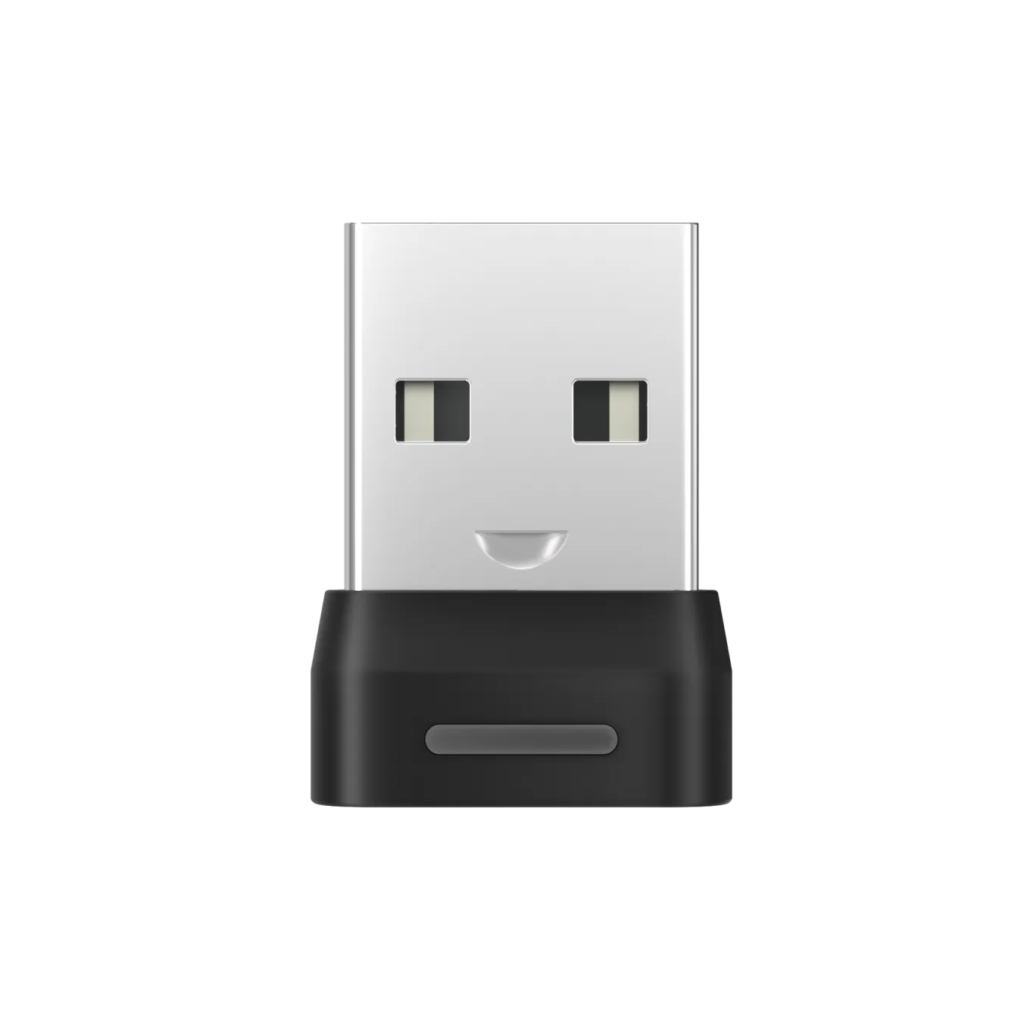
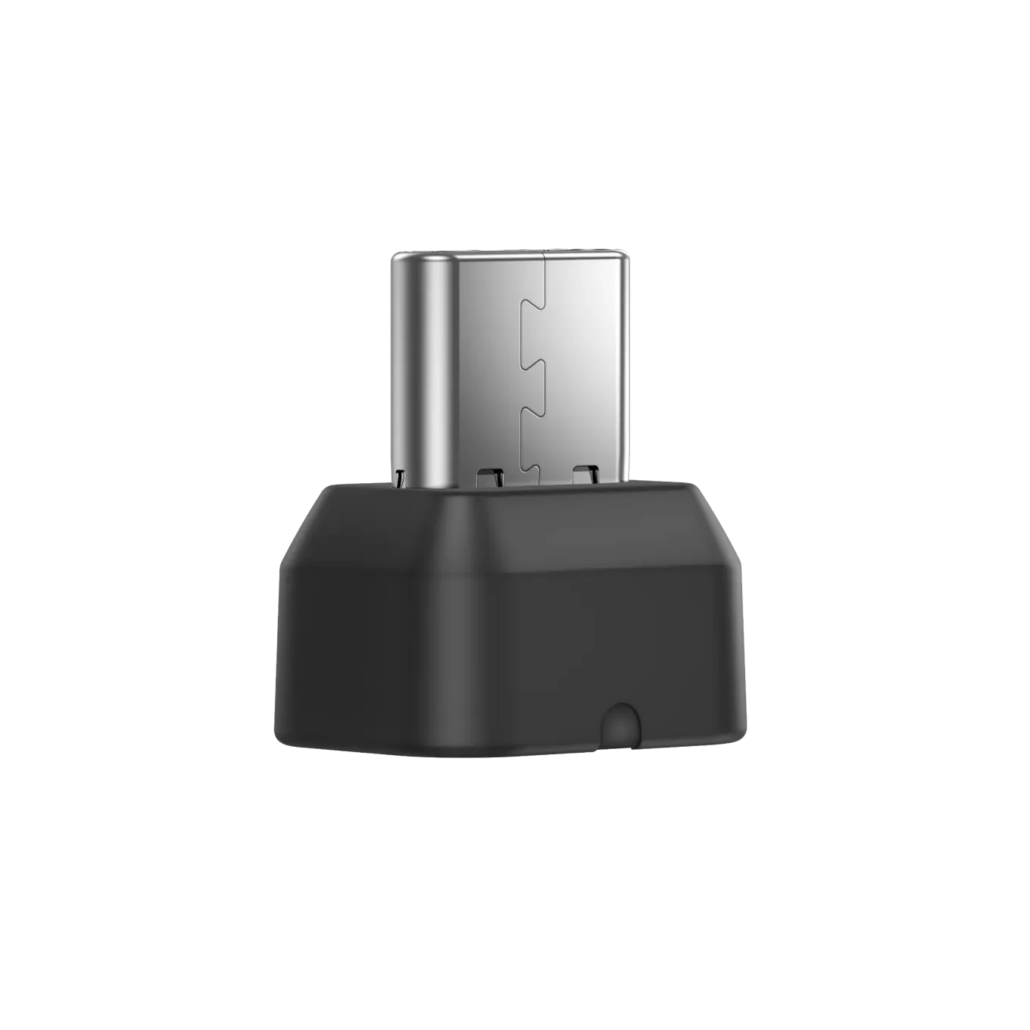
Available in both USB-A and USB-C options
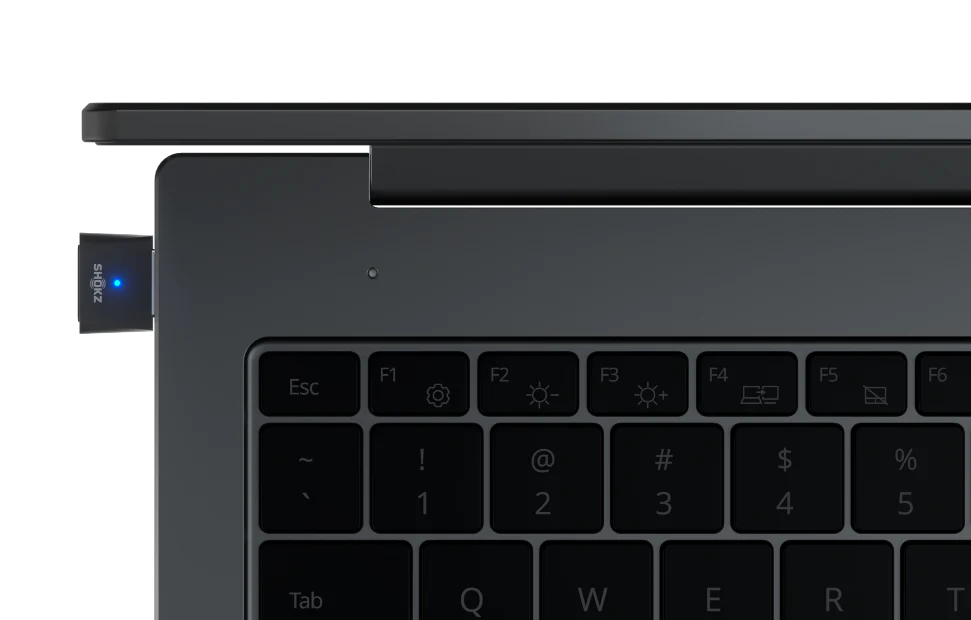
LED status indicators
Certified for Zoom and optimized for professional communication use cases
Which Adapter Should You Choose?
If You Use…
Get This Adapter
OpenComm, OpenComm UC
Loop 110
OpenComm2 UC (Original Version)
Loop 110
OpenComm2 UC (2025 Upgrade)
Loop 120
OpenComm2 (2025 Upgrade)
Loop 120
OpenMeet or OpenMeet UC
Loop 120
Pro Tip
If you pair a Loop 110 adapter with older OpenComm or OpenComm UC headsets, you’ll get solid wireless connectivity, but you won’t be able to access some of the advanced features exclusive to the newer OpenComm2 UC headset. For full functionality with OpenComm2 UC (2025 Upgrade) and OpenMeet UC, opt for the Loop 120.
Need Help Selecting the Right Adapter?
Large Enterprises: Contact Call One, Inc., which was proudly awarded Shokz B2B Reseller of the Year for 2024 for its expert guidance and support.
Small & Midsize Businesses (SMBs): Reach out to our SMB-focused team at Hello Direct for personalized assistance.
In the Cape Canaveral, FL area? Book an onsite visit to our Customer Experience Center to see and test Shokz OpenComm2 UC and OpenMeet UCbone conduction headset solutions in person. Schedule your visit here.
Large enterprises rely on professional-grade headsets in today’s fast-paced business environment to ensure seamless communication and collaboration. Selecting the right headset vendor is crucial, as enterprises require durable, high-quality solutions that integrate with their existing infrastructure while providing exceptional support and value. Below are the key factors enterprises should consider when choosing a headset vendor.
1. Quality and Durability
Enterprises prioritize headsets that are built to last. Business professionals often wear headsets for extended periods, making durability a key consideration. High-quality materials, robust construction, and reliable performance ensure longevity and reduce the need for frequent replacements.
2. Compatibility with Office Systems
Large enterprises operate in mixed technology environments with diverse phone systems, computers, and collaboration platforms like Microsoft Teams, Zoom, and Google Meet. Headsets must be universally compatible through direct USB connections, Bluetooth, DECT wireless, or proprietary connectivity solutions.
3. Call Quality and HD Voice
Crystal-clear audio is non-negotiable for enterprise communications. HD voice quality ensures both the speaker and listener can communicate effectively, reducing misunderstandings and enhancing overall call productivity. A headset with high-quality speakers and a noise-canceling microphone is essential for professional conversations.
4. Advanced Noise Cancellation
High-density office environments require headsets with superior noise cancellation. Whether it’s active noise cancellation (ANC) for the user or advanced microphone noise suppression for the caller, minimizing background distractions leads to better focus and clearer conversations.
5. Comfort for Extended Wear
Employees wear headsets for hours at a time, so comfort is a key factor. Adjustable headbands, cushioned ear cups, and lightweight designs contribute to a more comfortable experience, reducing fatigue and increasing productivity.
6. Vendor Expertise and Industry Knowledge
Enterprises prefer vendors with deep expertise in business communication solutions. Vendors specializing in headsets can provide in-depth product recommendations tailored to enterprise needs. Call One, Inc. has been a trusted advisor since 1987, helping businesses find the right audio solutions based on real-world testing and experience.
7. Customer Support and After-Sales Service
Reliable technical support is crucial for large enterprises. Vendors should provide responsive pre-sales assistance, technical troubleshooting, and post-purchase support. Call One, Inc. specializes in after-sales service, ensuring businesses receive ongoing support beyond the initial purchase.
8. Warranty and Long-Term Service Plans
A strong warranty and dependable service options are essential for long-term investment. Enterprises should evaluate warranty coverage, replacement policies, and extended service agreements to maximize their headset investment.
9. Price vs. Value
While cost is a factor, enterprises should focus on total value rather than just the lowest price. A headset vendor should offer competitive pricing while ensuring high-quality performance, longevity, and comprehensive support.
10. Advanced Features and Customization
Enterprises often require specific features such as wireless connectivity, AI-powered voice isolation, multi-device pairing, and customizable settings to meet their unique needs. Vendors offering feature-rich headsets with flexible deployment options gain a competitive advantage.
11. Vendor Longevity and Stability
Long-standing vendors with a proven track record offer reassurance to enterprises. Call One, Inc. has been a trusted headset provider since 1987, demonstrating stability, reliability, and industry leadership.
12. Integration with Procurement Platforms
Enterprises often utilize procurement platforms like SAP Ariba, Coupa, and ServiceNow for streamlined purchasing and supplier management. Vendors that integrate seamlessly with these systems help simplify procurement, ensuring efficiency and compliance with corporate purchasing guidelines.
Call One, Inc. has a dedicated e-commerce team that supports integrations with procurement platforms, manages CIF and PunchOut catalogs, anddevelops custom buy sites to align with enterprise purchasing requirements. This ensures that large organizations can easily procure headsets and other communication solutions through their preferred platforms, reducing administrative complexity and improving overall procurement efficiency.
13. Strong Partnerships with Leading Brands
A vendor’s partnerships reflect its credibility and access to top-tier solutions. Call One, Inc. has long-standing relationships with leading global brands like Jabra, HP Poly, Logitech for Business, and EPOS while also working with emerging brands like Yealink, Shokz, JLab, and JPL to offer enterprises a broad selection of solutions tailored to their needs.
Conclusion
By evaluating these key factors, large enterprises can select a headset vendor that meets their current needs and provides ongoing support, reliability, and long-term value.
As a trusted advisor for professional audio and video solutions, Call One, Inc. helps enterprises navigate the vast landscape of headset options to ensure they invest in the right technology for seamless communication and collaboration.
https://calloneinc.com/wp-content/uploads/2023/08/Call-One-ANC-blog-graphic.jpg310850Danny Hayasakahttps://calloneinc.com/wp-content/uploads/2024/11/CallOneInc_HDI2.pngDanny Hayasaka2025-03-16 15:28:282025-04-21 14:45:50Key Factors Large Enterprises Should Consider When Selecting a Headset Vendor
Business Communications & Collaboration platforms have significantly evolved, driving a crucial need for reliable and cost-effective audio solutions. USB headsets remain essential devices, enabling optimal use of applications such as Microsoft Teams, Zoom, Google Meet, and Cisco Webex. Logitech continues to offer popular options like the H570e and H650e USB headsets, each catering to different needs and budgets.
Here’s an updated comparison of Logitech H570e and H650e USB headsets to help you choose the right model:
Pricing*
Pricing remains a key differentiator:
H570e Mono (UC and Teams): $39.99 | H650e Mono: $69.99
H570e Stereo (UC and Teams): $44.99 | H650e Stereo: $74.99
The H570e is positioned as an entry-level solution ideal for budget-sensitive environments.
*Pricing is subject to change. This was the price at the time of writing this blog.
Side-by-Side Comparison Matrix
Feature
Logitech H570e Teams
Logitech H570 UC
Logitech H650e
Noise-Canceling Microphone
1 Uni- and 1 Omni-directional
Bi-directional
Bi-directional
Connections
USB-A or USB-C
USB-A
USB-A
Driver Size
1.2in (30mm)
1.2in (30mm)
1.3in (32mm)
Microsoft Teams Certified
Yes (Teams Versions)
No
No
Ear Cushions
Donut-shaped leatherette
Donut-shaped leatherette
Premium advanced leatherette
Padded Headband
Yes
Yes
Yes
Cable Length
6.23 ft (1.9 m)
6.23 ft (1.9 m)
6.8 ft (2.1 m)
In-call LED indicator
No
No
Yes (on the boom)
In-Line Controls
Answer/End, Volume up/down, Mute/Unmute, Teams button
Updated Features of Logitech H570e (Teams Version)
The Logitech H570e (Teams Version) headset is now certified for Microsoft Teams and is designed specifically for sustainability and affordability. It features dual embedded noise-canceling mics, effortless USB-A or USB-C connectivity (region-specific availability), and dedicated Teams controls. It is made with at least 45% post-consumer recycled plastic (mono) and 54% (stereo). IT teams can manage devices with Logitech Sync, while employees can personalize audio experiences via Logi Tune.
Enhanced Features of Logitech H650e
The Logitech H650e headset offers enterprise-grade audio with advanced digital signal processing (DSP), acoustic echo cancellation, and noise-canceling mics, ideal for noisy workspaces. Features include intuitive in-line controls, an on-call busy light indicator, and a durable, no-tangle flat cable. The headset is made of strong TR90 nylon for added durability and chemical resistance.
Conclusion: Which One Should You Choose?
Choose H570e if:
Budget is your primary concern
You’re equipping a large workforce quickly
You need basic, reliable UC performance with Teams certification and sustainable design
Choose H650e if:
You value enhanced audio clarity and microphone performance
Your environment benefits from visual call indicators (e.g., call centers or open offices)
Premium comfort, durability, and design matter for prolonged usage
Contact an Authorized Logitech Reseller
For assistance choosing the right Logitech headset for your organization, contact an authorized Logitech for Business resellers such as Call One, Inc. or Hello Direct. As headset subject matter experts since 1987, we have worked closely with Logitech to support large enterprises in mass deployments and assist SMBs needing expert guidance and personal support.
To experience Logitech for Business audio and video collaboration solutions firsthand, book an in-person or virtual demo in our Logitech Experience Room at our Customer Experience Center in Cape Canaveral, FL.
Selecting the right USB headset supports successful collaboration platform adoption and employee productivity, so consider your organization’s specific needs and usage environments carefully. Logitech H570e and H650e provide trusted reliability yet cater distinctly to different professional requirements.
Choosing the right wireless business headset can be overwhelming, especially with so many professional-grade options available. A YouTube viewer recently asked whether they should go with the Yealink BH76 Plus or Jabra Evolve2 65 Flex—two premium headsets designed for hybrid work and professional use.
At first, I wouldn’t have thought to compare these two headsets, but after testing them side by side, I found some key similarities and differences that may help you decide which one best suits your needs.
Let’s break them down!
Side-by-Side Comparison Chart
Feature
Yealink BH76 Plus
Jabra Evolve2 65 Flex
MSRP
$319
$329 ($389 includes Wireless Charger)
Connectivity
Bluetooth 5.2 + USB Dongle (BT51)
Bluetooth 5.2 + USB Dongle (Link 380 or 390)
Microsoft Teams & UC Certification
✅ Yes
✅ Yes
Active Noise Cancellation (ANC)
ANC On, ANC Off, Ambient Sound
Hybrid ANC On, ANC Off, HearThrough
Battery Life (Talk Time)
Up to 35 hours (ANC off)
Up to 20 hours (ANC off), 16 hours (ANC on)
Wireless Range
Up to 45m (150 ft)
Up to 30m (100 ft)
Speaker Size
35mm
28mm
Microphone Technology
Yealink Acoustic Shield
Jabra ClearVoice
Hideaway Mic
Retractable hidden microphone arm (Mutes when retracted)
Flip up hideaway microphone arm (Flip up to mute)
Comfort Features
Memory foam ear cushions
Jabra Air Comfort Technology
Portability
Standard headset design, replaceable ear cushions
Fold-and-go design for compact travel
Weight
285g (10oz)
136g (4.8oz)
Busylight Indicator
✅ Yes
✅ Yes
Device Management
Yealink USB Connect (PC), Yealink Connect (Mobile)
Jabra Direct (PC), Jabra Sound+ (Mobile), Jabra Xpress (Enterprise)
1. Connectivity & Compatibility
Both headsets support Bluetooth and include a USB dongle for a seamless connection to computers.
Yealink BH76 Plus: Comes with the BT51 dongle (available in USB-A or USB-C).
Jabra Evolve2 65 Flex: Comes with the Link 390 dongle (available in USB-A or USB-C).
Both models offer UC and Microsoft Teams Certified variants for enterprise-grade communication.
2. Active Noise Cancellation (ANC) Performance
ANC technology is a key feature of both headsets:
Jabra Evolve2 65 Flex: Provides Hybrid ANC On, ANC Off, and HearThrough mode for situational awareness.
Yealink BH76 Plus: Offers ANC On, ANC Off, and Ambient Sound mode to adjust external noise levels.
Note: Wireless range may vary based on office layout, walls, and interference from other wireless devices. In my home office, I get roughly 30-60 feet of wireless range.
4. Comfort & Design
Jabra Evolve2 65 Flex features a fold-and-go design, making it ultra-portable for hybrid workers who frequently travel. It also incorporates Jabra Air Comfort Technology for an enhanced wearing experience. I share what Jabra Air Comfort Technology is in this blog, Jabra Evolve2 65 vs. Evolve2 65 Flex: Which is Right for You?
Yealink BH76 Plus includes a set of Over-Ear and On-Ear replacement ear cushions with memory foam padding, allowing users to switch between on-ear and over-ear according to their needs freely. The built-in firmware automatically recognizes the type of ear cups to adjust audio parameters, ensuring you get the best experience in any situation. Ergonomic design and premium materials support you comfortably wearing headphones all day.
Which is better?
If portability is a top priority, the Jabra Evolve2 65 Flex is the clear winner. If you prefer replaceable ear cushions and memory foam padding, the Yealink BH76 Plus is worth considering.
5. Speaker & Microphone Performance
Yealink BH76 Plus features 35mm speakers and Yealink Acoustic Shield technology for voice clarity and background noise reduction. It has a retractable hidden microphone boom arm that mutes the microphone when retracted.
Jabra Evolve2 65 Flex has 28mm speakers with Jabra ClearVoice microphone technology to enhance speech intelligibility. Its hideaway microphone boom arm also mutes the microphone when flipped up.
Both headsets use noise-canceling microphone technology, but performance may vary based on your specific work environment.
6. Real-World Mic Tests: Open Office & Extreme Noise
I conducted two microphone performance tests:
Open Office Test: I test the microphones from our open office environment with multiple conversations happening simultaneously. I tested with only the noise-canceling capabilities of the microphones themselves, and during a Microsoft Teams meeting, Voice Isolation was turned on to provide additional AI noise suppression.
Extreme Noise Test: I tested both microphones against a revving motorcycle engine to push them to the limit.
🎥 Want to see the results? Watch the full comparison video here:
When purchasing Yealink or Jabra headsets, it’s crucial to go through an Authorized Reseller to ensure:
Genuine Products – Avoid counterfeit or unauthorized versions.
Warranty Support – Get manufacturer-backed service and replacement options.
Expert Guidance – Work with knowledgeable professionals who can help you choose the right device for your ne
Who Should You Buy From?
Call One, Inc. specializes in serving large enterprises, providing customized audio and video collaboration solutions, procurement integration, and dedicated support.
Hello Direct focuses on small and medium-sized businesses (SMBs), offering curated product recommendations, trusted advisory services, and a seamless buying experience.
https://calloneinc.com/wp-content/uploads/2025/02/Yealink-BH75-vs-Jabra-Evolve2-65-flex.jpg5001280Danny Hayasakahttps://calloneinc.com/wp-content/uploads/2024/11/CallOneInc_HDI2.pngDanny Hayasaka2025-02-27 19:06:162025-02-27 19:06:19Yealink BH76 Plus vs. Jabra Evolve2 65 Flex: Which Wireless Business Headset is Right for You?
As hybrid work continues to evolve, professionals need reliable, high-quality audio solutions that seamlessly integrate with Microsoft Teams. One emerging category is Native Bluetooth personal peripherals, which allow headsets and speakerphones to connect directly to a device’s integrated Bluetooth without requiring a USB dongle.
This blog explores Native Bluetooth-certified devices for Microsoft Teams, focusing on two key solutions from Logitech: the Zone Wireless 2 and Zone 305 headsets. We’ll discuss their features and benefits and why businesses should consider these peripherals for seamless collaboration.
What Are Native Bluetooth Personal Peripherals?
Native Bluetooth personal peripherals are audio devices, such as headsets and speakerphones, that pair directly with a PC or mobile device’s built-in Bluetooth without requiring an adapter. This eliminates the need for a dongle, making it a practical solution for users with limited USB ports or those frequently switching work locations.
Microsoft Teams’ certification program ensures that these devices provide:
High-quality audio
Seamless call control integration
Plug-and-play functionality
Mute status sync between the headset and Teams desktop client
Why Choose Native Bluetooth for Microsoft Teams?
Many professionals and organizations have requested Native Bluetooth-certified headsets due to the increasing need for flexibility in mobile and hybrid work environments. Some key advantages include:
No Dongle Dependency: Reduces the risk of losing a USB adapter while providing a clutter-free setup.
Seamless Integration with Teams: Ensures call control, mute sync, and Teams button functionality for an optimized collaboration experience.
Enhanced Portability: Ideal for professionals who frequently switch between office and remote work setups.
Microsoft-Certified Performance: Ensures a reliable user experience tailored for Teams calls and meetings.
Logitech Zone Wireless 2 & Zone 305 – Certified for Microsoft Teams
Logitech has been a pioneer in professional-grade audio solutions for business collaboration. Their Zone Wireless 2 and Zone 305 headsets are among the few Microsoft Teams-certified Native Bluetooth headsets on the market.
Logitech Zone Wireless 2
Key Features:
Certified for Microsoft Teams
Native Bluetooth connectivity (no dongle required) Adaptive hybrid ANC for noise reduction in any environment
AI-enhanced noise suppression microphone for clear voice transmission
Teams button integration for quick meeting join and call control
Multipoint Bluetooth connectivity to switch between devices easily
Up to 15 hours of talk time on a single charge
The Zone Wireless 2 is an excellent choice for professionals requiring premium noise cancellation, crystal-clear microphone performance, and a seamless Teams experience without additional adapters.
Logitech Zone 305
Key Features:
Certified for Microsoft Teams Native Bluetooth connectivity
Lightweight design for all-day comfort
Noise-canceling microphone for clearer calls
Up to 16 hours of talk time
Eco-friendly construction using 55% post-consumer recycled plastic
The Zone 305 is a cost-effective solution for businesses seeking an entry-level Teams-certified headset with Native Bluetooth connectivity. Its lightweight, sustainable design makes it an ideal choice for professionals who need reliable performance at an affordable price.
Microsoft Teams Compatibility & Setup
To ensure a smooth Teams experience, Microsoft recommends using Windows 11 with the latest Intel Smart Sound Technology (Intel SST) drivers and Intel Bluetooth updates.
Pairing Your Native Bluetooth Headset to a Windows PC:
Enable pairing mode on your Logitech headset following the manufacturer’s instructions.
On your Windows 11 PC, go to Settings > Bluetooth & devices > Add device.
Select your Logitech headset from the list and complete the pairing process.
Once connected, open Microsoft Teams > Settings > Devices and select your headset as the preferred audio input/output device.
Note: For the best experience, ensure your Windows PC has the latest Teams app version (24335.208.3315.1951 or newer).
Key Considerations for Native Bluetooth Peripherals
While Native Bluetooth peripherals provide a dongle-free experience, there are some known limitations:
The Teams button may not work consistently if multiple Bluetooth peripherals are connected to the same PC.
Logging into multiple Teams tenants can impact call control functionality.
Bluetooth signal quality depends on the PC’s integrated radio, which may vary across different laptop models.
For users experiencing Bluetooth interference or inconsistent performance, Logitech offers USB dongles as an alternative for a more stable connection.
Why Buy from Call One, Inc. & Hello Direct?
As an Authorized Logitech Reseller, Call One, Inc. and Hello Direct provide expert support in selecting the best Microsoft Teams-certified peripherals for individual users and enterprise deployments.
Call One, Inc. streamlines tech deployments for large enterprises, handling mass deployments and integrating with your procurement platforms. Experience the technology in our demo rooms (in-person or virtual): Experience Rooms.
For Individuals & Small Businesses
Hello Direct
1-800-435-5634
xpressit@hellodirect.com
Hello Direct specializes in helping individuals and small businesses find the perfect communication solutions.
Conclusion
Introducing Microsoft Teams-certified Native Bluetooth personal peripherals provides professionals with a dongle-free, portable, and seamless collaboration experience.
Logitech’s Zone Wireless 2 and Zone 305 headsets stand out as two of the best options, offering superior audio quality, call control integration, and Teams certification. Whether you’re an enterprise IT manager or an individual user, choosing a Native Bluetooth headset ensures a smooth and efficient Microsoft Teams experience.
Looking for the best Teams-certified audio solution? Contact Call One, Inc. or Hello Direct today to get expert recommendations on Microsoft Teams-certified peripherals.
https://calloneinc.com/wp-content/uploads/2025/02/MS-Teams-for-Logitech-header.jpg5001280Danny Hayasakahttps://calloneinc.com/wp-content/uploads/2024/11/CallOneInc_HDI2.pngDanny Hayasaka2025-02-02 21:56:582025-02-02 21:57:02Exploring Native Bluetooth Personal Peripherals for Microsoft Teams: Logitech Zone Wireless 2 & Zone 305
You Spoke, Jabra Listened: Speak2 75 Linking is Now Available!
Two Jabra Speak2 75 speakerphones are better than one! With the latest firmware update (version 2.46.0), users can now wirelessly link two Speak2 75 devices to achieve enhanced audio coverage and ensure every voice in the room is heard clearly. This feature is designed to provide an ideal setup for hybrid and in-room meetings, bringing remote and on-site attendees together for a seamless experience.
Update today and experience the power of dual Speak2 75 – because two are better than one in the world of meeting audio.
Benefits of Linking Two Speak2 75 Devices
Expanded Audio Coverage: Ideal for larger rooms, ensuring every participant is heard.
Seamless Integration: Provides a consistent and immersive audio experience.
Simple and Quick Setup: Linking the devices takes just a few easy steps.
User-friendly Controls: Use the controls on either speakerphone to mute, accept, or end calls.
Hybrid Meeting Optimization: Perfect for teams spread across different locations.
How to Link Two Jabra Speak2 75 Speakerphones
Follow this step-by-step guide to link your Jabra Speak2 75 speakerphones seamlessly:
Prerequisites
Firmware Version: Ensure both Speak2 75 devices are updated to firmware version 2.46.0.
Proximity: Position both speakerphones within 50 cm (20 inches) of each other.
Step-by-Step Guide
Turn on both speakerphones: Ensure both devices are powered on.
Place the speakerphones close together: Position them within 50 cm (20 inches) of each other.
Wait for the blinking light: The smart button on both speakerphones will start blinking yellow.
Press the smart button:
Press the smart button on one of the speakerphones first.
Press the smart button on the second speakerphone to complete the link.
Linking complete:
The speakerphones will flash their LED rings, and the smart button will show a yellow light.
A voice prompt will confirm successful linking.
Test the connection: Play audio or make a call to confirm both devices are working together.Permanent linking:
The devices will automatically relink when powered on again within the connection range.
Unlinking (if needed):
Press and hold the smart button on either speakerphone for 8 seconds to disconnect the link.
Watch this how-to video!
Positioning Guidelines for Optimal Audio Coverage
Small Meetings (up to 6 people): Place a single Speak2 75 in the center of the table, within 2.5m (8.2ft) from participants.
Large Meetings (up to 16 people): Position two linked Speak2 75 speakerphones at either end of the table to maximize audio coverage.
Important Notes
Compatibility: You can only link a Jabra Speak2 75 with another Speak2 75. Linking with other models, such as Speak2 55, is not supported.
Device Controls: Linked speakerphones allow you to control calls from either unit, offering flexibility and ease of use.
Bluetooth Considerations: If two Bluetooth devices are connected, the last connected Bluetooth device will be replaced by the temporary link.
Why Work with an Authorized Jabra Reseller?
For businesses looking to enhance their communication and collaboration experience, partnering with an Authorized Jabra Reseller like Call One, Inc. and Hello Direct ensures:
Expert advice and guidance tailored to your unique needs.
Assistance with product selection, configuration, and deployment.
Access to exclusive offers, support, and training.
While linking two Speak2 75 devices is an excellent solution for medium-sized meeting rooms, businesses seeking a higher-quality audio and video collaboration solution should contact our AV Team for customized recommendations.
Call One, Inc. streamlines tech deployments for large enterprises, handling mass deployments and integrating with your procurement platforms. Experience the technology in our demo rooms (in-person or virtual): Experience Rooms.
For Individuals & Small Businesses
Hello Direct
1-800-435-5634
xpressit@hellodirect.com
Hello Direct specializes in helping individuals and small businesses find the perfect communication solutions.
Please get in touch with the Jabra support team for assistance with your Jabra Speak2 75 speakerphones.
https://calloneinc.com/wp-content/uploads/2025/02/Jabra-Speak2-75-link-blog-header.jpg5001280Danny Hayasakahttps://calloneinc.com/wp-content/uploads/2024/11/CallOneInc_HDI2.pngDanny Hayasaka2025-02-01 13:19:532025-02-01 13:40:54How to Link Two Jabra Speak2 75 Speakerphones
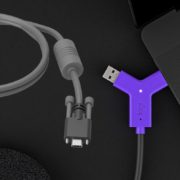
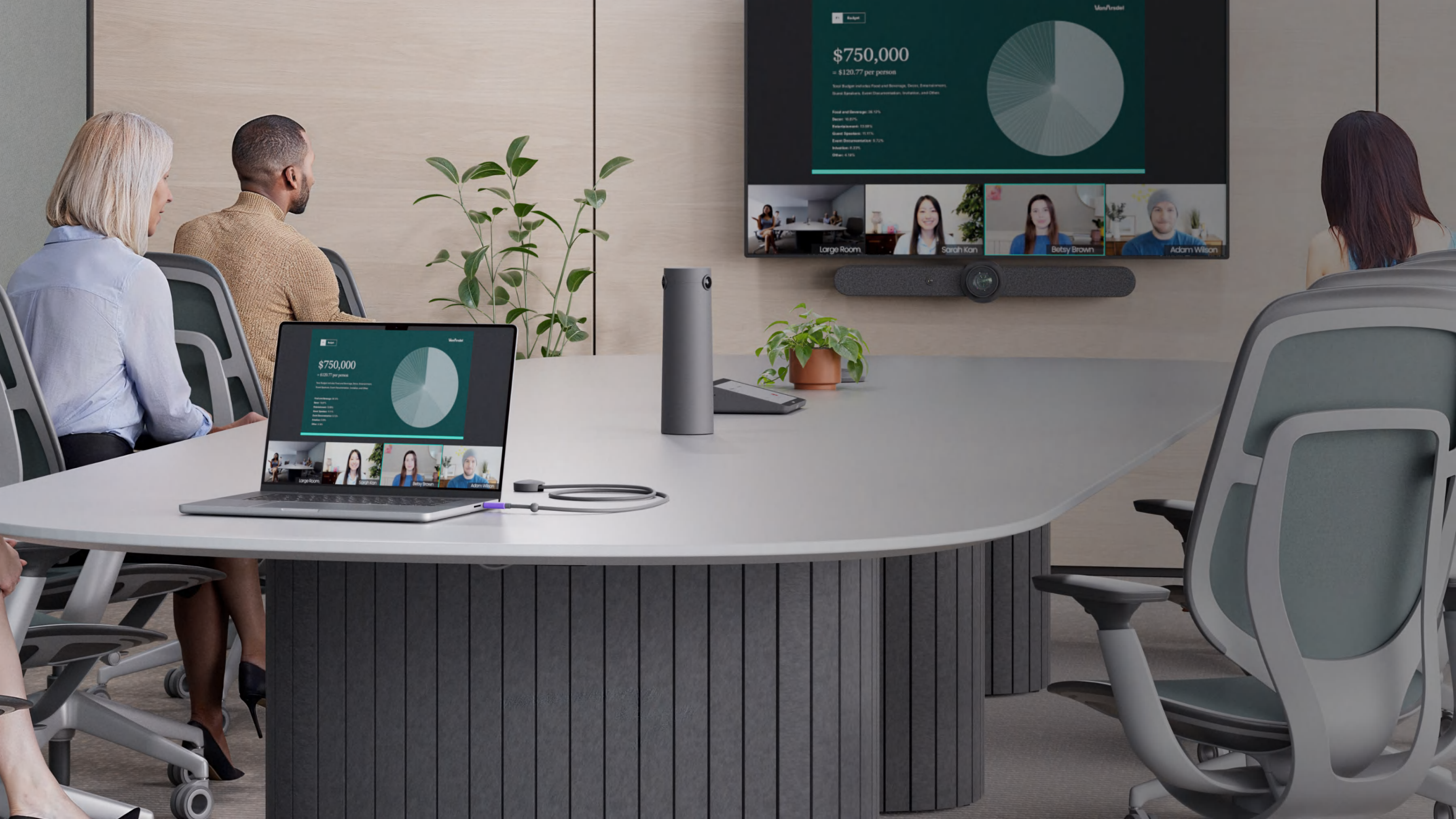
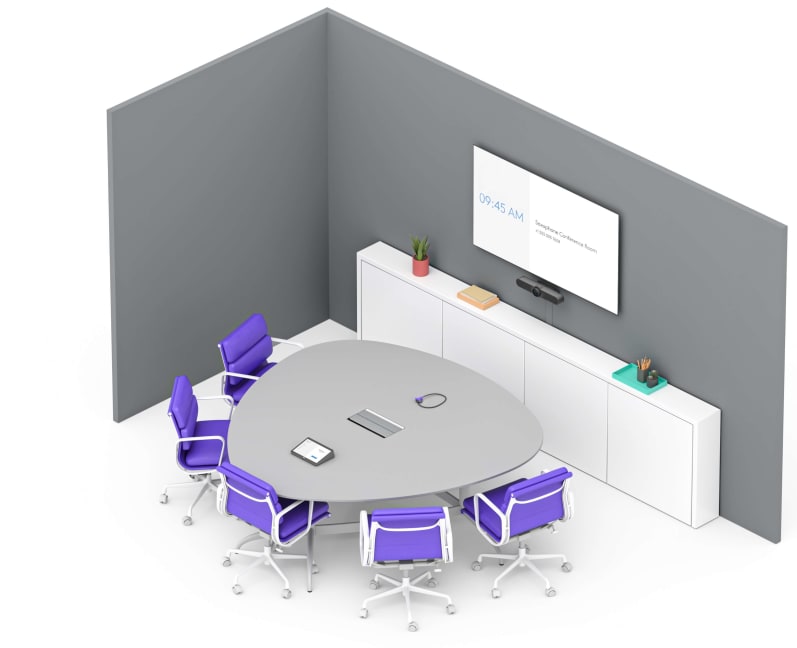
Organizations are increasingly adopting Bring Your Own Device (BYOD) or Bring Your Own Meeting (BYOM) solutions to accommodate hybrid work needs and ensure flexibility in meeting spaces. Logitech offers three innovative solutions—Logitech Extend, Logitech Swytch, and the Logitech Active USB Cable—to streamline BYOD experiences in rooms of all sizes. Here’s a detailed look at their key features, primary use cases, and how they enable seamless integration with dedicated Microsoft Teams Rooms and Zoom Rooms.
Logitech Extend
Primary Use Case: Logitech Extend is designed to convert dedicated Microsoft Teams Rooms or Zoom Rooms on Android into BYOD spaces, allowing users to bypass the pre-configured video provider and use their preferred platform.
How It Works: With a single USB-C cable, users can connect their laptops or mobile devices to Logitech conference cameras, such as the Rally Bar family or MeetUp, and instantly launch meetings using their preferred video platform.
Two Use Cases, One Solution:BYOD Passthrough: Works seamlessly in Android-based rooms, enabling users to bypass pre-configured platforms like Microsoft Teams, Zoom, or Google Meet. BYOD Extension: Offers plug-and-play simplicity in BYOD rooms with Logitech conference cameras in BYOD mode.
Logitech Extend provides a scalable solution with extended cable reach (up to 328 ft using Cat6a cables) and optional power delivery of up to 100W for connected devices. This makes it ideal for larger meeting rooms where flexibility is key.
Logitech Swytch
Primary Use Case: Logitech Swytch is optimized for converting PC-based dedicated Microsoft Teams Rooms, Zoom Rooms, or Google Meet setups into BYOD spaces.
How It Works: Logitech Swytch links a user’s laptop to the room’s AV equipment using a single USB-A or USB-C connection. This allows users to run meetings from their laptops while leveraging the room’s display, camera, and audio.
Key Features: Compatible with various platforms, including Windows, macOS, and ChromeOS. Includes DisplayLink technology for high-quality video (up to 4K/60fps) and smooth device connectivity.
Logitech Swytch simplifies meeting room flexibility, enabling organizations to accommodate different conferencing software without compromising on quality.
Logitech Active USB Cable
Primary Use Case: A cost-effective solution for enabling BYOD functionality in small meeting rooms with the Logitech MeetUp 2.
How It Works: The Active USB Cable supports DisplayPort Alt Mode, allowing users to connect their laptop to the MeetUp 2 via a single USB-C cable—no additional HDMI adapters are required.
Key Features: 5-meter cable length for flexibility in small spaces. USB 3.1 Gen 2 for fast data transfer.
While designed for smaller spaces, the Logitech Active USB Cable offers the same ease of use as its counterparts, ensuring seamless BYOD setup in compact environments.
1-year and 3-year Extended Warranty available for purchase
2-Year Limited Hardware Warranty
2-Year Limited Hardware Warranty
Why Partner with Experts Like Call One, Inc. and Hello Direct?
Selecting the right BYOD or video conferencing solution is just one part of creating productive meeting environments. Call One, Inc. and Hello Direct specialize in helping small and large organizations build optimal setups for Microsoft Teams Rooms, Zoom Rooms, and BYOD spaces.
Dedicated AV Team: Our professional AV team uses proprietary design tools to ensure an exceptional end-user experience. We focus on delivering great audio and video so meetings are productive and free of technical distractions.
Platform Expertise: Microsoft and Zoom have made it easier to schedule, start, and join meetings across multiple platforms. BYOD allows users to leverage familiar laptops to join meetings on any leading platform. We help tailor solutions to integrate with these advancements seamlessly.
Room Size Flexibility: Whether a small huddle room or a large boardroom, our team ensures that every space is equipped with the right solution to meet your specific needs.
Which Solution is Best for You?
Choose Logitech Extend: Ideal for larger rooms with Android-based setups requiring extended cable reach.
Choose Logitech Swytch: Perfect for PC-based rooms needing DisplayLink support and high-quality video.
Choose Active USB Cable: Affordable and efficient for huddle spaces with Logitech MeetUp 2.
Partnering with subject matter experts like Call One, Inc. and Hello Direct can transform your meeting rooms into highly efficient collaboration spaces. Contact us today to explore tailored solutions for your organization!
https://calloneinc.com/wp-content/uploads/2025/01/Logitech-swytch-extend.jpg403850Danny Hayasakahttps://calloneinc.com/wp-content/uploads/2024/11/CallOneInc_HDI2.pngDanny Hayasaka2025-01-05 23:42:232025-01-05 23:42:24Comparing Logitech Extend, Swytch, and Active USB Cable
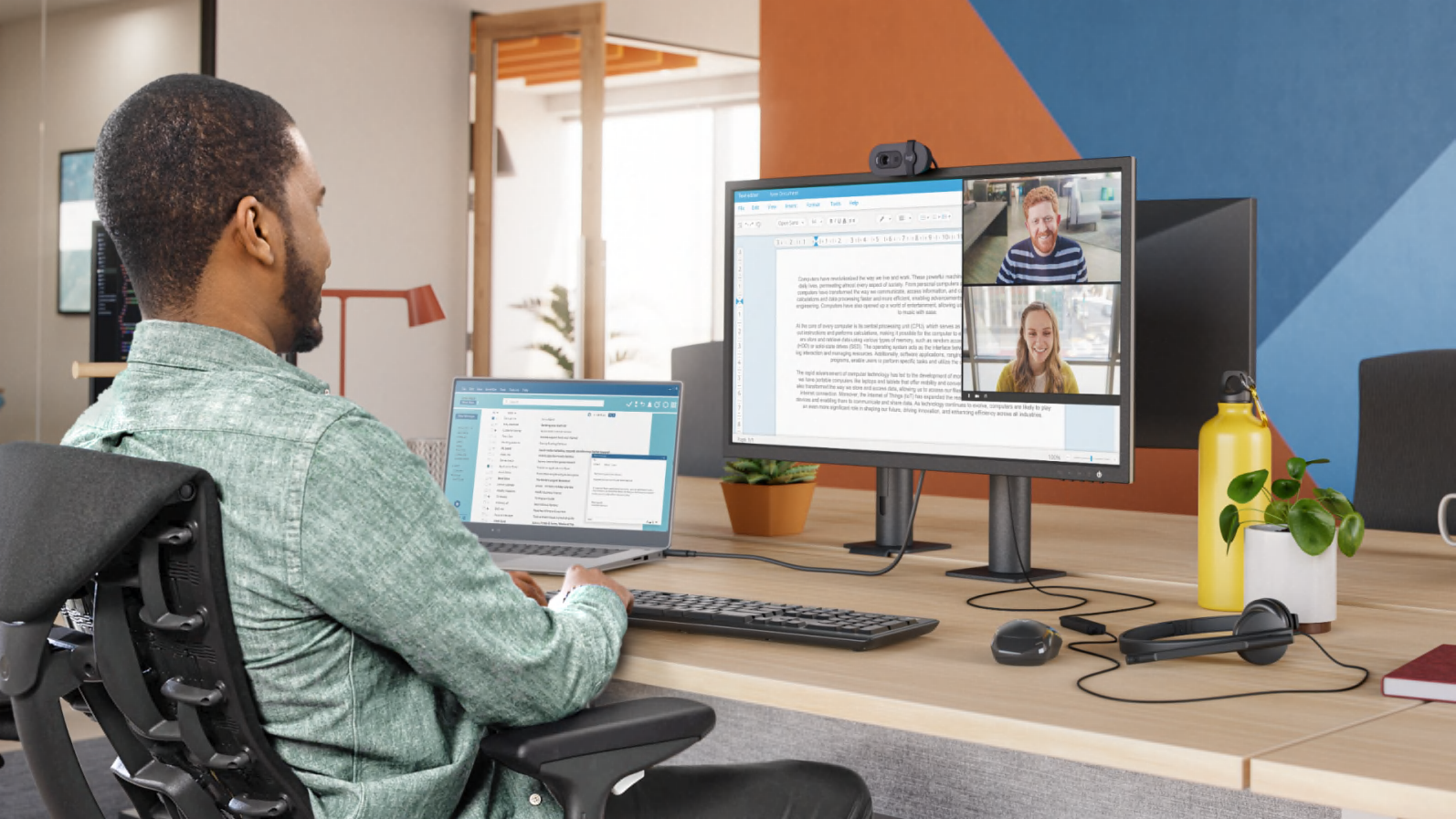
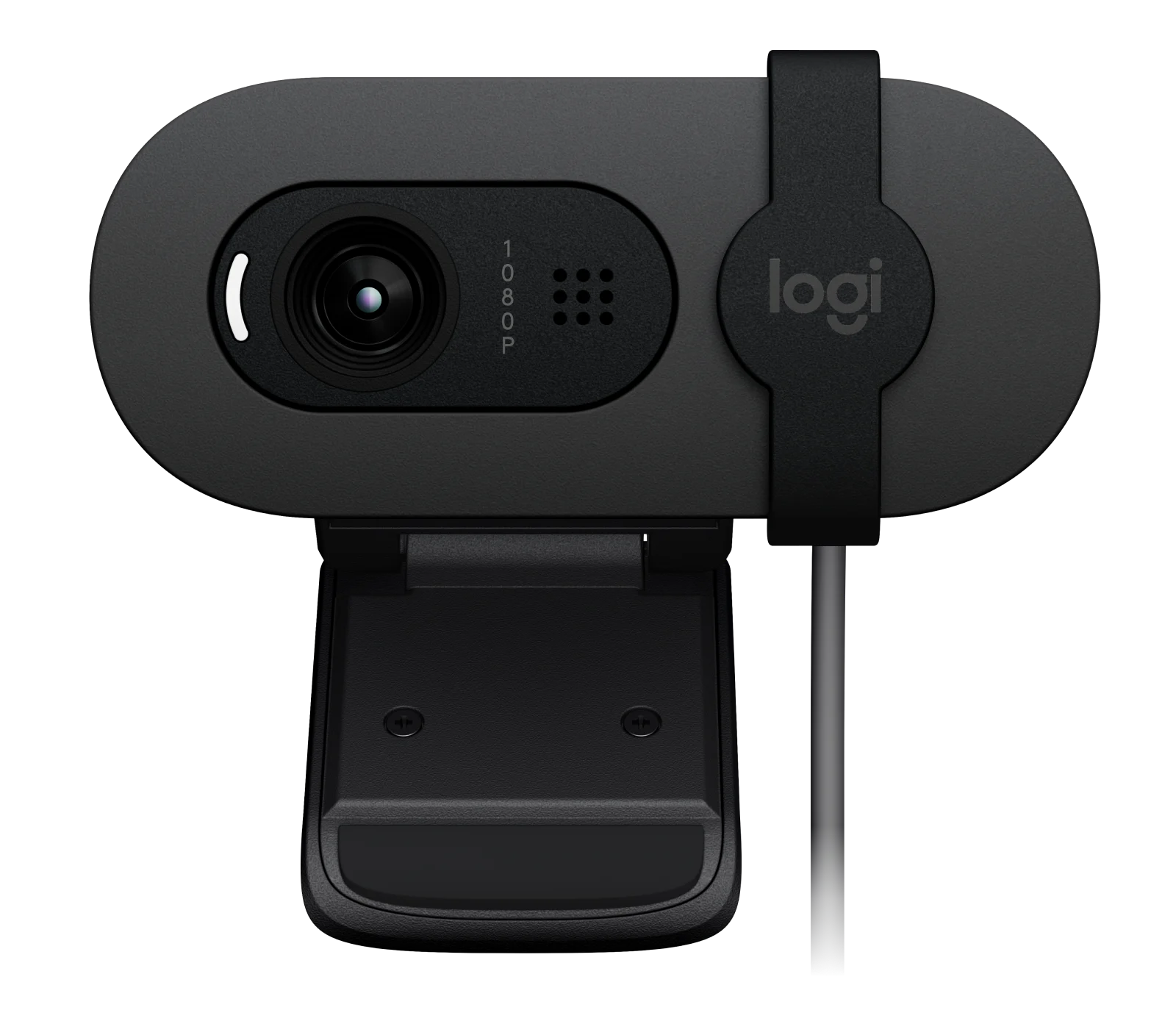
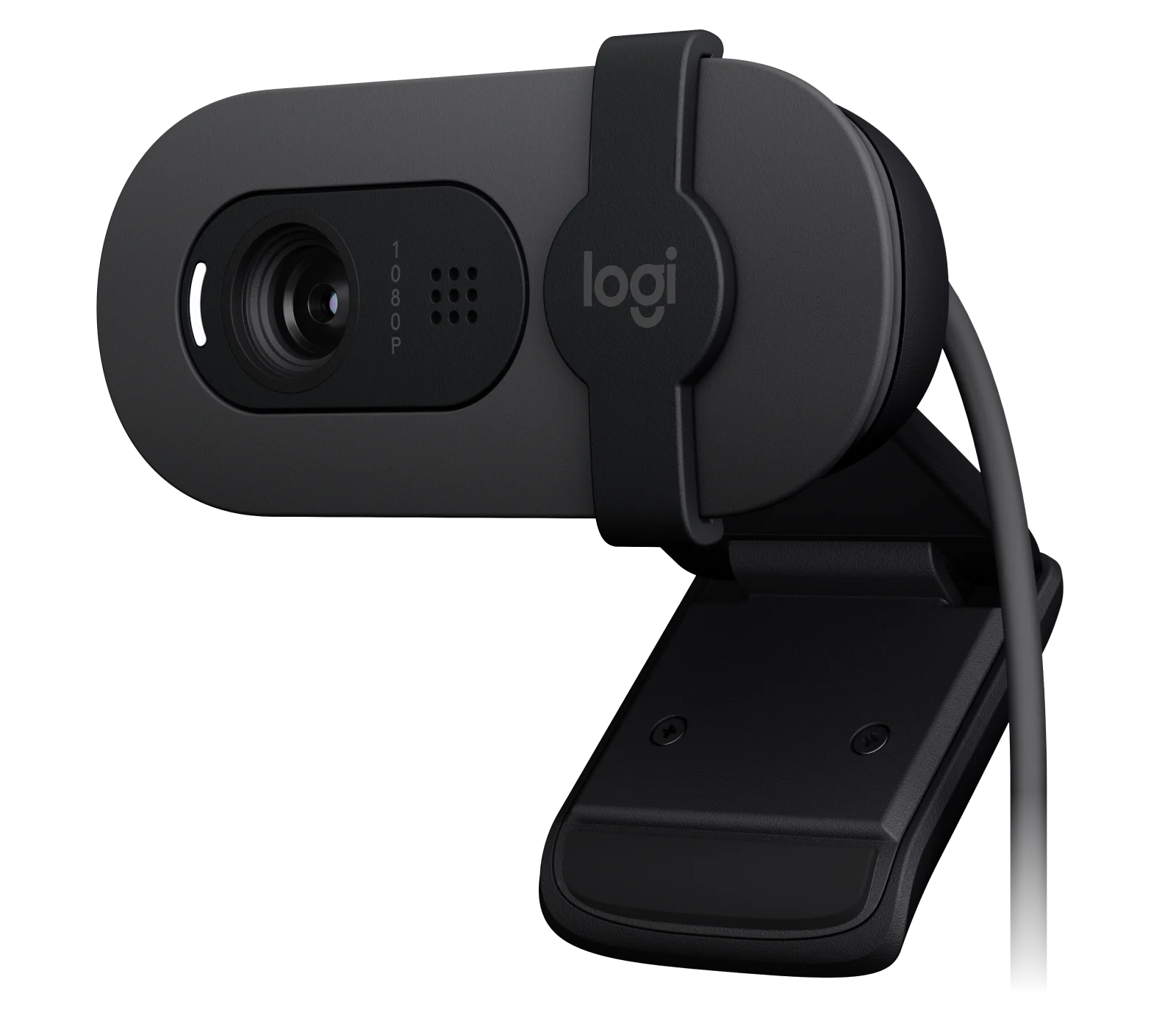
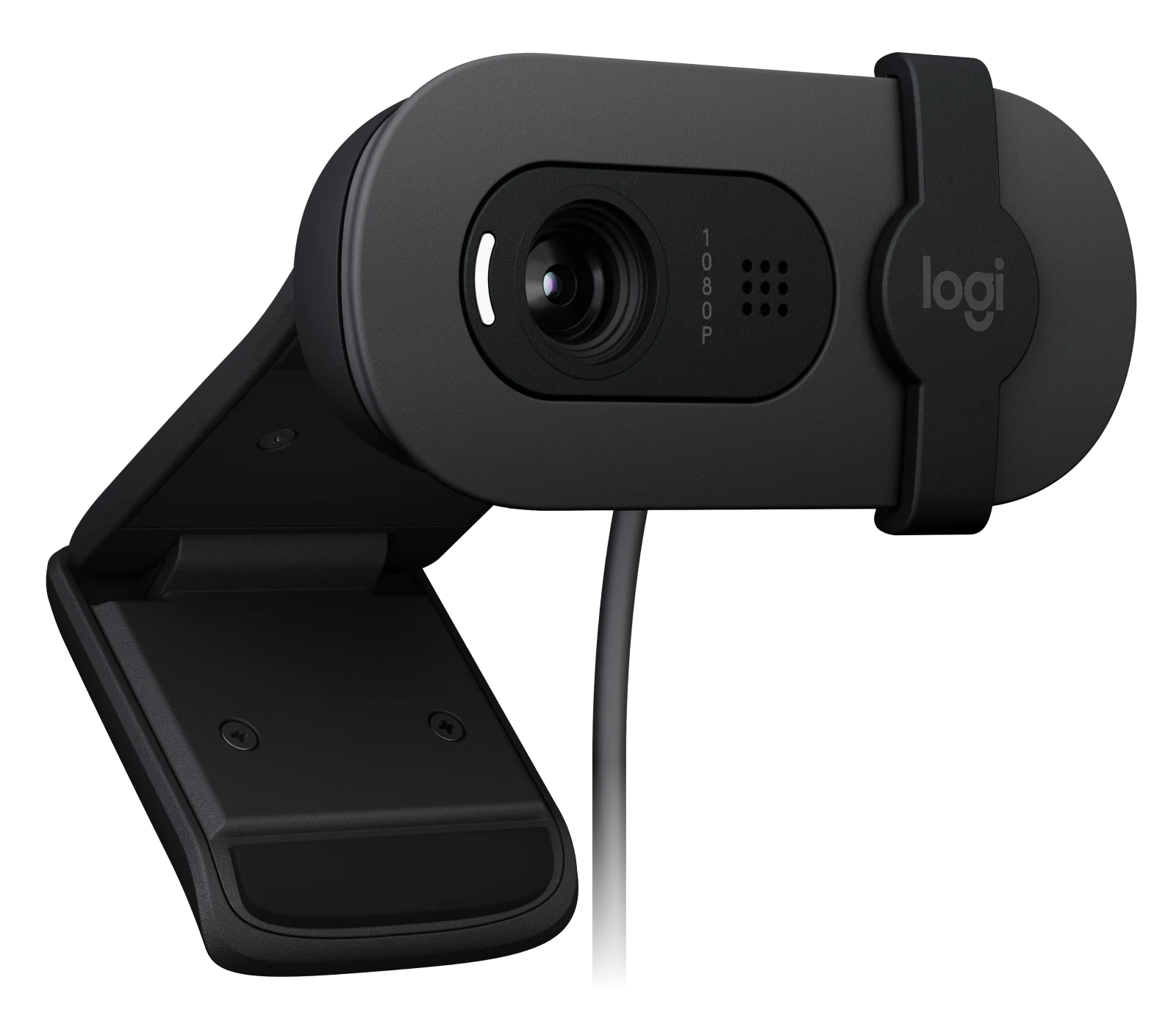
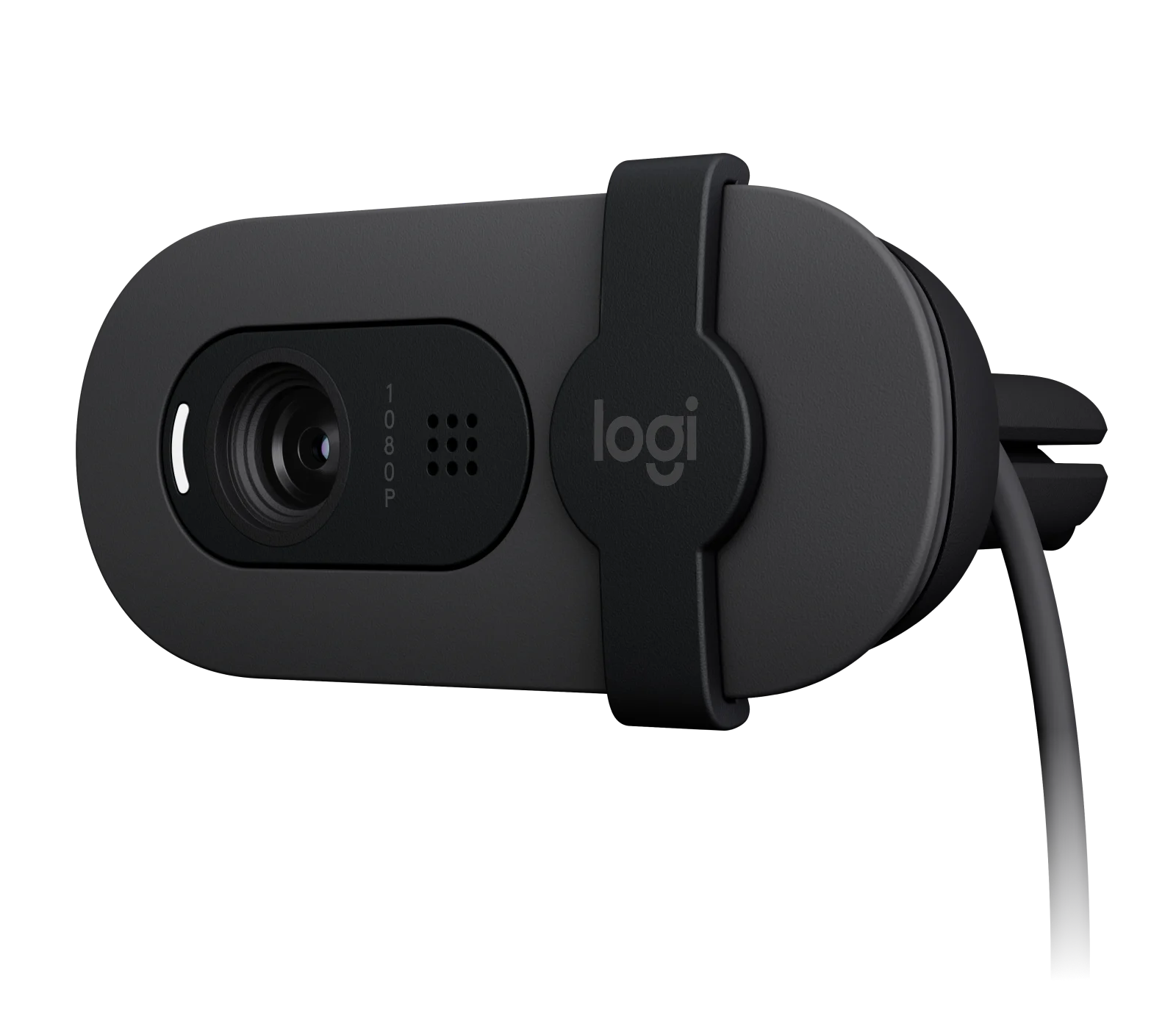
In today’s hybrid work environment, having the right webcam is essential for clear communication and professional video quality. Logitech, a leader in webcam technology, offers two excellent options for users seeking high-quality, budget-friendly webcams: the Logitech Brio 100 and Brio 105. While these webcams share many similarities, they cater to different needs and audiences. Below, we compare their features to help you make an informed decision.
This blog was inspired by a question from one of our YouTube viewers, who asked about the differences between the Brio 100 and Brio 105. It’s a great question, as it can be confusing for those who are not aware of the distinction between Logitech’s consumer products and their Logitech for Business solutions.
Resolution and Video Performance
Both the Brio 100 and Brio 105 support Full HD 1080p at 30fps and HD 720p at 30fps, ensuring clear and smooth video for virtual meetings and content creation. They also feature a diagonal field of view of 58°, making them ideal for one-on-one calls or focused presentations. Neither webcam supports digital zoom or autofocus, maintaining simplicity for users who don’t require advanced customization.
Light Correction
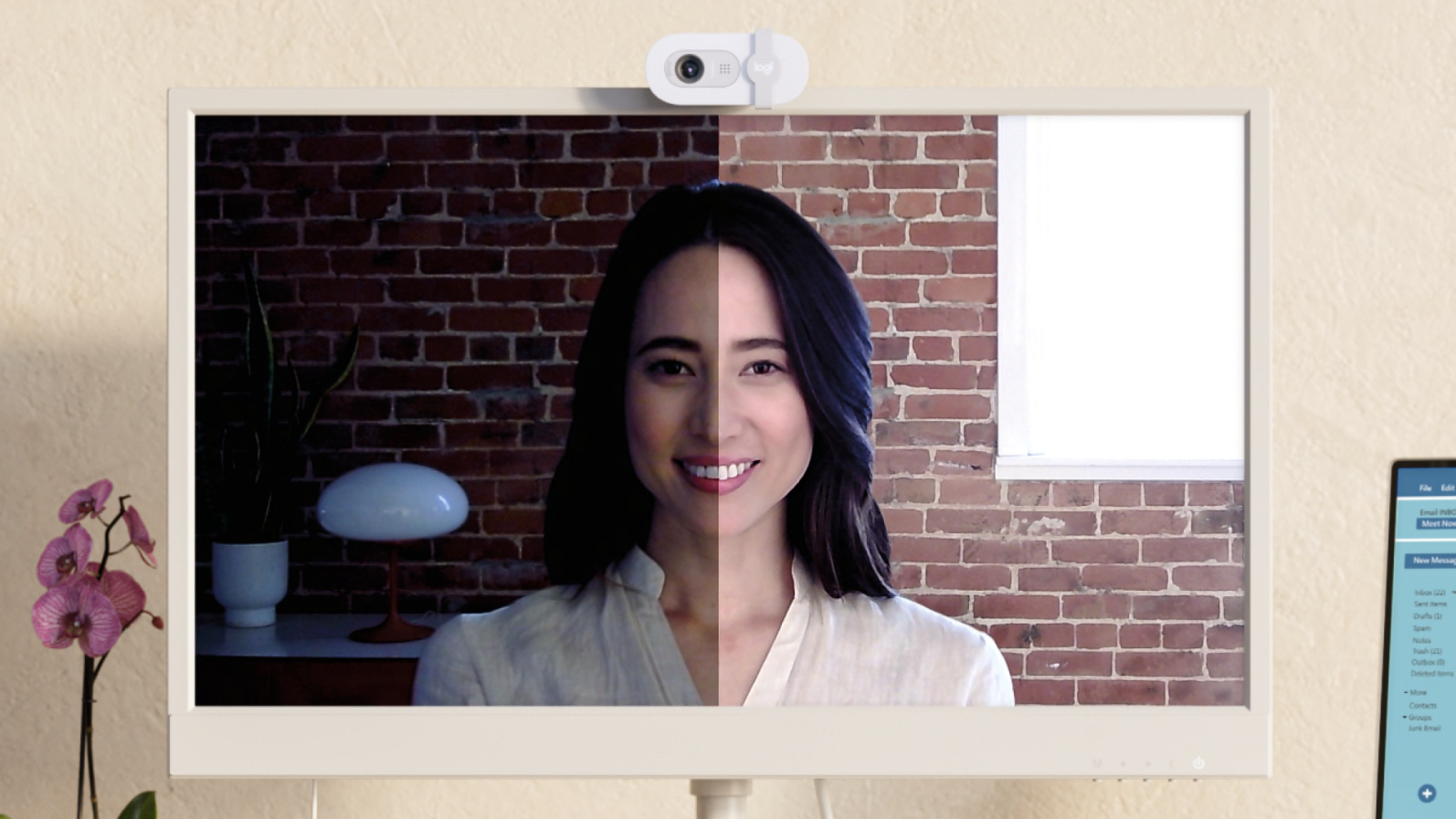
Both webcams feature Logitech’s RightLight 2 technology, which automatically balances brightness, adjusts contrast, and compensates for challenging light environments to create a natural presentation.
Audio Capabilities
The Brio 100 and Brio 105 feature a single built-in, omnidirectional microphone with a range of up to 1 meter. This ensures clear audio quality for virtual meetings and calls.
Eco-Friendliness
Both the Brio 100 (Graphite Part Number: 960-001580) and Brio 105 (Graphite Part Number: 960-001579) color models are made from 77% post-consumer recycled plastic (excluding electronic components, cables, and packaging). The Brio 100 also offers an Off-White color model (Part Number: 960-001616), which contains 34% post-consumer recycled plastic (excluding electronic components, cables, and packaging). While both use FSC™-certified paper packaging and are certified carbon neutral, their packaging designs differ. The Brio 100 packaging is designed for retail and includes a slot for hanging on shelves, while the Brio 105 packaging is a simple brown box designed for mass deployments without retail shelf slots. For environmentally conscious users or organizations with sustainability goals, the Brio 105 is the more responsible choice.
Privacy and Connectivity
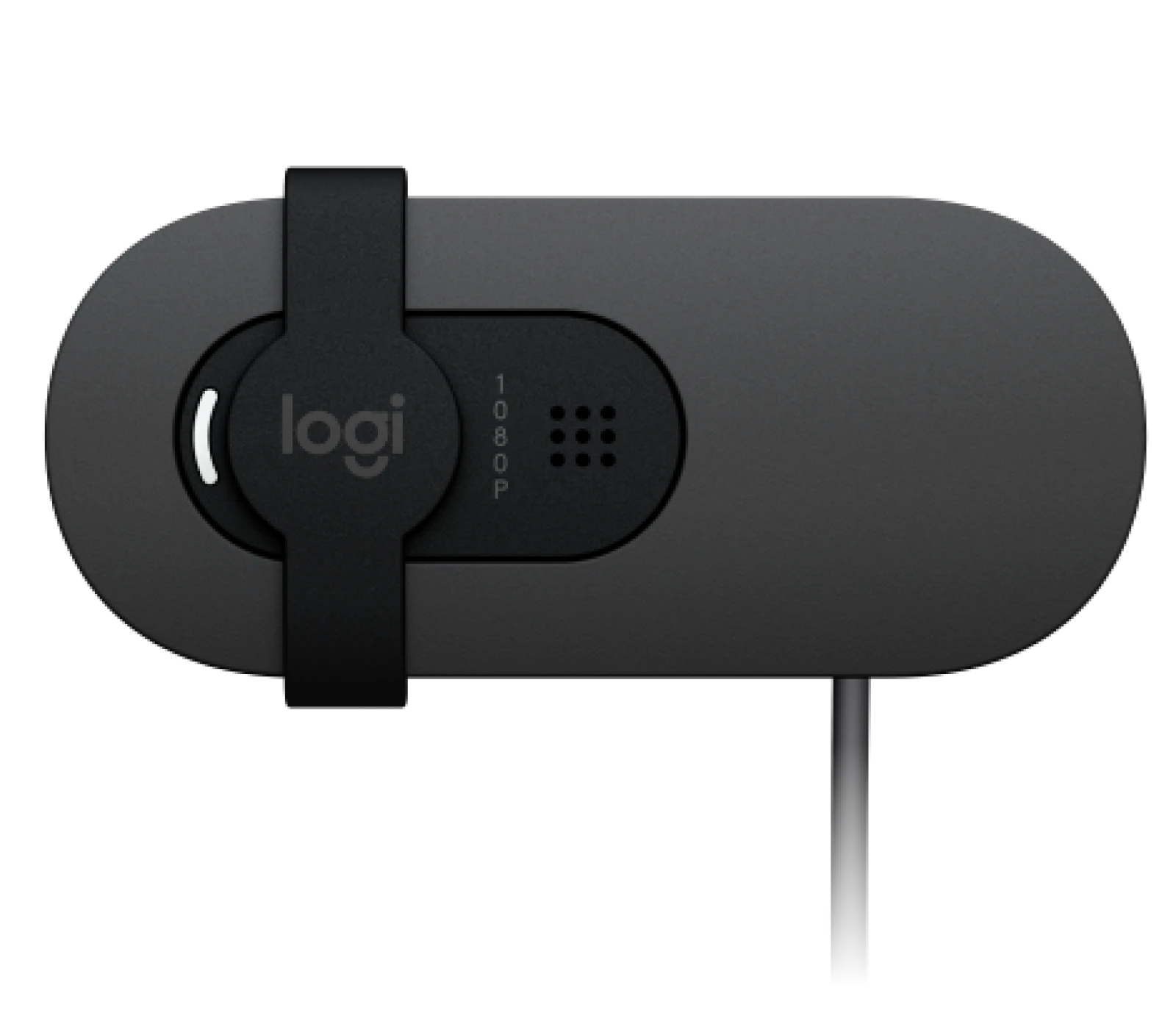
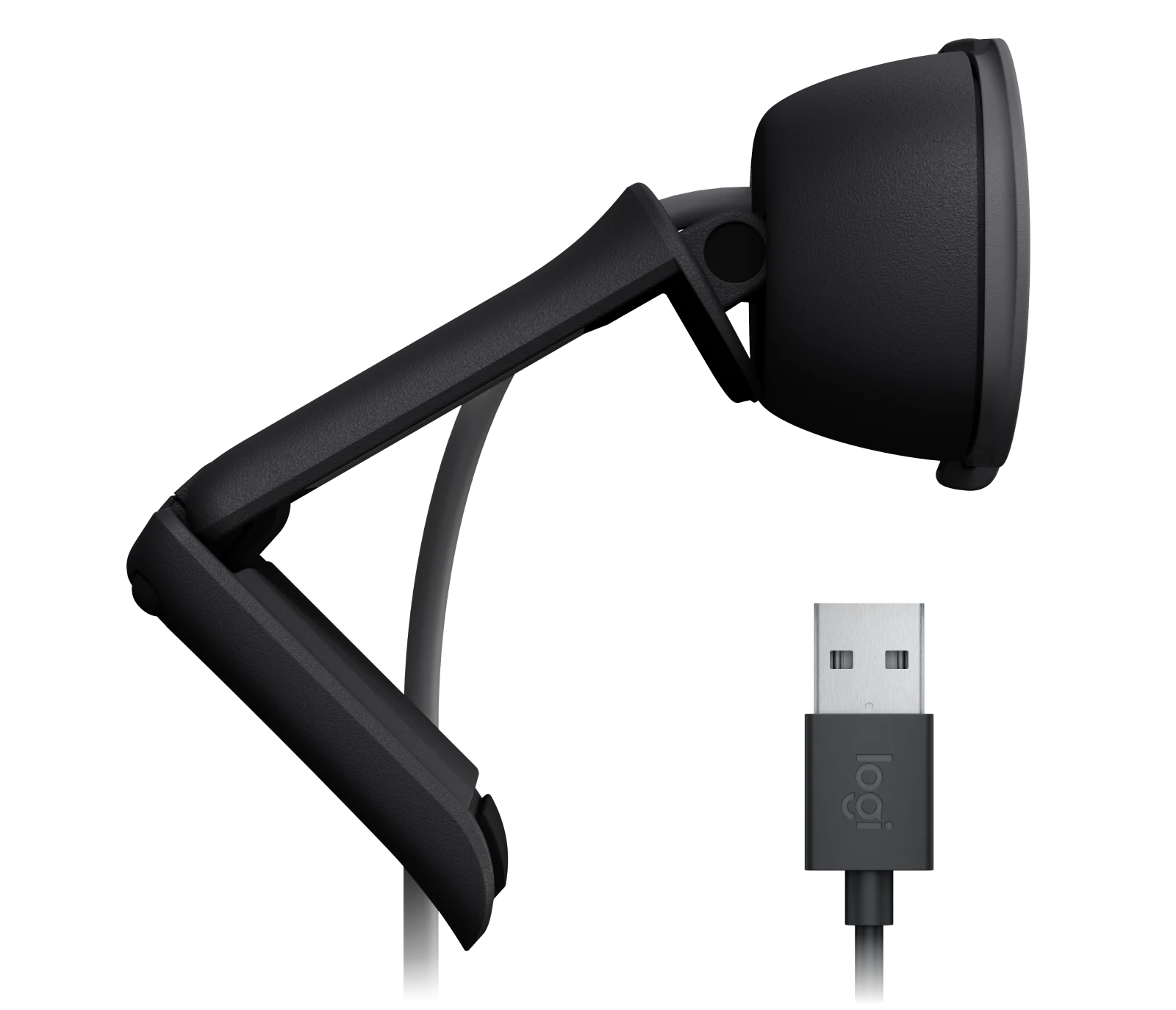
Both webcams feature an integrated privacy shutter, offering peace of mind when the camera is not in use. Both the Brio 100 and Brio 105 have an attached cable that is 5 ft (1.5 m) in length, providing flexibility for different setups. Both models connect via USB-A and offer plug-and-play simplicity.
Software and Certifications
The Brio 105 supports Logi Tune and Logitech Sync software, enabling users to customize image settings and manage deployments remotely. It is also certified for Google Meet and Works With Chromebook, making it ideal for professional environments. The Brio 100, while functional, does not have these certifications or advanced software capabilities.
Target Audience
Logitech Brio 100: This webcam is designed for general users who need a reliable webcam for casual meetings, remote learning, or basic video communication.
Logitech Brio 105: Tailored for business professionals and organizations that prioritize certifications, eco-friendliness, and advanced software support for remote management.
Side-by-Side Comparison Matrix
Feature
Logitech Brio 100
Logitech Brio 105
Resolution / Max FPS
Full HD 1080p/30fps, HD 720p/30fps
Full HD 1080p/30fps, HD 720p/30fps
Diagonal Field of View
58°
58°
Digital Zoom
No
No
Autofocus
No – Fixed Focus
No – Fixed Focus
Auto Light Correction
RightLight 2
RightLight 2
Built-in Mic(s)
1 omnidirectional microphone (range up to 1 m)
1 omnidirectional microphone (range up to 1 m)
Connectivity
USB-A plug-and-play
USB-A plug-and-play
Cable Length
5 ft (1.5 m)
5 ft (1.5 m)
Tripod Compatible
No
No
Mounting Options
Attached mounting clip fits monitors, LCD displays, and laptops
Attached mounting clip fits monitors, LCD displays, and laptops
Graphite: 77% recycled plastic Off White: 34% recycled plastic
Graphite: 77% recycled plastic
Target Audience
General users
Business-focused users
In the Box
Brio 100 webcam with attached USB- cable, User Documentation
Brio 105 webcam with attached USB- cable, User Documentation
Warranty
1-year
3-year
MSRP
$39.99
$39.99
Which Webcam Should You Choose?
If you’re a casual user looking for a dependable webcam at an affordable price, the Logitech Brio 100 is an excellent option with its 1-Year Limited Hardware Warranty. However, if you work in a professional environment, need advanced software support, or value eco-friendly products, the Brio 105 is worth the investment. It offers a 3-year Limited Hardware Warranty and can be managed via Logi Tune and Logitech Sync, making it an excellent choice for businesses.
How Call One, Inc. and Hello Direct Can Help
Choosing the right webcam for your needs can be overwhelming. That’s where Call One, Inc. and Hello Direct come in. As trusted advisors, we can help you navigate the options and select the webcam that best fits your requirements. Whether you’re equipping a home office, outfitting a corporate workspace, or supporting a hybrid workforce, we’re here to guide you.
Contact us today to learn more about the Logitech Brio 100, Brio 105, and other professional-grade webcams that enhance your video communication experience.
A question I’m frequently asked is, “What’s the best headset?” My answer is always the same: “It depends.” There’s no universal “best” headset because what’s best for one person or organization may not work for another. Factors like use case, compatibility, personal preferences, environment, and budget all play a role in determining the right headset.
Why There’s No One-Size-Fits-All Headset
At Call One, Inc. and Hello Direct, we’ve been in the professional headset industry since 1987, and one key lesson we’ve learned is that every client’s needs are unique. While there are many factors we consider when recommending the right headset, here are some of the most common ones we evaluate:
Use Case
What is the role of the headset user? Different roles have different environments, workflows, communications, and collaboration requirements. Below are examples of various roles. A Contact Center Agent’s headset needs will differ vastly from those of a Graphic Designer, and a Field Technician requires a mobile solution and is typically on multiple customer sites compared to a desk-centric role like an Administrative Assistant.
Frontline/Customer-Facing Roles, e.g., Contact Center Agent, Sales Associate, Field Technician, Healthcare Support
Knowledge Workers e.g. Data Analyst, Software Engineer, Financial Analyst, Marketing Specialist, Writer/Editor
Management/Leadership, e.g. Project Manager, Operations Manager, Executive
Skilled Trades, e.g. Electrician, Plumber, Carpenter, Mechanic
Service and Support, e.g. Administrative Assistant, Security Guard, Janitor/Custodian
Creative and Arts, e.g., Graphic Designer, Online Instructor/Teacher, Video Editor, Game Designer
Does the user need mobility or a desk-based solution? Some roles require mobility in their office or are on the go and require wireless headsets, while some roles are desk-centric, and most or all of their work is done from a dedicated workspace or workstation where a corded headset is sufficient.
Call-centric role or occasional user? Call-centric roles require lightweight, comfortable headsets with high-quality noise-canceling microphones and speakers that provide clear audio for extended periods. The headsets should also be durable, and features like quick disconnect and call controls would be beneficial. For the occasional user, comfort is nice but less critical. A standard microphone with decent audio quality is usually sufficient. The occasional user may prefer versatility like Bluetooth to pair with their mobile phones to listen to music, audiobooks, or podcasts.
Compatibility & Connectivity
What devices will the headset connect to? (e.g., desk phones, computers (Windows/Mac), mobile phones, or a combination) Connectivity is a key factor in determining what headset options are available. Today, there are simple USB corded headsets and multi-connectivity headsets that support connectivity to a desk phone, computer, and mobile device.
Which collaboration platforms are being used? Most organizations today use multiple platforms as part of their daily communications needs, including Microsoft Teams, Zoom, Google Meet, Webex, RingCentral, and more.
Personal Preferences
What wearing style is preferred? (e.g., over-ear, on-ear, earbuds, stereo or mono options)
How important are comfort, portability, and aesthetics?
Required Features
Is Teams Certification or UC compatibility a priority?
Does the user need ANC (Active Noise Canceling) speakers for better focus?
Is security a priority? Does your company have a “No Bluetooth” policy?
Environment
Where will the headset be used? Today, people can work from anywhere, including corporate offices, home offices, coffee shops, airport terminals, hotel lobbies, data centers, city streets, and more. Your environment can help determine which headset is best.
Do you have a hybrid workforce that needs a headset that will work with devices in the office and can also be used in their home office or other locations?
Budget
What is the price range? Headsets range from budget-friendly options to premium solutions, and they can cost from $40 to $500+.
These considerations are just a starting point. Our team dives deeper into each client’s unique requirements to recommend the ideal solution for their specific situation. With the right guidance, you can find a headset that truly fits your needs.
My Top Picks for 2024 by Category
Best Noise-Canceling Microphone
For environments with heavy background noise, a great microphone can make all the difference. Here are my top picks for 2024:
EPOS Impact 1000 Series
EPOS Impact 800 Series
Want to hear how these headsets perform? Check out our YouTube Headset Mic Test Playlist to listen to real-world mic tests across multiple environments, including noisy open offices and even on the road.
Best ANC Speakers
For immersive sound quality, these headsets deliver in 2024:
Headphone Style
Jabra Evolve2 85
HP Poly Voyager Surround 80 UC
EPOS Adapt 660
Yealink BH76 Plus
Earbuds
Jabra Evolve2 Buds
HP Poly Voyager Free 60 UC
On-Ear Style
Logitech Zone Wireless 2
Jabra Evolve2 75
HP Poly Voyager Focus 2
EPOS Impact 1000 Series
While ANC can reduce background noise for a better listening experience, no headset I’ve tested blocks 100% of background sound. For a deeper understanding of ANC technology and its limitations, check out my blog Understanding ANC Technology in Professional-Grade Headsets.
Longest Talk Time
If you need a headset that works as long as you do, here are the top picks for longest talk time in 2024:
Yealink BH76: Up to 35 hours
Yealink BH70: Up to 35 hours
Jabra Evolve2 65: Up to 35 hours (with busylight off)
Longest Wireless Range
For users needing mobility across large spaces, these headsets deliver the longest wireless range of up to 180 m / 590 ft in an open area and up to 55 m / 180 ft in a typical office environment:
EPOS Impact D, SD, and 5000 Series
HP Poly Savi 7400 and 8400 Series
Most Budget-Friendly
Here are the best options for value in 2024:
Logitech H570e (Mono): $39.99
Logitech Zone 305 (Teams version, native Bluetooth): $69.99
Logitech Zone 305 UC: $99.99 (with dongle)
Six Key Considerations Beyond the Headset Model
Choosing the right headset model is important, but there are other factors businesses must consider to ensure they’re making an informed and sustainable investment. For a deeper dive into these considerations—like support and warranty, service and management, total cost of ownership, and sustainability—check out my blog: ➡️ Beyond the Headset: Key Considerations for Businesses
Stay Tuned for 2025’s Top Picks!
I’m currently testing new headsets that will debut in 2025, so stay tuned for updates! If you want to be the first to learn about these new products, follow me on LinkedIn and subscribe to our YouTube channel for exclusive demos, tests, and comparisons.
Takeaways: Don’t Go It Alone
Choosing the right headset can be challenging, especially with so many variables to consider. That’s why organizations like Call One, Inc. and Hello Direct are here to help.
Call One, Inc. specializes in supporting large enterprises and understanding the challenges of managing thousands of employees across various environments.
Hello Direct focuses on small businesses, offering expert guidance for organizations without dedicated IT resources.
Professional-grade headsets are designed for business use and are certified for Microsoft Teams, Zoom, and other major platforms. Whether your priority is mic performance, ANC speakers, or value, it’s important to consult experts.
Need help identifying the best headset for your organization? Contact us today.
https://calloneinc.com/wp-content/uploads/2024/12/best-hedset-2024.jpg310850Danny Hayasakahttps://calloneinc.com/wp-content/uploads/2024/11/CallOneInc_HDI2.pngDanny Hayasaka2024-12-22 16:00:332024-12-22 16:00:36What’s the Best Headset? It Depends on YOUR Needs
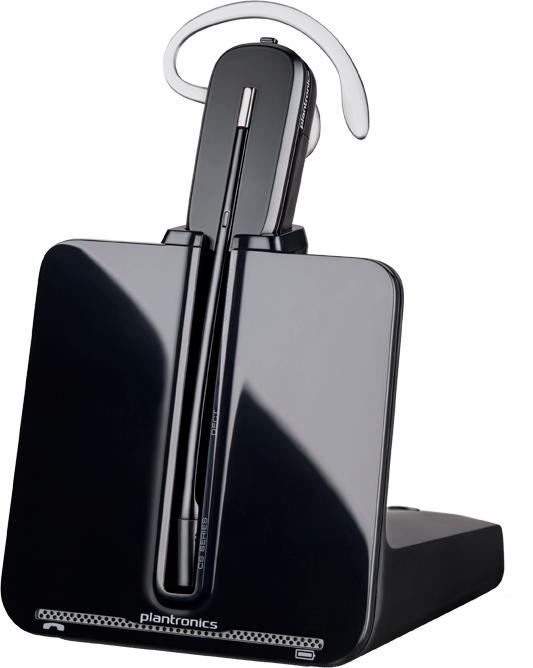
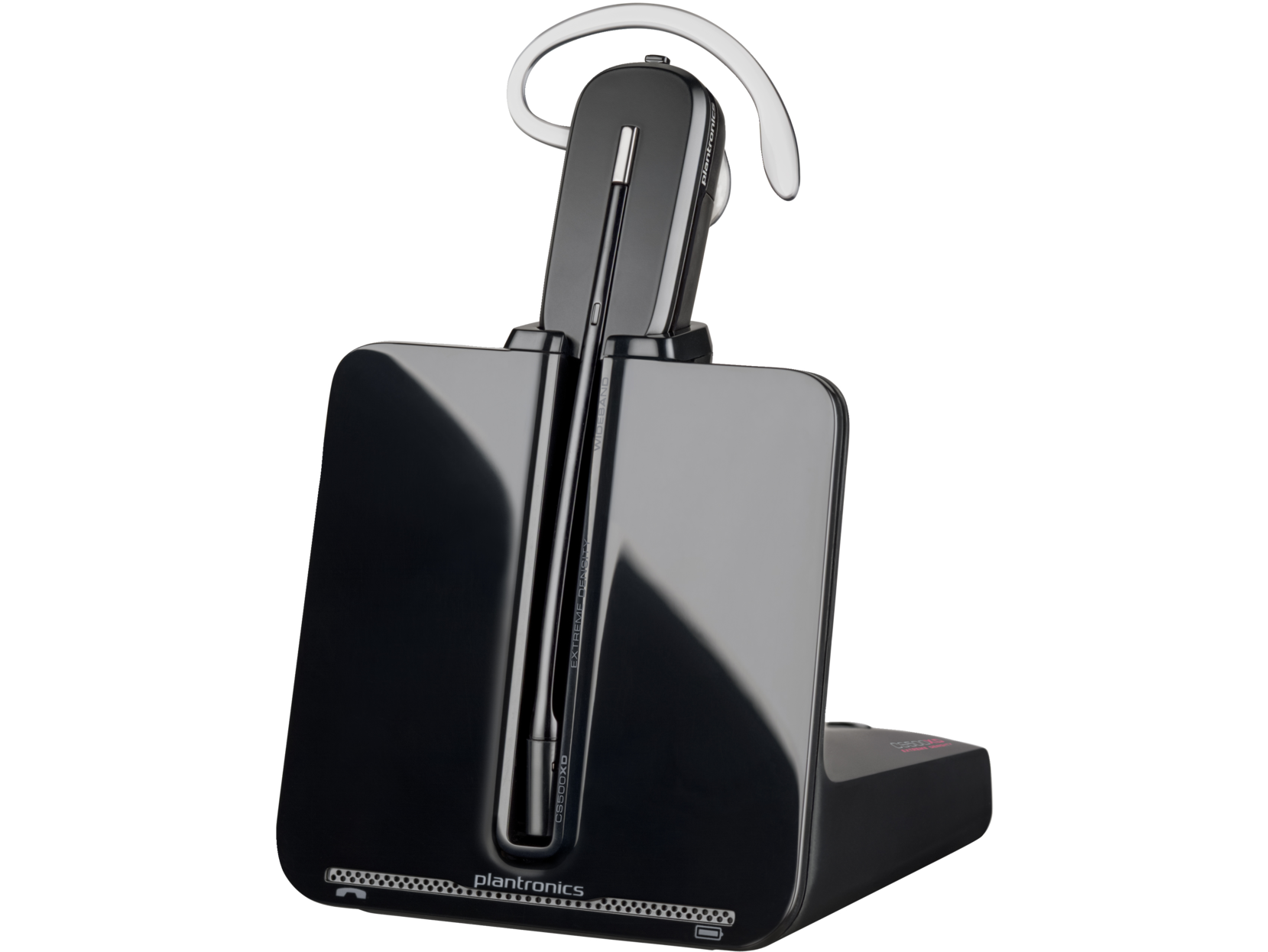
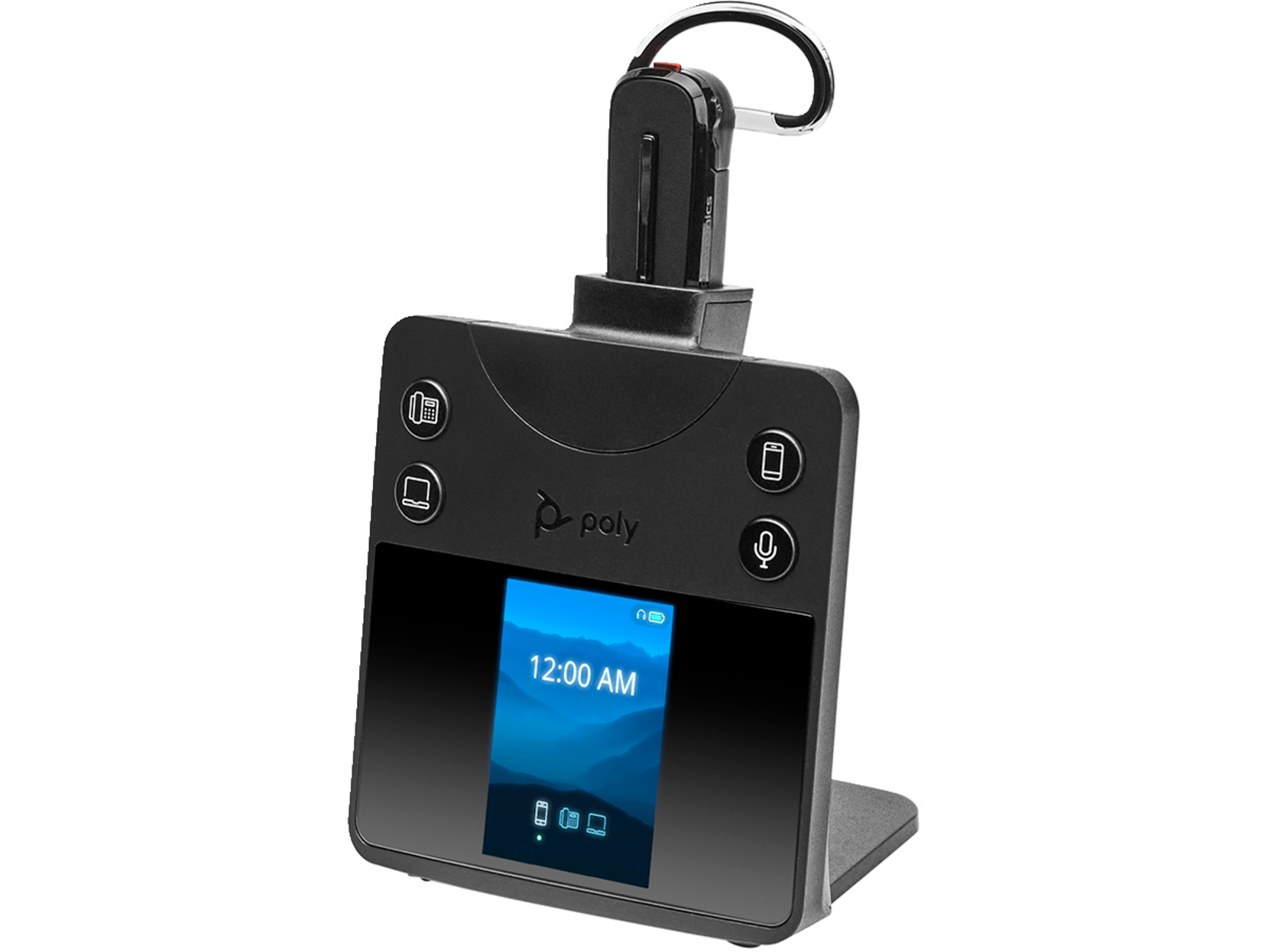
Introduced in 2011, the Plantronics CS540 quickly became a go-to choice for desk phone users, replacing the highly popular CS50. Over the years, it has remained a top seller thanks to its lightweight design, reliable performance, and ease of use. However, as technology advances and workplace demands evolve, the CS540’s limitations—particularly its short battery life—are becoming more apparent.
Organizations operating on 8-hour shifts or running 24/7 operations often face challenges with the CS540’s limited 2-4 hours of real-world talk time. For such use cases, the upgraded HP Poly Savi 8445 3-in-1 Convertible Headset System is an excellent replacement, offering improved battery performance and enhanced connectivity, features, and wireless range.
Why Consider Upgrading to the Poly Savi 8445?
Enhanced Battery Life
CS540: Provides up to 7 hours of talk time but often less in real-world usage.
Savi 8445: Offers up to 13 hours of talk time and includes a hot-swappable battery, enabling uninterrupted usage for long shifts or continuous operation.
Superior Connectivity Options
CS540: Supports desk phone connectivity only. A separate cable is required for computer connectivity.
Savi 8445: Offers triple connectivity to desk phones, computers, and mobile devices via Bluetooth. This makes it an ideal choice for hybrid work environments.
Greater Wireless Range
CS540: Wireless range up to 120 meters in open areas.
Savi 8445: Wireless range up to 180 meters in open areas and 55 meters in typical office environments.
Improved Audio and Noise Cancellation
Savi 8445: Features noise cancellation with close conversation limiting and supports wideband audio for crystal-clear conversations.
Additional Features and Versatility
Includes a spare battery and a deluxe charger for extended use.
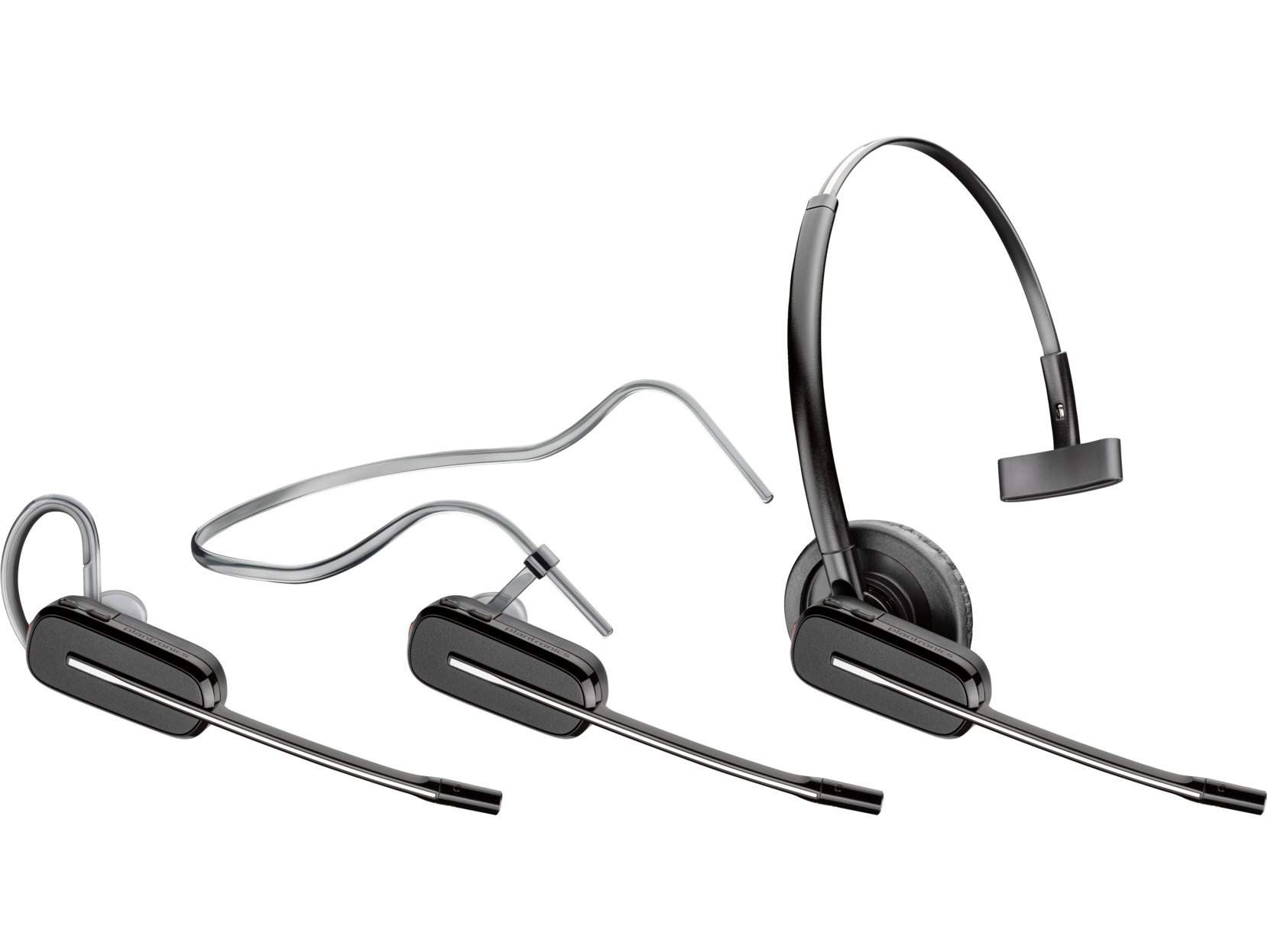
Convertible wearing styles (headband, earloop, or neckband) cater to user comfort, similar to the CS540.
Up to 13 hours (talk time); Up to 50 hours (standby time)
Up to 7 hours (talk time)
Battery
Rechargeable Li-ion polymer
Pre-installed battery
Button User Controls
Power on/off; Call answer/end; Mute; Volume +/-
Not specified
Speaker Size
32 mm
Not specified
Speaker Bandwidth
100 Hz to 6.8 kHz (wideband mode); 20 Hz to 20 kHz (multimedia mode)
20 Hz to 6.8 kHz (narrowband or wideband)
Wireless Range
Up to 180 m in open area; Up to 55 m in a typical office environment
Up to 120 m
Bluetooth Version
5.2
Not applicable
Bluetooth Profile
A2DP; HFP; HSP
Not applicable
Connection Type
Bluetooth®; DECT™
DECT™
Charge Time
3 hours
Not specified
Audio Features
Noise cancellation with close conversation limiting
SoundGuard acoustic protection technology
Color
Black
Black
Energy Efficiency
TCO Certified
TCO Certified
Compatible Operating Systems
Windows 11; Windows 10; macOS; Android™; iOS
Windows 11; Windows 10; macOS
Minimum System Requirements
USB Type-A port (PC); USB Type-C® port (PC); Bluetooth® (mobile phone); EHS interface (desk phone)
Not specified
Weight
0.04 lb
0.04 lb
Warranty
Poly standard two-year limited warranty
Poly standard one-year limited warranty
What’s in the Box
Wireless headset; USB Type-A cable; USB Type-C® cable; Office base; AC power adapter; Charging cradle; Spare battery; Telephone interface cable (TIC); USB deluxe charger for spare battery; Convertible fit kit
Headset with pre-installed battery, eartip, and earloop; Office base; Headband; AC power adapter; Telephone interface cable (TIC); Kit with eartips and earloops
Manufacturer Product Number
2-221107
84693
Why Work with an Authorized HP Poly Partner?
Choosing the right headset is only part of the equation. To ensure your organization receives genuine products, expert guidance, and dedicated support, it’s essential to work with an Authorized HP Poly Partner like Call One, Inc. and Hello Direct.
Expert Guidance Tailored to Your Business Needs
Call One, Inc. specializes in supporting large enterprises, offering tailored recommendations and solutions for complex communication needs.
Hello Direct focuses on small businesses, acting as trusted advisors to help organizations identify the right audio and video solutions.
Comprehensive Support
Authorized partners provide pre- and post-sale support, ensuring your devices are properly configured and optimized for your environment.
Access to the Latest Technology
As certified HP Poly partners, Call One, Inc. and Hello Direct stay updated with the latest products, software, and firmware releases, ensuring you benefit from the newest advancements in audio and video technology.
Peace of Mind with Genuine Products
Purchasing through an authorized partner guarantees that your products are authentic and come with full warranty coverage.
Custom Solutions for Your Workspace
Whether you’re upgrading a single headset or outfitting an entire office with collaboration solutions, these partners can provide custom setups to meet your specific requirements.
Final Thoughts
The Plantronics CS540 has had an impressive run, but the demands of today’s workplaces require more advanced solutions. The HP Poly Savi 8445 delivers the extended battery life, multi-device connectivity, and superior audio performance that modern organizations need.
By partnering with Call One, Inc. or Hello Direct, you’ll gain access to trusted advisors who can help you select, deploy, and manage the right solutions for your business—whether you’re a large enterprise or a growing small business.
Ready to upgrade? Contact us today to learn how the Poly Savi 8445 can transform your organization’s communication experience!
https://calloneinc.com/wp-content/uploads/2024/12/Poly-Savi-8445-2.jpg310850Danny Hayasakahttps://calloneinc.com/wp-content/uploads/2024/11/CallOneInc_HDI2.pngDanny Hayasaka2024-12-08 20:32:162024-12-08 20:32:17Why You Should Consider Upgrading from the Plantronics CS540 to the HP Poly Savi 8445